
Bumble
Bumble Boost: What You Get, Price, Free Trial and Is It Worth It
 By MarkUpdated November 20265 min read

Short answer
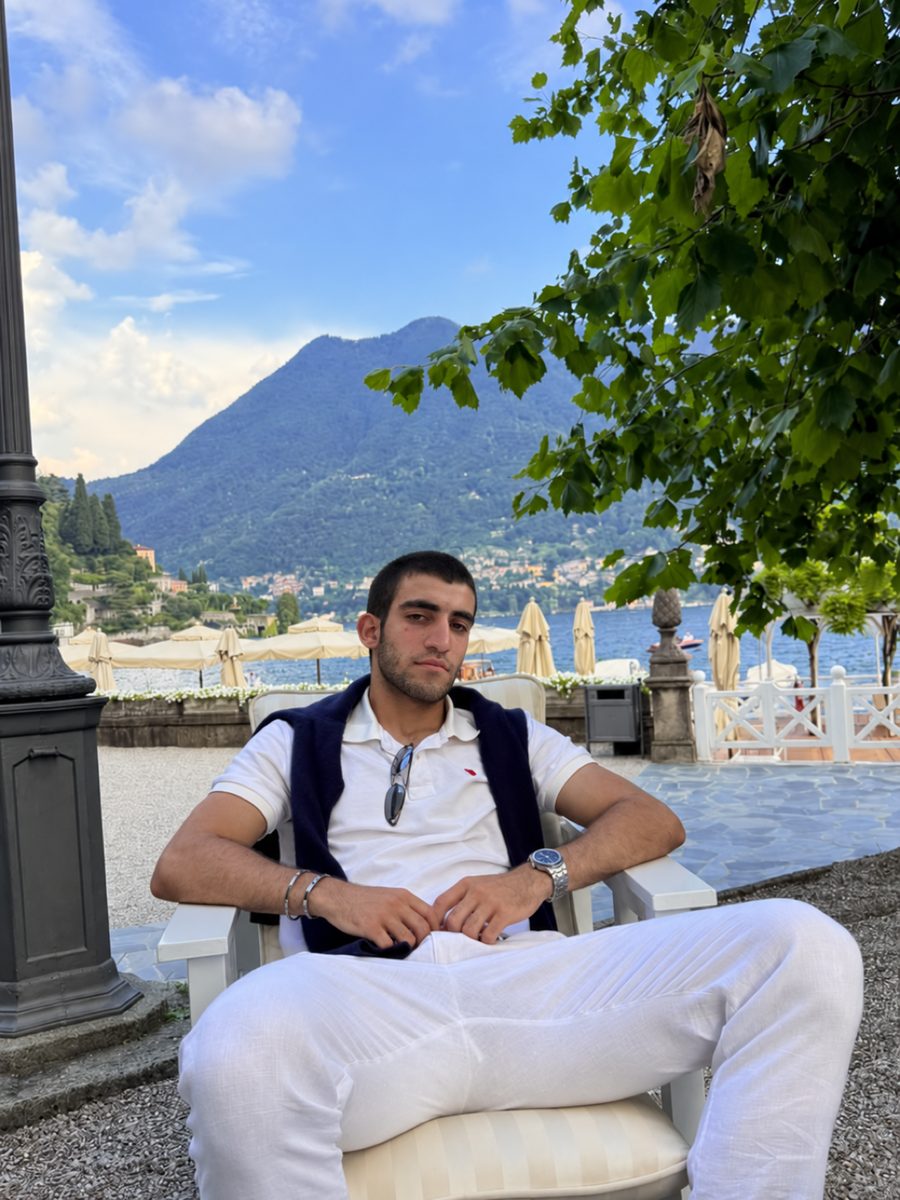
Bumble Boost is Bumble's entry-level subscription, not a one-off visibility boost: as of November 2026 it includes unlimited likes, 5 SuperSwipes and 1 Spotlight a week, unlimited Extend, Rematch and unlimited Backtrack. It doesn't let you see who liked you (that needs Premium), and Bumble doesn't publish a fixed price because it varies by country and plan length.
Bumble Boost is Bumble's cheapest paid plan. Despite the name, it isn't a one-time push like a Tinder Boost. It's a subscription that, as of November 2026, gives you unlimited likes, 5 SuperSwipes and 1 Spotlight a week, unlimited Extend, Rematch and unlimited Backtrack. If you want to see who already liked you, that's Premium, one tier up.
Bumble changes its plans and names often, so everything here is as listed in Bumble's help center in November 2026. Here's what each feature does, how Boost compares with Premium, what it costs and whether it's worth paying for.
What you get with Bumble Boost
| Feature | What it does |
|---|---|
| Unlimited likes | No daily like allowance; swipe right as much as you want |
| 5 SuperSwipes a week | Lets someone know you're especially interested before you match |
| 1 Spotlight a week | Pushes your profile to more people for a set time |
| Extend | Gives a match an extra 72 hours to start chatting (free members get 1 a day) |
| Rematch | Restarts the 72-hour timer on a match that expired |
| Unlimited Backtrack | Undoes a left swipe (you can't undo a right swipe) |
Weekly SuperSwipes and Spotlights replenish on the day of the week you first subscribed, and unused ones expire. Subscribe on a Tuesday and your new batch arrives every Tuesday.
Bumble Boost vs Premium vs Premium+
| Free | Boost | Premium | Premium+ | |
|---|---|---|---|---|
| Likes | Daily allowance | Unlimited | Unlimited | Unlimited |
| SuperSwipes | Buy separately | 5 a week | 5 a week | 10 a week |
| Spotlights | Buy separately | 1 a week | 1 a week | 2 a week |
| Extend | 1 a day | Unlimited | Unlimited | Unlimited |
| Rematch and Backtrack | No | Yes | Yes | Yes |
| See who liked you | No | No | Yes | Yes |
| Advanced filters, Incognito, Travel Mode | No | No | Yes | Yes |
| Notes | Buy separately | Buy separately | Buy separately | 2 a week |
| Photo insights, faster likes, daily priority | No | No | No | Yes |
Premium includes everything in Boost; Premium+ includes everything in Premium. Bumble's own pages don't fully agree here: the plan guide puts unlimited likes in Boost, but the People tab page tells free members to get Premium for them. Plans can differ by market, so confirm on your Pay plan page before you buy. For how the free limit works, see when Bumble likes reset.
Bumble Boost vs Spotlight: which one makes you more visible?
This is where the name causes confusion. The feature that actually "boosts" your visibility on Bumble is Spotlight:
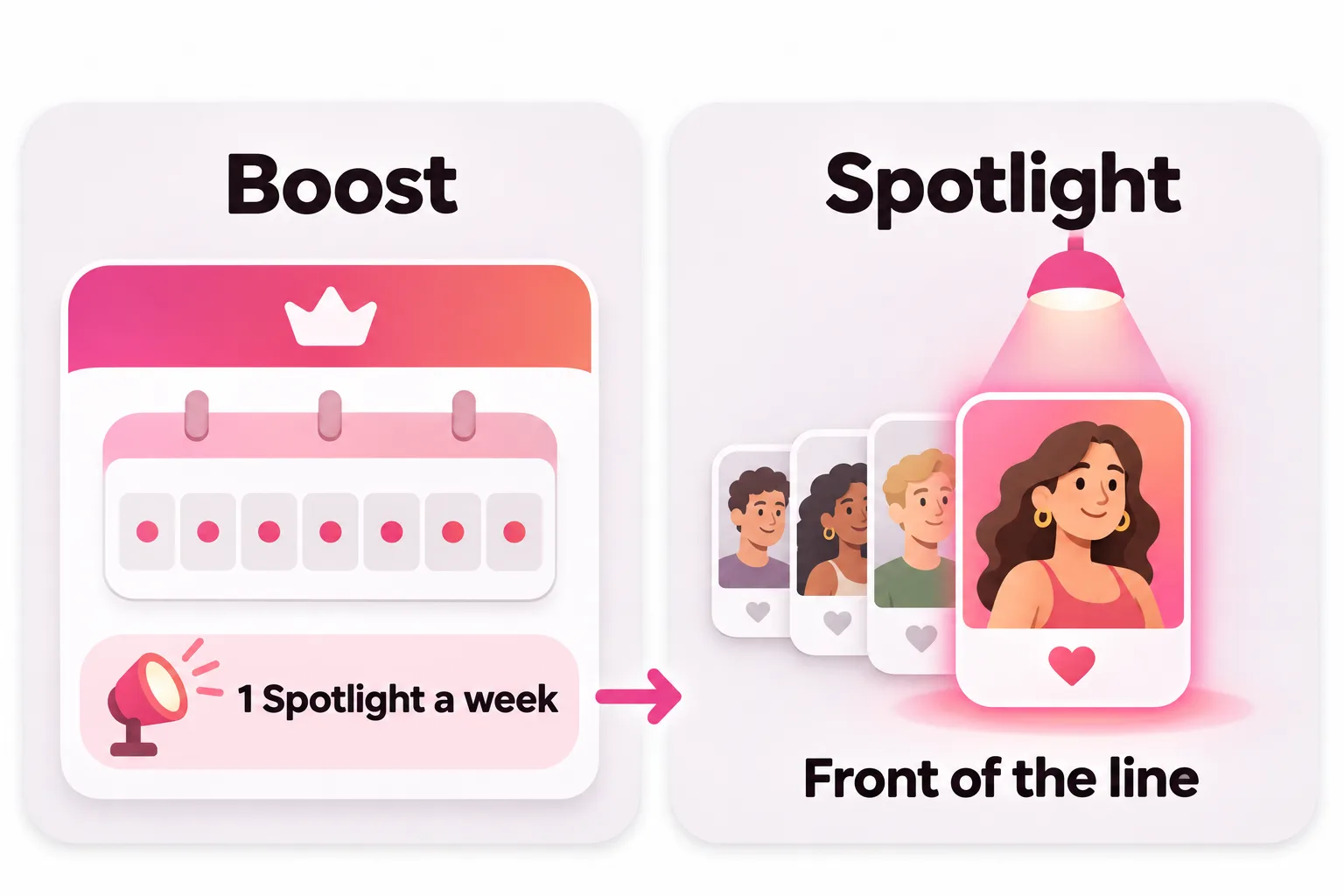
- Spotlight moves you to the front of the line for nearby people right away, for a set period. Bumble says "no one will know you've used it". You start one from the Spotlight option on your profile menu.
- Bumble Boost is a subscription that includes 1 Spotlight a week.
You can also buy Spotlights on their own without a subscription. You can't use a Spotlight while Incognito Mode (a Premium feature) is on, since Incognito only shows you to people you've liked.
How much is Bumble Boost?
Bumble doesn't publish a price list. Its help center says the cost of Boost, Premium, Premium+ and add-ons "may vary based on the subscription tier, duration, and package size", and that longer plans generally work out cheaper per week. Prices also differ by country. To see yours:
- Tap the profile icon in the bottom-left corner.
- Open the Pay plan tab.
- Tap Boost to see prices and plan lengths.
Third-party sites quote very different figures, so don't rely on a price you read online. The number in your app is the one you'll pay.
Is there a Bumble Boost free trial?
Not one you can ask for. Bumble says it doesn't currently accept promo codes but runs "special offers from time to time", shown as in-app banners and on the Pay plan page. Some members report being offered a free or discounted trial of Boost or Premium, but it isn't guaranteed and Bumble doesn't say who gets one.
If you do start a trial:
- Note the date it converts to a paid plan.
- Cancel before then if you don't want to keep it: in your App Store or Google Play subscriptions, or under Subscription details in the Bumble app if you paid there.
- Remember that deleting the app alone doesn't cancel a subscription.
Is Bumble Boost worth it?
It's worth it if a specific Boost feature fixes a problem you actually have:
- You run out of likes most days on people you'd genuinely like to meet. Unlimited likes helps.
- Matches keep expiring before either of you writes. Extend and Rematch help, especially now both people have 72 hours to send an opening message before a match expires.
- You often swipe left by accident. Backtrack helps.
It's not worth it if your problem is that few people like you back. More likes will mostly mean more unanswered likes, and a weekly Spotlight shows your profile to more people but can't make it more appealing. If that sounds like you, read Bumble no matches before paying for anything.
And if seeing who already liked you is the main thing you want, skip Boost and look at Premium, since that's where Liked You lives.



No good photos of yourself?
Turn a selfie into realistic dating photos: travel, dinner, outdoors and more. One selfie is enough. From $29, one-time.
Get your profile ready before you pay
Every paid feature on Bumble widens your audience. That only pays off if your profile works once they see it. Bumble's own tips are to use clear, recent photos that show you, add up to 3 prompts and fill out your profile. Its data team also found that filling all 6 photo slots roughly doubles your odds of getting likes compared with posting just 3.

Our guide to dating profile pictures covers which photos to lead with. For writing, see Bumble bio ideas, and if you're still deciding between apps, Hinge vs Bumble compares the two.
Frequently asked questions
What does Bumble Boost do?
As of November 2026 it gives you unlimited likes, 5 SuperSwipes a week, 1 Spotlight a week, the ability to Extend and Rematch expired matches, and unlimited Backtrack to undo a left swipe. It's a subscription, not a single visibility boost.
Is Bumble Boost the same as a Spotlight?
No. Spotlight is the feature that pushes your profile to more people for a set time, similar to a Tinder Boost. Bumble Boost is a subscription that includes 1 Spotlight a week. You can also buy Spotlights on their own.
Does Bumble Boost let you see who liked you?
No. Seeing everyone in your Liked You queue is a Premium feature. Boost gives you more likes and tools for your matches, not access to who already liked you.
How much is Bumble Boost?
Bumble doesn't publish a fixed price. Its help center says costs vary by tier, plan length and pack size, and longer plans are generally better value. Check the Pay plan page in the app for the price in your country.
Is there a Bumble Boost free trial?
Not on request. Bumble says it doesn't accept promo codes but runs special offers from time to time, which appear as in-app banners and on the Pay plan page. If you take a free trial, set a reminder to cancel before it renews.
How do I cancel Bumble Boost?
It depends on how you paid. For the App Store or Google Play, cancel in your phone's subscription settings. If you paid by card, PayPal or Apple Pay inside Bumble, go to your profile, then Subscription details, then Manage your subscription. You keep your perks until the paid period ends.
Sources
- Bumble Support: Understanding Bumble's paid features and subscription plans
- Bumble Support: Pricing information for paid features
- Bumble Support: Standing out on Bumble (Spotlights)
- Bumble Support: Expired matches
- Bumble Support: Using the People tab
- Bumble Support: Viewing who's liked you
- Bumble Support: What our different icons mean
- Bumble Support: Using incognito mode
- Bumble Support: How conversations start on Bumble
- Bumble Support: Here's what Bumble data says about adding photos
- Bumble Support: Canceling subscriptions
Written and reviewed by
Dating profile editor at DatingProfile
Mark writes and reviews DatingProfile’s guides to dating profiles: the photos, bios and prompts that work on Tinder, Hinge and Bumble, and how each app actually behaves.
@mark_x_997

