Dating profile photos
Tinder Pictures: What to Post to Get More Matches
The best Tinder pictures are clear, recent photos of you alone, starting with a smiling face shot in good light, then a full-body photo, a hobby, a social photo and a place you've been. Skip sunglasses in the first photo, group shots where you're hard to find, heavy filters and old photos.

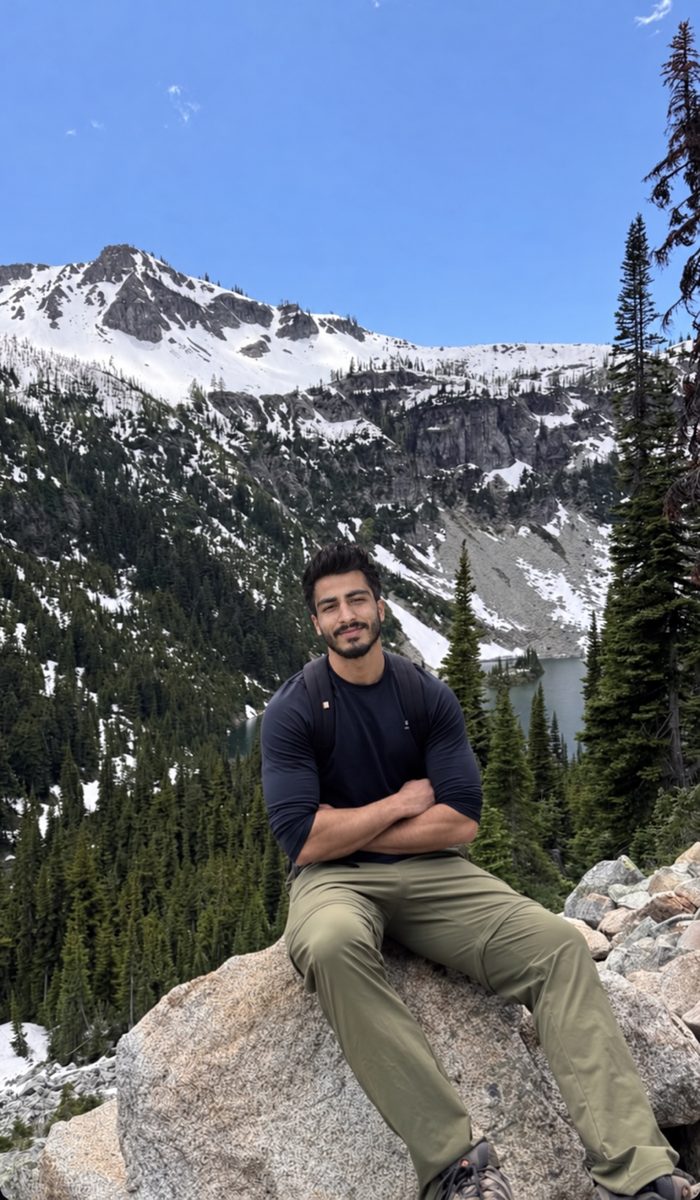
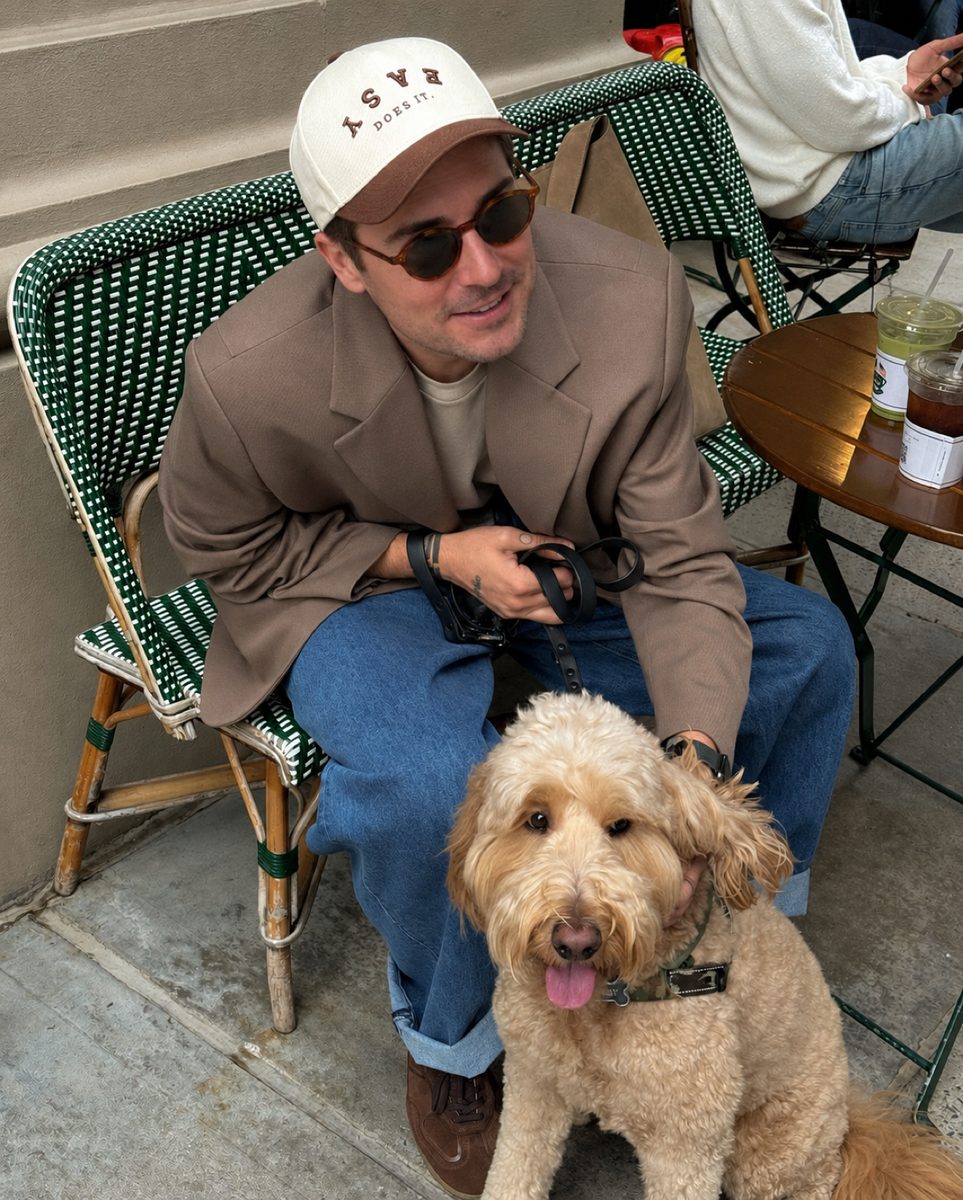
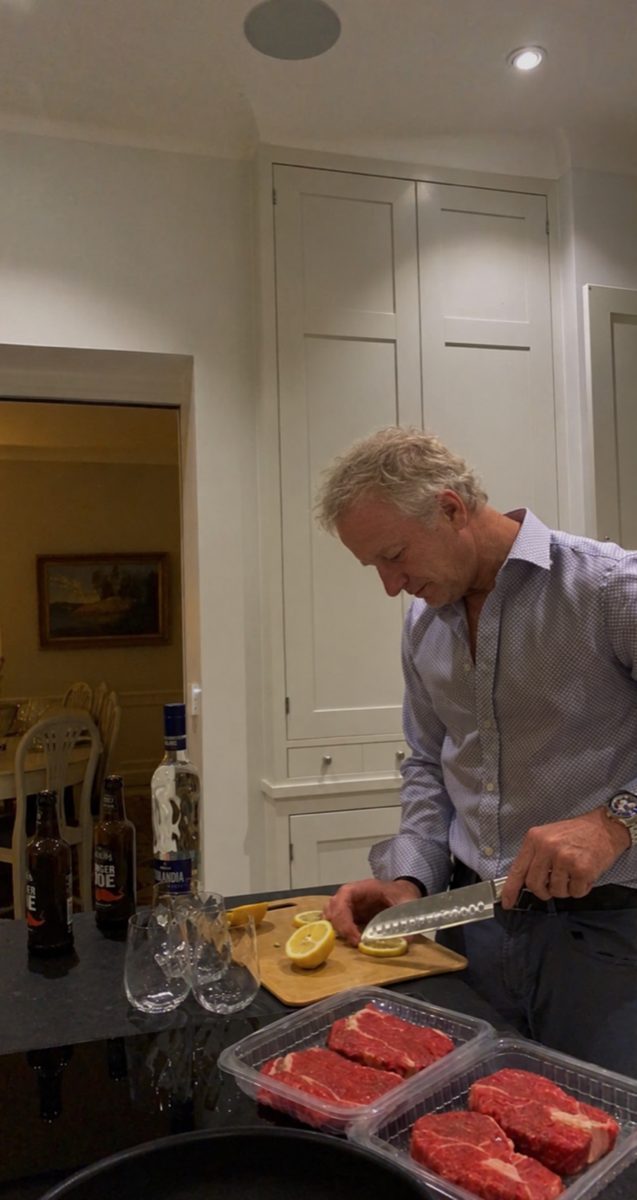
 Made with DatingProfile
Your Tinder pictures do most of the work. People decide quickly, mostly from your first photo, and only read your bio if the photos make them curious. Here's what to post, in what order, and what to leave out.
What makes a good Tinder picture
- It's clearly you. Your face is visible and in focus. No sunglasses, no hat pulled low, no heavy filter.
- It's recent. Taken in the last year or so, and it looks like you do now: same hair, same beard (or lack of one), same build.
- Good light. Daylight from in front or to the side. Shade on a sunny day works well. Harsh overhead light and dark bars don't.
- You alone, or easy to find. If there are other people, nobody should have to guess which one you are.
- Something to talk about. A place, a dog, a hobby or a trip gives a match an easy first message.
- Natural, not posed to death. A real smile or a candid moment beats a stiff pose or a mirror selfie.
The best photos for Tinder, in order
A good set tells a short story: here's my face, here's what I look like, here's what I do. Use this order as a template.
- Lead photo: face and smile. Chest up, looking at the camera, good light, plain background. This is the photo that decides most swipes, so use your clearest one.
- Full-body photo. Standing, in clothes you'd actually wear on a date. People want to know what you look like overall, and leaving it out makes them wonder why.
- Hobby or activity. Cooking, climbing, playing music, running, whatever you really do. It shows personality without you having to write it.
- Social photo. You with friends or at an event, where you're clearly the main person. It shows you have a life. One is enough.
- A place. Travel, a hike, a city at night. Keep it about you, not a landscape with a tiny figure in it.
- A conversation starter. Your dog, a funny moment, a dressed-up photo from a wedding. Something that's easy to ask about.
Four to six strong photos beat a full grid of average ones. Every photo should earn its place: if one is noticeably weaker, delete it. For a camera-roll checklist that fills each slot, see what pictures to put on Tinder.

Tinder pictures that cost you matches
- Sunglasses or a hat in the first photo. People want to see your eyes.
- Group photo first. Nobody wants to play "which one are you".
- Only selfies. Especially car selfies, bathroom mirror selfies or close-ups from below.
- Old photos. If you'd look different on a first date, it starts things off badly.
- Heavy filters and face-smoothing. Skin turns to plastic, and a reshaped face can trip up Photo Verification later.
- Blurry or dark photos. A sharp phone photo beats a blurry "great moment" every time.
- Photos with an ex cropped out. A stray arm on your shoulder is very noticeable.
- Cliches like holding up a fish. They're so common that you blend in instead of standing out.
Tinder profile pictures for women
The order above works for everyone. Women's profiles tend to get more attention, so the photos also have a second job: screening. Pick at least one photo that shows what you actually like doing, so the people who message have something in common with you, and keep your street, workplace and car plate out of shot. Our guide to Tinder pictures for women covers the privacy side in detail.
Use Tinder's own photo tools
Tinder has a few built-in features that help:
- Smart Photos lets Tinder try different lead photos and keep the one that earns the most likes. Useful when you can't pick; Tinder Smart Photos explains when to switch it off.
- Photo Tips (in some markets) looks at your photos as a set and suggests changes, such as adding a hobby photo or replacing similar selfies.
- Photo Enhance (being tested in some markets) offers a cleaned-up version of a blurry or dark photo, which you can keep or revert.
- Photo Verification adds a blue check once a video selfie matches your pictures. Deleting photos later can mean doing it again; see Tinder photo verification.
No good photos of yourself?
A recent, varied set is rare in most camera rolls. The free fix is a friend and twenty minutes of daylight: one shot against a wall in open shade, one walking toward the camera, one doing something you enjoy.
If that isn't going to happen, turn a selfie into Tinder pictures with DatingProfile's HyperReal™ method. One clear selfie is enough, and up to 4 make the likeness even closer. Pick styles such as travel, dinner, outdoors or a café with a dog; each one returns 4 different shots in about a minute, and you keep only the ones that look like you. Because Tinder wants photos that honestly show who you are, use shots that match how you look now and stick to its rules. Pricing is one payment, no subscription: $29 for the Fix Pack (up to 30 photos) or $49 for the Pro Pack (up to 140), covered by our 14-day guarantee.
Pricing
Packs and prices
Two one-time packs. Pay once: no subscription, nothing to cancel. Both are covered by the refund policy.
The Fix Pack
A quick upgrade for your profile.
$29one-time
Up to 30 photos · $0.97 per photo
Choose Fix- HyperReal™ photos in any of 62 styles
- Ready in about a minute
- Works with app photo verification
- 14-day satisfaction guarantee
The Pro Pack
The sweet spot for a full glow-up.
$49one-time
Up to 140 photos · $0.35 per photo
Choose Pro- HyperReal™ photos in any of 62 styles
- Enough for about 35 styles, 4 shots each
- Lowest price per photo
- Ready in about a minute
- Works with app photo verification
- 14-day satisfaction guarantee
DatingProfile vs a dating photographer
| Factor | DatingProfile |  Photographer |
|---|---|---|
| Cost | From $29 | $300–$500 per shoot |
| Turnaround | Under a minute per photo | Days to weeks |
| Scenes & outfits | 62 styles, 4 different shots each | Whatever fits in one shoot |
| Want more? | Buy another pack anytime | Book and pay again |
| Looks like you | Yes, made from your selfies | Yes |
Privacy: Your selfies and generated photos are never used to train AI models and are never shared or sold. Only you can see them, and you can delete them from your dashboard at any time.
Frequently asked questions
How many pictures should I have on Tinder?
Use enough photos to show your face, your build and a few parts of your life, which usually takes four to six good ones. Tinder's own Photo Tips feature suggests adding photos when a profile has too few, and suggests swapping similar selfies for a hobby photo.
What is the best first picture for Tinder?
A recent, well-lit photo of you alone, from the chest up, looking at the camera and smiling, with nothing covering your face. It's the photo people judge you on, so it should be the clearest one you have.
Should I use a selfie as my Tinder profile picture?
One good selfie is fine, but a profile made only of selfies looks one-note. Tinder's Photo Tips flags "multiple similar selfies" and suggests replacing one with a hobby photo. Photos taken by someone else at arm's length or further look more natural.
Do group photos hurt on Tinder?
They hurt when they're your first photo or when people can't tell which person is you. One group photo later in your profile is fine, as long as you're easy to spot and it isn't the only one where you look good.
What does Smart Photos do on Tinder?
It's an optional switch in your profile editor that lets Tinder rotate your lead photo and promote whichever one earns the most likes. It can only rank the photos you give it, so it helps most when all of them are good.
Can I use AI photos on Tinder?
Only ones that honestly show you as you look today. Match Group, which owns Tinder, says your profile and photos must honestly represent who you are, and Photo Verification rejects a video selfie that doesn't match your pictures. DatingProfile keeps your real face, but Tinder makes its own decisions, so follow its rules.
Sources
Keep reading
More photo guides
- Dating Profile PicturesFour to six recent, well-lit photos: a clear face shot, full body, two or three real activities, nothing filtered.See the guide
- Dating App PhotosOne set of four to six clear, varied photos works on Tinder, Hinge and Bumble; only the counts and tools differ.See the guide
- Hinge PhotosHinge needs four to six photos; make each one easy to comment on, starting with a clear, smiling solo shot.See the guide
- AI Selfie GeneratorIt turns one selfie into new photos of you; pick one that keeps your face consistent and never trains on your photos.See the guide
- Tinder Dog PicsPut your own dog in photo two or three, with your face clearly visible, never as your lead photo.See the guide
- Tinder Selfie Under ReviewTinder is still checking your video selfie: usually minutes, up to 24 hours for a manual ID review.See the guide
Better photos, more matches
Turn one selfie into dating profile pictures
Hyperrealistic photos of you for Tinder, Hinge and Bumble, about a minute per photo. From $29, one-time.
Create my photos

