Dating profile photos
Dating App Photos: What Tinder, Hinge and Bumble Want From Your Pictures
The best dating app photos are the same on every app (a sharp solo face shot to open, then one showing your build, something you do, your people and somewhere you go), but each app handles them differently. Hinge requires four to six photos depending on the region, Bumble allows up to six and recommends four to six, and Tinder hides profiles without a face photo in many regions.

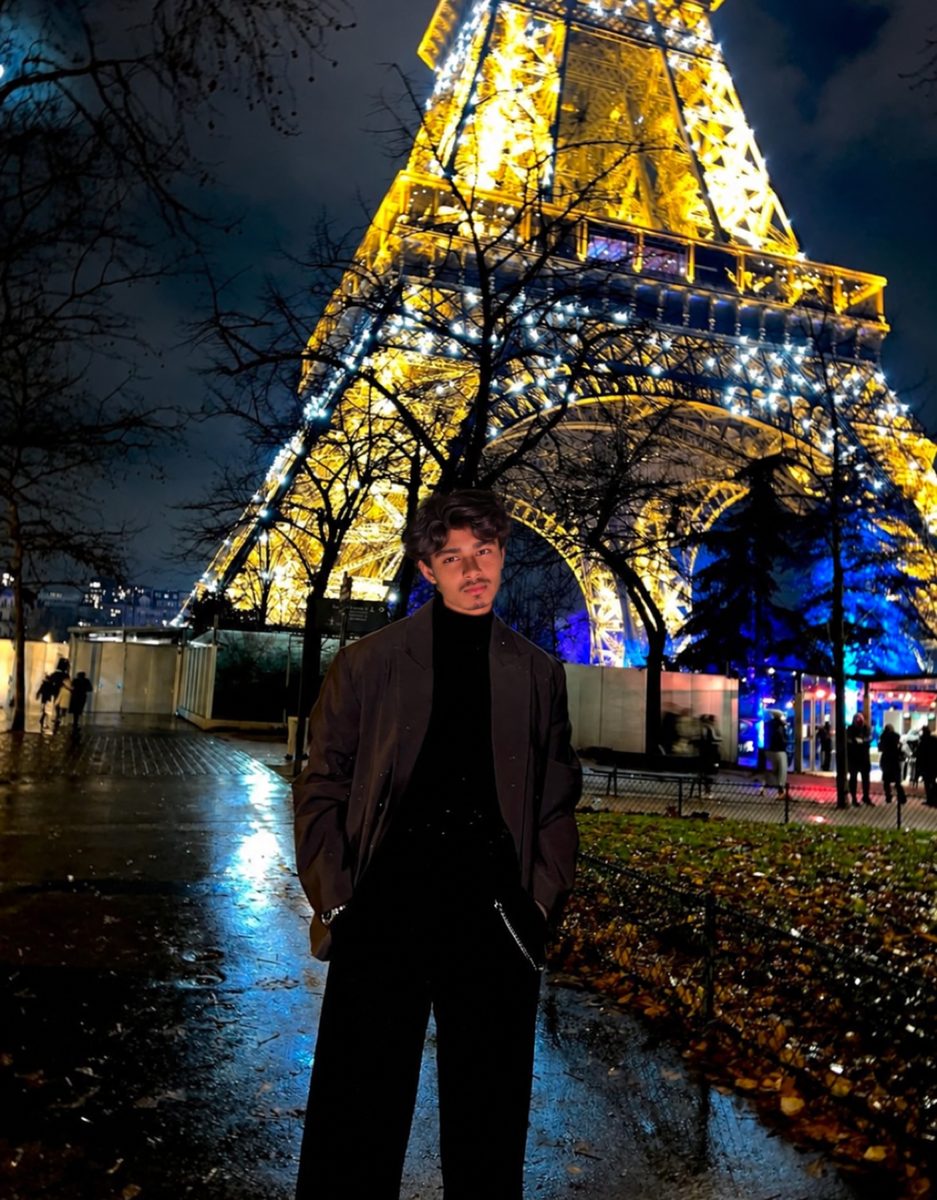

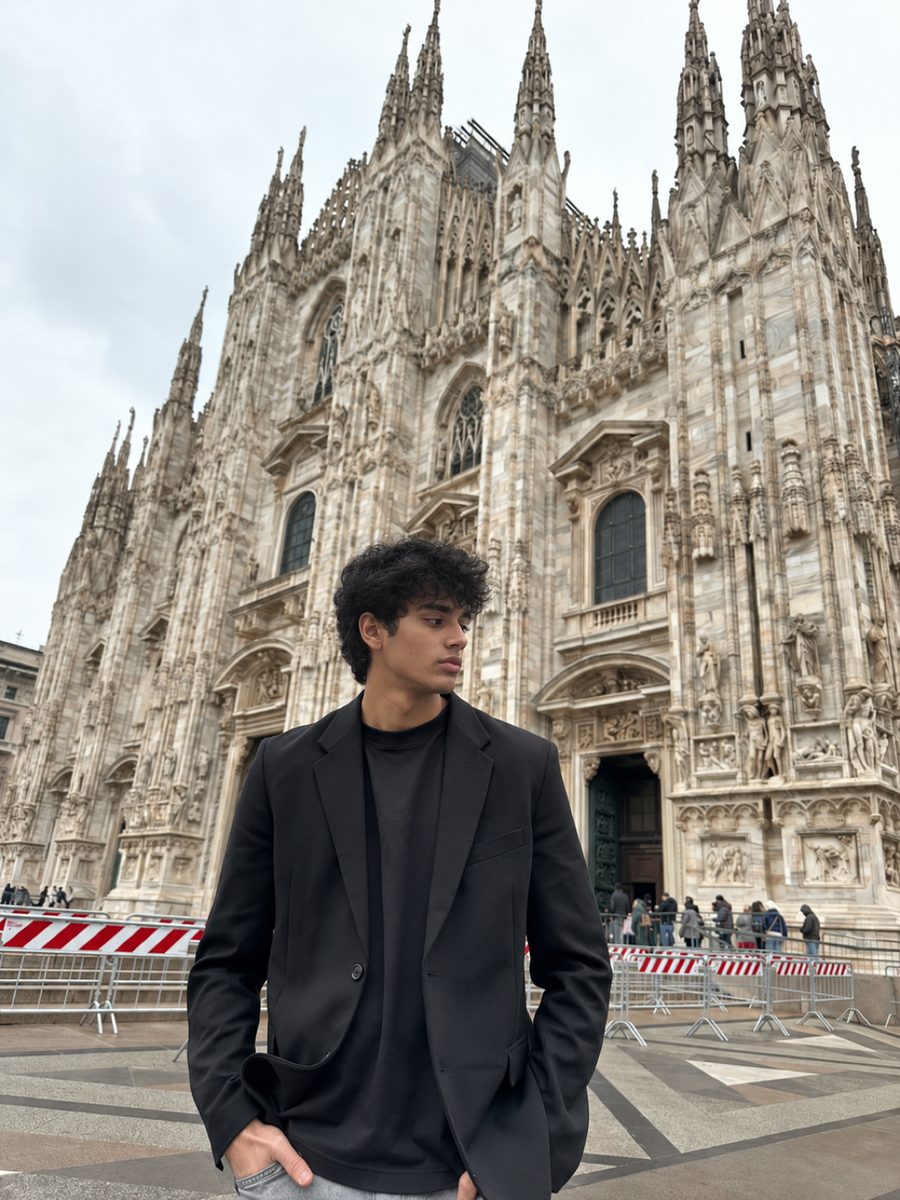
 Made with DatingProfile
Dating app photos follow the same basic rules everywhere: people want to see your face, your build and a bit of your life. What changes from app to app is how many photos you can show, which built-in tools pick and test them, and how strict verification is. Here's what each app says, and how to build one set of photos that works across all of them.
Dating app photos compared
As of November 2026, from each app's own help center:
| Tinder | Hinge | Bumble | |
|---|---|---|---|
| Photos on your profile | Face photo required in many regions | 4 to 6 required, depending on region | Up to 6; 4 to 6 recommended |
| Auto-pick your lead photo | Smart Photos | Top Photo | Best Photo |
| Photo advice in the app | Photo Tips (select markets) | Prompt Feedback for text | Photo feedback (in testing) |
| Verification | Photo Verification; Face Check required for new users in some countries | Selfie Verification; Face Check required in some regions | Photo verification, mandatory in the US |
| How people react | Swipe on the whole profile | Like or comment on one photo or prompt | Swipe on the whole profile |
A few details worth knowing:
- Tinder takes your profile out of other people's stacks in many regions if it can't find your face in any photo, and blocks Likes, Super Likes and Boost until you add one. See Tinder no profile picture.
- Hinge requires four to six photos plus three prompt answers, so every photo sits next to text. See Hinge photos.
- Bumble suggests 1024 x 1024 pixel JPG or PNG files. Its own data team reports that profiles showing all six photos get close to double the likes of profiles with only three.
The best dating app photos: one set for every app
Build these five or six photos once and use them everywhere.
- Lead photo. You alone, chest up, eyes visible, natural smile, soft daylight.
- Full body. Standing or walking, dressed the way you would for a first date.
- Activity. Something you genuinely do, from cooking to climbing.
- Social. Friends or family, with you obviously the main person.
- Place. A trip, a café you love, a city at night.
- Talking point. A pet, a dressed-up night, an unusual hobby.
Then adjust per app. On Tinder, put your single strongest photo first because it carries the swipe. On Hinge, put photos with clear talking points next to related prompts. On Bumble, make sure at least one photo is a clear, unobstructed, full-face shot, because photo verification compares your selfie against it.

Photos for dating sites vs dating apps
Dating websites like Match or eHarmony are often browsed on a laptop as well as a phone, and profiles tend to be longer. The same photo set works, with two tweaks: include at least one horizontal or square photo that looks good on a wider screen, and make sure your lead photo is sharp enough to view large. On apps, vertical photos fill the phone screen better.
Checklist for any dating site picture
- Recent, within roughly the last year
- Sharp at full size, not a screenshot or a photo of a photo
- No heavy filters or face-changing edits
- Your face sharp and easy to read in two or more
- Different outfit or setting in each photo
- Nobody else's face front and center
Verification: the photo rule that's getting stricter
Verification is moving from optional to required. Bumble already makes US members verify before they can carry on, with software and human moderators checking the selfie against the profile. Tinder requires new users in Australia, Brazil and the UK to complete a Face Check video selfie as of November 2026, and Hinge requires Face Check in some regions.
The practical result: your dating app photos have to look like you, today. Old photos, heavy filters and edits that change your face make verification harder and can cost you the badge. For how each check works, see Bumble photo verification and Tinder selfie under review.
Dating app photos from one selfie
Missing half the set? DatingProfile builds dating app photos around your real face with the HyperReal™ method, in a portrait format that suits Tinder, Hinge and Bumble alike. Start with one selfie (a few more, up to 4, help the likeness), choose from 62 styles such as brunch with a view, a coastal terrace or a city landmark, and you'll have 4 options per style about a minute later. Since every app now checks faces, only keep shots that look like you do today and follow each app's rules. The Fix Pack ($29, up to 30 photos) and Pro Pack ($49, up to 140) are one-time purchases with a 14-day guarantee.
Pricing
Packs and prices
Two one-time packs. Pay once: no subscription, nothing to cancel. Both are covered by the refund policy.
The Fix Pack
A quick upgrade for your profile.
$29one-time
Up to 30 photos · $0.97 per photo
Choose Fix- HyperReal™ photos in any of 62 styles
- Ready in about a minute
- Works with app photo verification
- 14-day satisfaction guarantee
The Pro Pack
The sweet spot for a full glow-up.
$49one-time
Up to 140 photos · $0.35 per photo
Choose Pro- HyperReal™ photos in any of 62 styles
- Enough for about 35 styles, 4 shots each
- Lowest price per photo
- Ready in about a minute
- Works with app photo verification
- 14-day satisfaction guarantee
DatingProfile vs a dating photographer
| Factor | DatingProfile |  Photographer |
|---|---|---|
| Cost | From $29 | $300–$500 per shoot |
| Turnaround | Under a minute per photo | Days to weeks |
| Scenes & outfits | 62 styles, 4 different shots each | Whatever fits in one shoot |
| Want more? | Buy another pack anytime | Book and pay again |
| Looks like you | Yes, made from your selfies | Yes |
Privacy: Your selfies and generated photos are never used to train AI models and are never shared or sold. Only you can see them, and you can delete them from your dashboard at any time.
Frequently asked questions
Which dating app needs the most photos?
Hinge, which makes four to six photos compulsory depending on the region. Bumble caps you at six and recommends four to six, while Tinder publishes no minimum beyond a face photo in many regions. Four to six good ones covers all three.
Can I use the same photos on every dating app?
Yes. A strong set works on Tinder, Hinge and Bumble alike. You might reorder them, since Hinge photos sit between prompts and invite comments, while on Tinder the first photo does almost all the work.
What photo size is best for dating apps?
Only Bumble publishes guidance: JPG or PNG, a 128 MB ceiling and a suggested 1024 x 1024 pixels. Tinder and Hinge list no required size as of November 2026. Upload sharp originals from your phone's main camera rather than screenshots or forwarded copies.
Do dating apps choose my best photo automatically?
They can. Tinder has Smart Photos, Hinge has Top Photo and Bumble has Best Photo. Each one tests your photos and puts the one it predicts will do best first, and you can turn each off.
Do I need to verify my photos on dating apps?
Often. Bumble's photo verification is mandatory in the US, Tinder requires Face Check for new users in some countries, and Hinge requires Face Check in some regions. Elsewhere it's usually optional but adds a badge.
Sources
- Hinge Help Center: How do I edit my profile?
- Hinge Help Center: What is Top Photo?
- Hinge Help Center: Face Check Scan
- Bumble Support: Uploading profile photos and videos
- Bumble Support: Verifying your photos
- Tinder Help Center: My profile is hidden
- Tinder Help Center: Photo Tips
- TechCrunch: Tinder's new Smart Photos (2016)
- Tinder Help Center: Age Checks at Tinder
Keep reading
More photo guides
- Tinder PicturesLead with a clear, smiling solo face photo, then add full body, a hobby, a social shot and a place.See the guide
- Dating Profile PicturesFour to six recent, well-lit photos: a clear face shot, full body, two or three real activities, nothing filtered.See the guide
- Hinge PhotosHinge needs four to six photos; make each one easy to comment on, starting with a clear, smiling solo shot.See the guide
- AI Selfie GeneratorIt turns one selfie into new photos of you; pick one that keeps your face consistent and never trains on your photos.See the guide
- Tinder Dog PicsPut your own dog in photo two or three, with your face clearly visible, never as your lead photo.See the guide
- Tinder Selfie Under ReviewTinder is still checking your video selfie: usually minutes, up to 24 hours for a manual ID review.See the guide
Better photos, more matches
Turn one selfie into dating profile pictures
Hyperrealistic photos of you for Tinder, Hinge and Bumble, about a minute per photo. From $29, one-time.
Create my photos

