
Tinder
Tinder Primetime Boost: What It Is and How to Use It
 By MarkUpdated November 20265 min read


Short answer
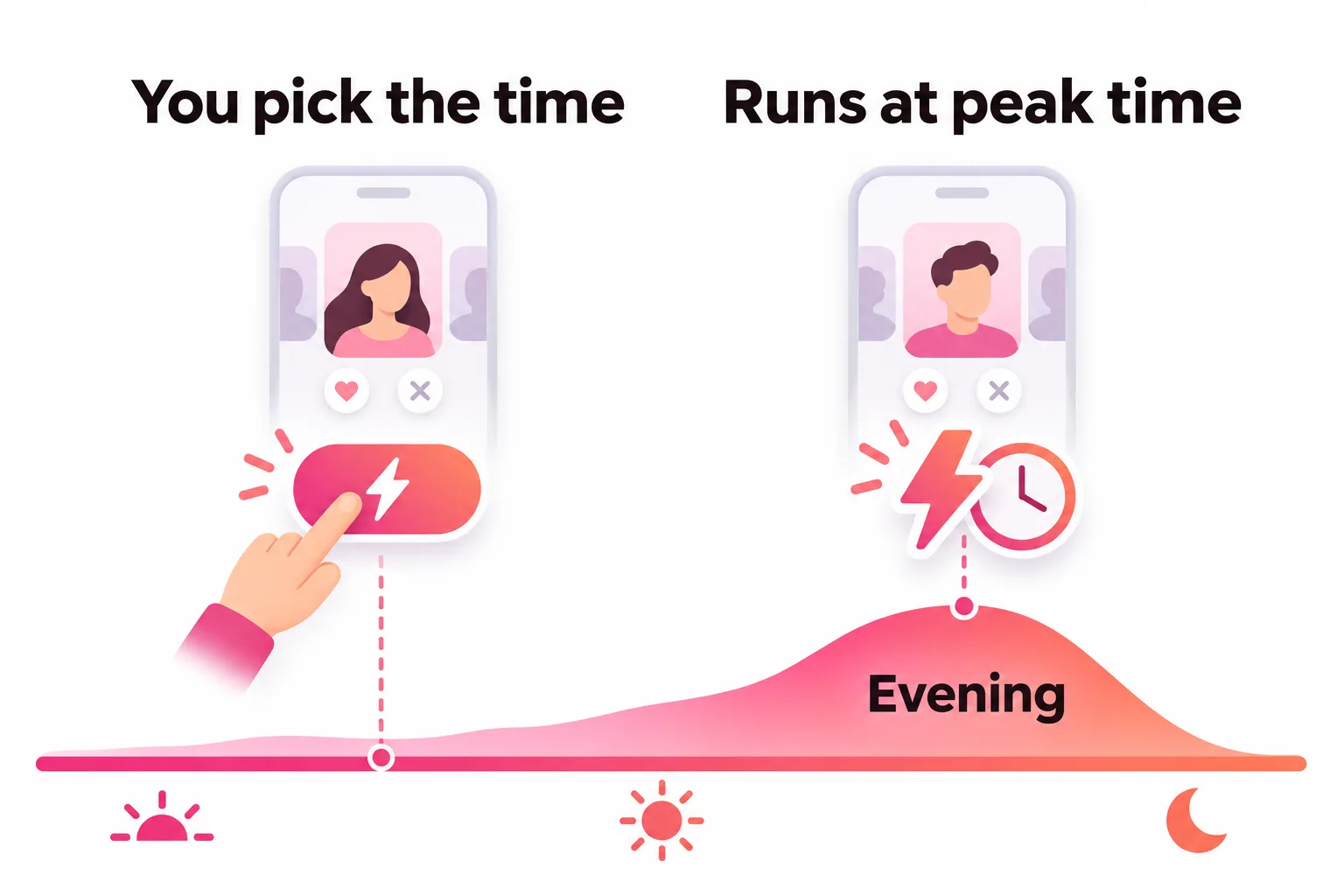
Tinder Primetime Boost is reported to be a version of the regular 30-minute Boost that runs during your area's peak hours instead of the moment you tap it, offered only in some regions. Tinder's help center doesn't describe it, so follow the wording and price in your own app; the regular Boost details (30 minutes, up to 10x views) are the confirmed part.
Tinder Primetime Boost is reported to be a regular Boost that runs during the busiest hours in your area instead of starting the moment you tap it. You get the same 30 minutes near the top of the stack, timed for when the most people are swiping. One important caveat: as of November 2026, Tinder's help center doesn't mention Primetime Boost at all, so everything specific to it comes from independent guides and what users see in their apps.
Here's what is confirmed, what is only reported, and how to get the most out of it if your app offers it.
What is a Primetime Boost on Tinder?
The confirmed part is the Boost itself. Tinder's help center says a Boost makes you "1 of the top profiles in your area for 30 minutes", with up to 10x more profile views.
The Primetime part is reported:
- SwipeStats (April 2026) describes Primetime Boost as "a regular Boost that auto-fires during peak hours", which it puts at 6 to 11 p.m., lasting 30 minutes, and says Tinder rolls it out selectively by region.
- Roast notes that Tinder's English Boost help page covers only the core Boost, and suggests treating "Primetime" as a timing strategy unless you see a specific Primetime offer in your own app.
So if your app shows a Primetime option, read its wording and price there. If it doesn't, nothing is wrong with your account.
Why timing matters for a Boost
A Boost doesn't add people to Tinder. It moves you up in the stacks of people who are already swiping during your 30 minutes. Two things Tinder says make timing matter:
- The window is short. Thirty minutes at 8 a.m. on a Tuesday reaches far fewer people than thirty minutes on a Sunday evening.
- Tinder favors people who are online together. Its explanation of its algorithm says it prioritizes "potential matches who are active, and active at the same time".
Primetime Boost is reported to solve the first problem for you by picking a busy slot. It can't solve the second: you still need to be on the app.
Tinder Primetime Boost vs regular Boost vs Super Boost
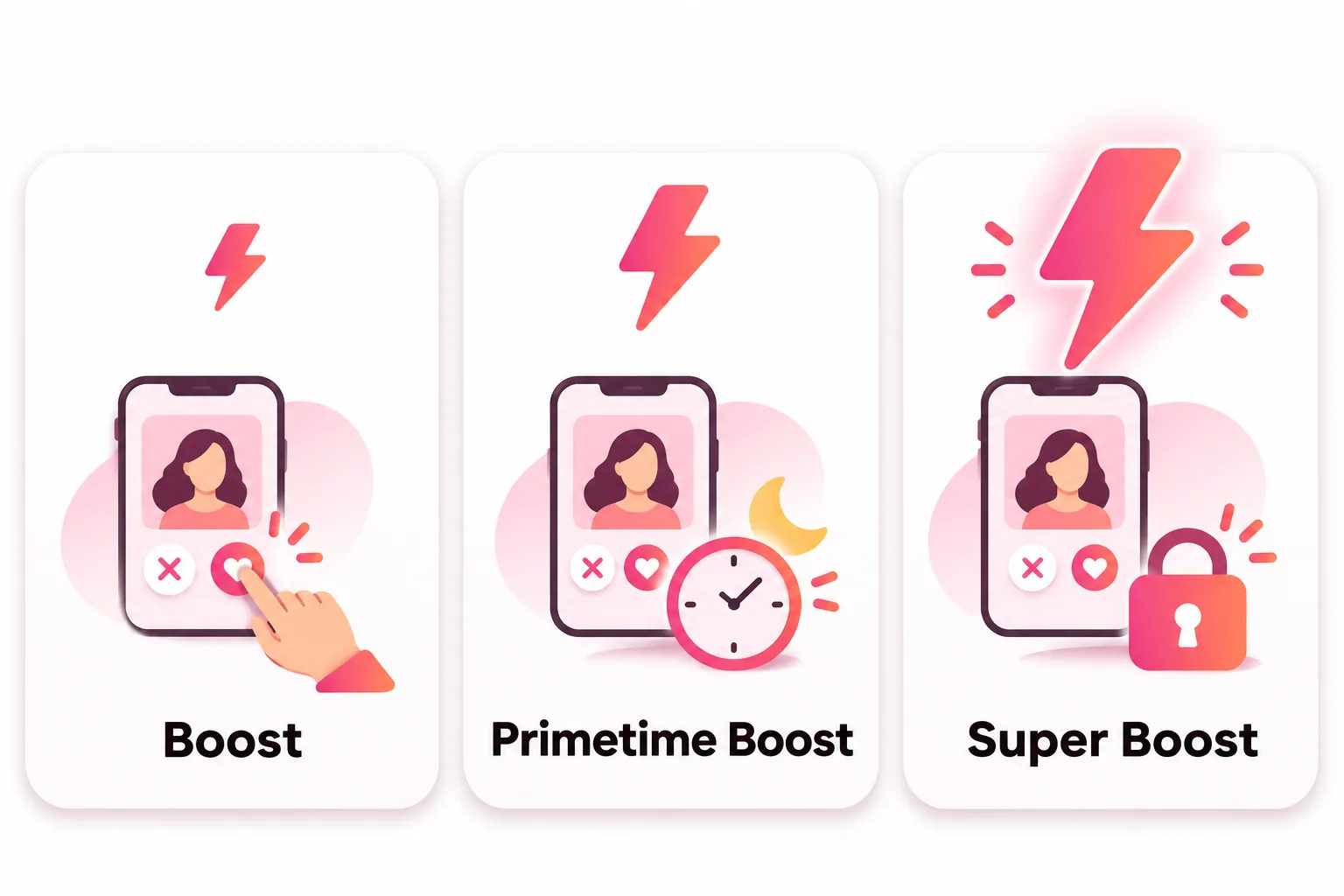
| Boost | Primetime Boost | Super Boost | |
|---|---|---|---|
| Status | Official | Reported, select regions | Official, Tinder calls it a test |
| Starts | When you tap it | Reported: automatically at peak hours | Straight after purchase, at peak times |
| Length | 30 minutes | Reported: 30 minutes | Not stated by Tinder |
| Views | Up to 10x | Reported: same as Boost | Up to 100x |
| Who can buy it | Anyone | Reported: where offered | Subscribers only |
For the full picture on the other two, see Tinder Boost and Tinder Super Boost.
How to use Primetime Boost on Tinder
If your app offers it:
- Tap the purple lightning bolt or open the Boost screen from your profile.
- Choose the Primetime option if it appears, and check the price and any time shown.
- Plan to be free that evening. Turn on notifications so you see new matches while they're still online.
- When it runs, swipe and reply. Matches made while boosted are marked with a purple lightning bolt.
If the Primetime option appears but you can't be online that evening, skip it. A Boost that fires while you're at dinner or asleep still shows you to people, but the matches it brings wait hours for a reply, and Tinder says it favors members who are active at the same time.
If your app doesn't offer it, you can do the same thing by hand: save a regular Boost and use it on a busy evening, usually Sunday, when you have 30 minutes to swipe. Our guide to the best time to boost on Tinder covers days, hours and the January peak season. If your city has Swipe Surge (Tinder says it's testing on iOS in select cities, with activity "up to 15x higher"), a Surge is another good moment.
Primetime Boost vs Swipe Surge
The two are easy to confuse because both are about busy moments. Swipe Surge is a free Tinder feature: Tinder says it happens when activity "naturally surges", can be "up to 15x higher" than usual, and sends push notifications so you can join. People who join a Surge jump to the front of the line. It is testing on iOS in select cities only.
Primetime Boost is reported to be a paid Boost timed for peak hours. So a Surge is something Tinder tells you about and you join for free, while Primetime is something you buy and Tinder times for you. If you do get Surge notifications, joining one costs nothing and works on the same principle, so try that before paying for timing.
Is Tinder Primetime Boost worth it?
It's worth it if you tend to boost at the wrong time, or forget to use Boosts at all. Letting Tinder pick a busy slot removes the guesswork.
It's not worth paying extra for if you already boost on busy evenings. The views come from the same 30-minute Boost. And like any Boost, it only multiplies what your profile already does. Tinder says Boosts don't guarantee matches, and its advice for no matches starts with updating your photos and turning on Smart Photos, which leads with your most liked photo.




No good photos of yourself?
Turn a selfie into realistic dating photos: travel, dinner, outdoors and more. One selfie is enough. From $29, one-time.
Before your Boost runs
A quick checklist for any Boost, Primetime or not:
- Your first photo is a clear, recent face photo in good light
- Your other photos each show something different (full body, a hobby, friends)
- Your bio gives people something to reply to
- You'll be on the app while it runs
If your profile rarely gets likes on a normal night, start with no likes on Tinder before paying for any Boost. And to judge whether a Boost did anything, read does Tinder Boost work.
Frequently asked questions
What is a Primetime Boost on Tinder?
It is reported to be a regular Boost that Tinder runs during peak hours in your area, rather than starting it when you tap. SwipeStats (April 2026) describes it as a Boost that auto-fires in the evening peak. Tinder's help center doesn't mention it, so check the offer in your app.
How do you use a Primetime Boost on Tinder?
If your app offers it, buy or select it from the Boost screen behind the purple lightning bolt and follow the prompt. It is reported to start on its own at a busy time, so make sure you can swipe and reply that evening.
How long does a Tinder Primetime Boost last?
It is reported to last 30 minutes, the same as a regular Boost, which Tinder confirms is 30 minutes. Tinder hasn't published a separate length for Primetime.
Is Primetime Boost the same as Super Boost?
No. Super Boost is a subscriber-only upgrade that Tinder says can bring up to 100x more views. Primetime Boost is reported to be a normal Boost, up to 10x views, timed for peak hours.
Why don't I have Primetime Boost on Tinder?
Reports say Tinder offers it only in some regions, and Tinder's English help center doesn't list it as a standard feature. If you don't see it, a regular Boost used on a busy evening does much the same job.
What time is prime time on Tinder?
Tinder doesn't publish hourly data. Guides usually point to evenings, roughly 6 to 11 p.m. local time per SwipeStats, with Sunday evening the most common pick. Your own matches are the best guide: if most arrive around 10 p.m., that's your local prime time.
Sources
- Tinder Help Center: Boost
- Tinder Help Center: Super Boost
- Tinder Help Center: Used Boost or Super Boost and didn't get any new matches
- Tinder Help Center: Powering Tinder, the method behind our matching
- Tinder Help Center: Swipe Surge
- SwipeStats: Tinder Primetime Boost (April 2026)
- Roast: Tinder Primetime Boost, timing and worth-it guide
Written and reviewed by
Dating profile editor at DatingProfile
Mark writes and reviews DatingProfile’s guides to dating profiles: the photos, bios and prompts that work on Tinder, Hinge and Bumble, and how each app actually behaves.
@mark_x_997


