
Tinder
No Likes on Tinder? Why Your Likes Count Is Zero and How to Fix It
 By MarkUpdated November 20265 min read


Short answer
Getting no likes on Tinder usually means people either aren't seeing your profile or are seeing it and swiping left, and the most common cause by far is the first photo. Check that your profile isn't hidden and Discovery is on, widen your settings, swipe at busy times, then test and replace your lead photo.
No likes on Tinder means nobody is swiping right on you yet, and there are only two ways that happens: people aren't seeing your profile, or they're seeing it and swiping left. The first is usually a setting you can fix in two minutes. The second is almost always the photos, especially the first one, because that's what people judge before they swipe.
This page is about likes coming in, the Likes You count. If people like you but you don't get matches, that's a different problem, covered in no matches on Tinder.
Likes vs matches: which problem do you have?
- A like is someone swiping right on you. You see it as the number on the Likes You page (the heart icon at the bottom of the main screen). Free accounts see a blurred grid; Gold and Platinum see faces.
- A match happens when you both swipe right.
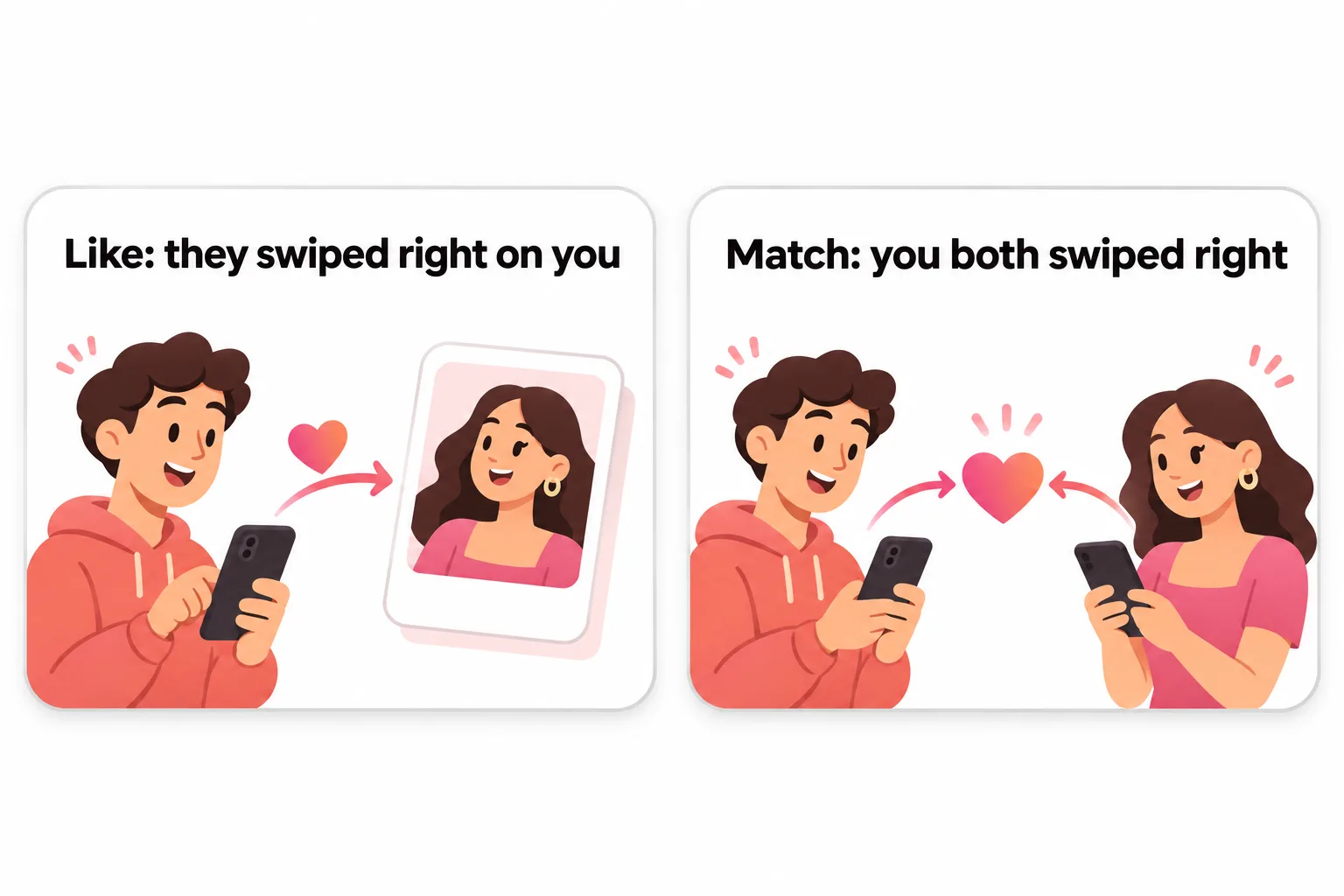
So check the heart icon first:
| What you see | What it means | Where to look |
|---|---|---|
| Likes You count at zero or barely moving | Nobody, or almost nobody, is swiping right on you | Keep reading this page |
| Plenty of blurred likes, few matches | People like you, but you haven't found them | How to see who likes you on Tinder |
| Matches, but no replies | A conversation problem, not a likes problem | Your openers and bio |
Why am I getting no likes on Tinder?
Work through these in order. The first three are quick and free.
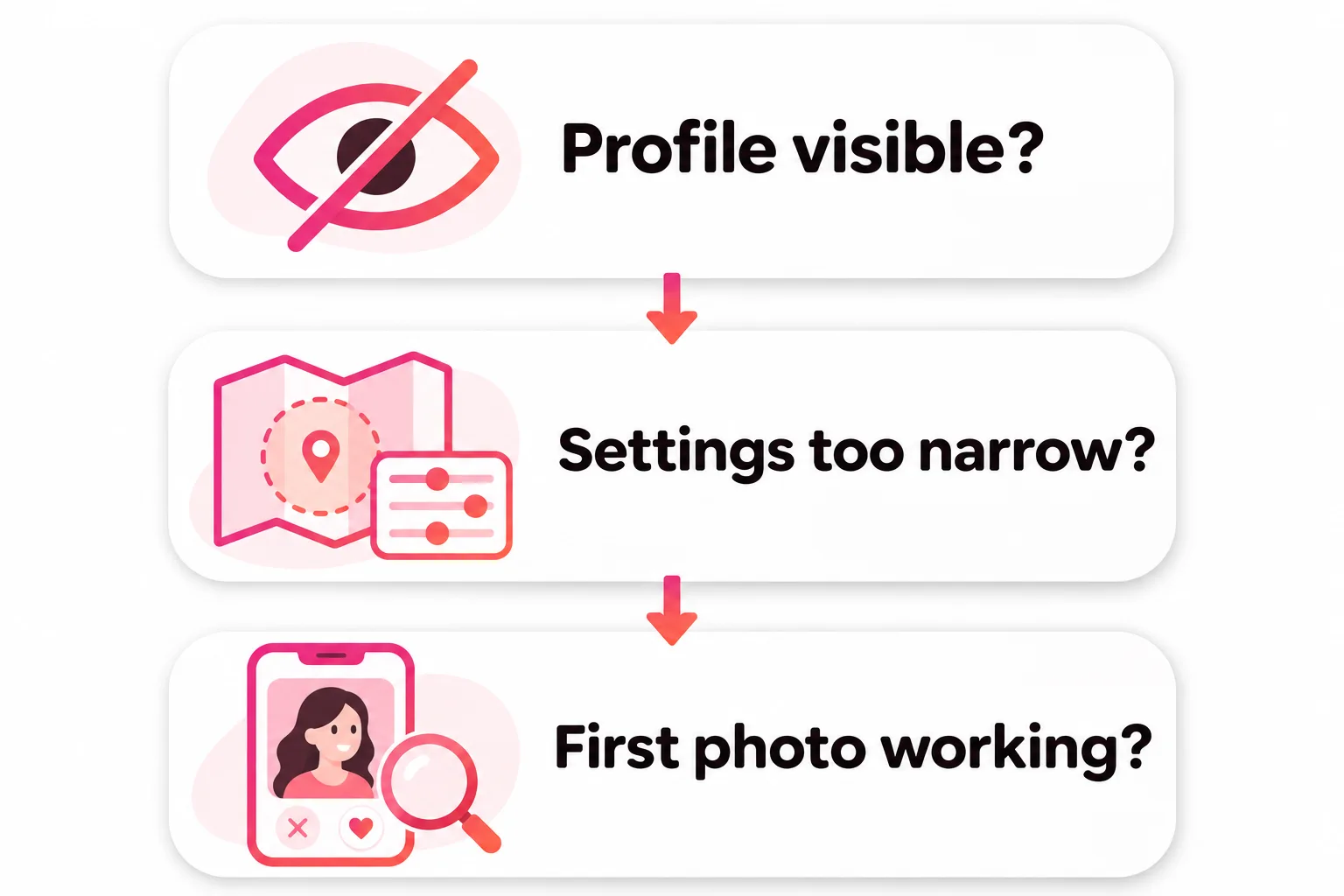
1. Make sure your profile is visible
- Hidden profile. Tinder hides profiles when it "can't detect a valid face photo". Hidden profiles aren't shown to anyone, and can't use Likes, Super Likes or Boost. Sunglasses, a mask, a far-away shot or no face photo can trigger it. Tinder's advice: a well-lit close-up with nothing covering your face.
- Discovery switched off. In Settings, if Enable Discovery is off, Tinder says your profile "won't be shown to anyone new".
- A ban or warning. Tinder tells you by email and in the app. No message usually means no penalty. See Tinder shadowban if you're unsure.
2. Check your Discovery settings
Tinder can only show you to people who fit your settings, and you only appear for people whose settings you fit. A tight age range or a small radius outside a big city can leave very few people on both sides. Widen your age range a few years and raise the distance. Tinder may show people slightly outside your ranges when you run out, unless you turn those settings into dealbreakers.
3. Use the app regularly, in the evening
Tinder says the most important thing for your match potential is "using the app". It prioritizes "potential matches who are active, and active at the same time". Opening Tinder once a week at lunchtime puts you in far fewer stacks than a short session most evenings. That's free, and it's in your control.
4. Fix your first photo
If you're visible, your settings are reasonable and you're active, the likes are missing because people see you and swipe left. That's nearly always the photos. The first one decides most swipes:
- Too dark or blurry. Shoot in daylight, facing a window or in open shade.
- Face too small. Chest-up, with your face filling a good part of the frame.
- Eyes hidden. No sunglasses or low cap in photo one.
- Group photo first. You alone first; friends later.
- Old photo. Taken within the last year, looking like you do now.
Tinder's own tips point the same way. Its advice for no new matches starts with "update your bio or photos" and turning on Smart Photos, which leads with your most liked photo. Its Photo Selector tool, which picks profile photos from your camera roll, says it favors things like lighting and composition and filters out group photos.
The hard part is being honest about your own photos. That's what the free photo rater below is for.

5. Fill in the rest of the profile
After the first photo, people look through the rest. Aim for 4 to 6 photos that each add something (a full-body shot, a hobby, friends, travel), plus a short bio with something specific to reply to. Tinder also says it uses the interests and lifestyle details on your profile to suggest you to people with things in common, so filling those in helps you reach the right people.
What not to do when you get no likes
- Don't pay first. A Boost gives up to 10x more views for 30 minutes. If people swipe left now, more views mostly mean more left swipes.
- Don't delete and remake your account. You lose your matches, chats and anything you bought, and the new profile has the same photos.
- Don't swipe right on everyone. It doesn't bring likes in, and Tinder says it learns from your Likes and Nopes.
How long until you see likes again?
Give any change a few evenings of normal use. New photos need to reach people's stacks before you can judge them. A useful test: change one thing at a time (usually the first photo) and watch whether the Likes You count starts moving over a week.
If you don't have photos that work
Plenty of people have exactly one decent recent photo, and that's often the whole problem. The cheapest fix is a friend with a phone and an hour of daylight. If that's not happening, DatingProfile makes realistic dating photos from one selfie (up to 4 make the likeness closer) with the HyperReal™ method, in styles like outdoors, dinner and travel. They keep your real face, and you should only use results that look like you do now: Tinder's guidelines don't allow pretending to be someone you're not. See our guide to dating profile pictures for men for what a strong set looks like.



No good photos of yourself?
Turn a selfie into realistic dating photos: travel, dinner, outdoors and more. One selfie is enough. From $29, one-time.
To understand how Tinder decides who sees you in the first place, read how the Tinder algorithm works. Once likes are coming in, a well-timed Boost becomes worth it; see does Tinder Boost work.
Frequently asked questions
Why am I getting no likes on Tinder?
Either your profile isn't being shown much, or people see it and swipe left. Visibility problems include a hidden profile, Discovery switched off, narrow settings or not using the app. If those are fine, the cause is almost always the photos, especially the first one.
How do I know if I'm getting likes on Tinder?
Look at the heart icon at the bottom of the main screen. Free accounts see a blurred Likes You grid with a count, Gold and Platinum see the faces. Secret Admirer prompts and new matches are also signs that people are liking you.
How long should it take to get likes on Tinder?
Tinder doesn't publish averages, and it depends on your area and settings. If you've used the app regularly for a week and the Likes You count hasn't moved, treat that as a problem to fix rather than bad luck.
Is getting no likes on Tinder a shadowban?
Rarely. Tinder doesn't confirm shadowbans; bans come with an email and an in-app notice, and a hidden profile is explained in the app. A weak first photo is a far more common cause.
Will a Boost fix no likes on Tinder?
Not by itself. A Boost gives up to 10x more views for 30 minutes. If people who see you now swipe left, ten times as many people will mostly swipe left. Fix the photos, then boost.
Do girls get no likes on Tinder too?
Yes, it happens to everyone, though it's more common for men because they typically receive fewer likes. The causes and fixes are the same: visibility, settings, activity and above all the first photo.
Sources
- Tinder Help Center: My profile is hidden
- Tinder Help Center: Discovery Settings
- Tinder Help Center: Powering Tinder, the method behind our matching
- Tinder Help Center: Likes
- Tinder Help Center: Recently Active
- Tinder Help Center: Problems with Matches
- Tinder Help Center: Boost
- Tinder Help Center: Photo Selector
Written and reviewed by
Dating profile editor at DatingProfile
Mark writes and reviews DatingProfile’s guides to dating profiles: the photos, bios and prompts that work on Tinder, Hinge and Bumble, and how each app actually behaves.
@mark_x_997


