Dating profile photos
Bumble Photo Verification: How It Works and How to Pass
Bumble photo verification asks you to take a selfie copying a pose and hand gesture shown on screen, then uses automated and human review to check it matches your profile photos, usually within a few minutes. It's mandatory in the US and optional elsewhere unless Bumble asks, and you get up to 3 attempts before you need to contact support.
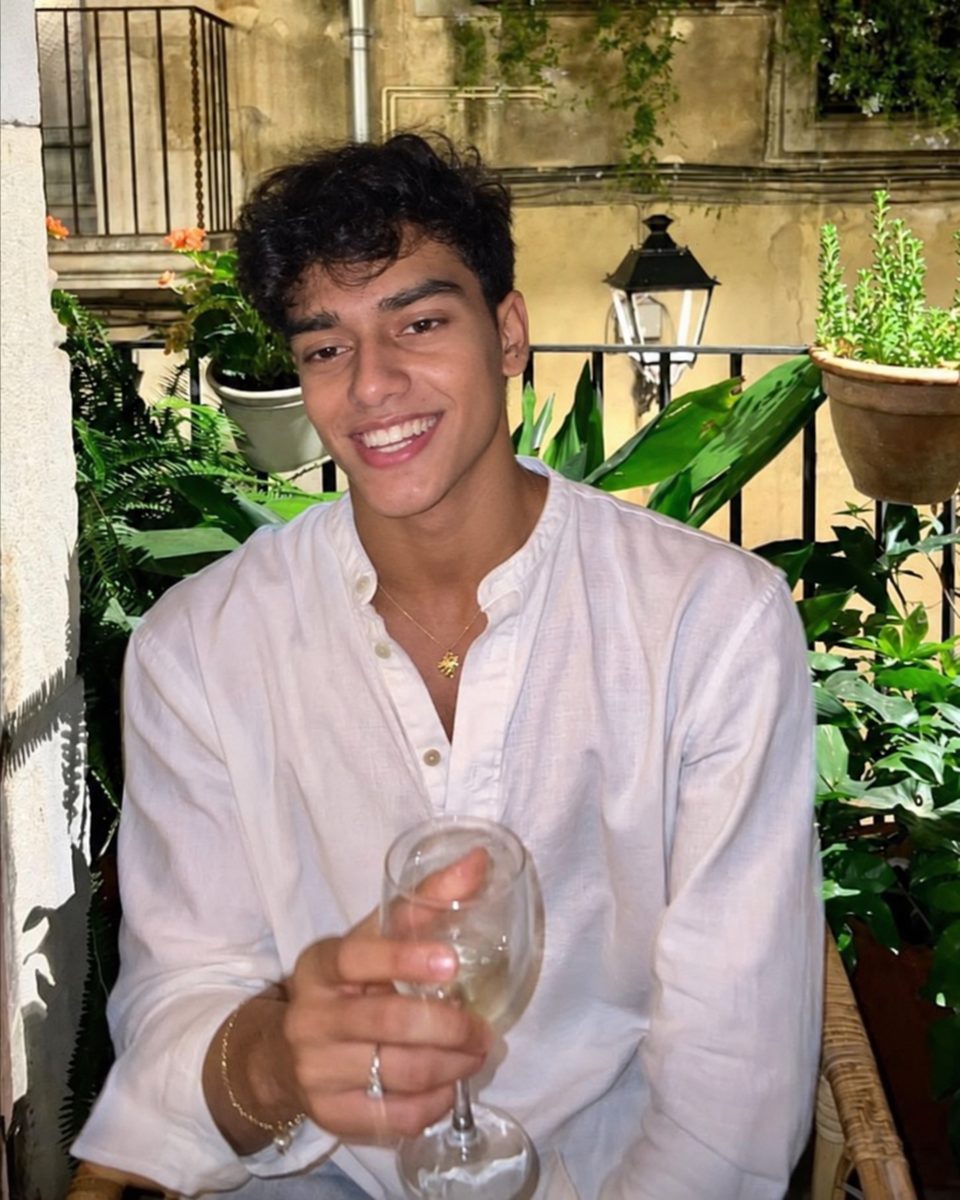
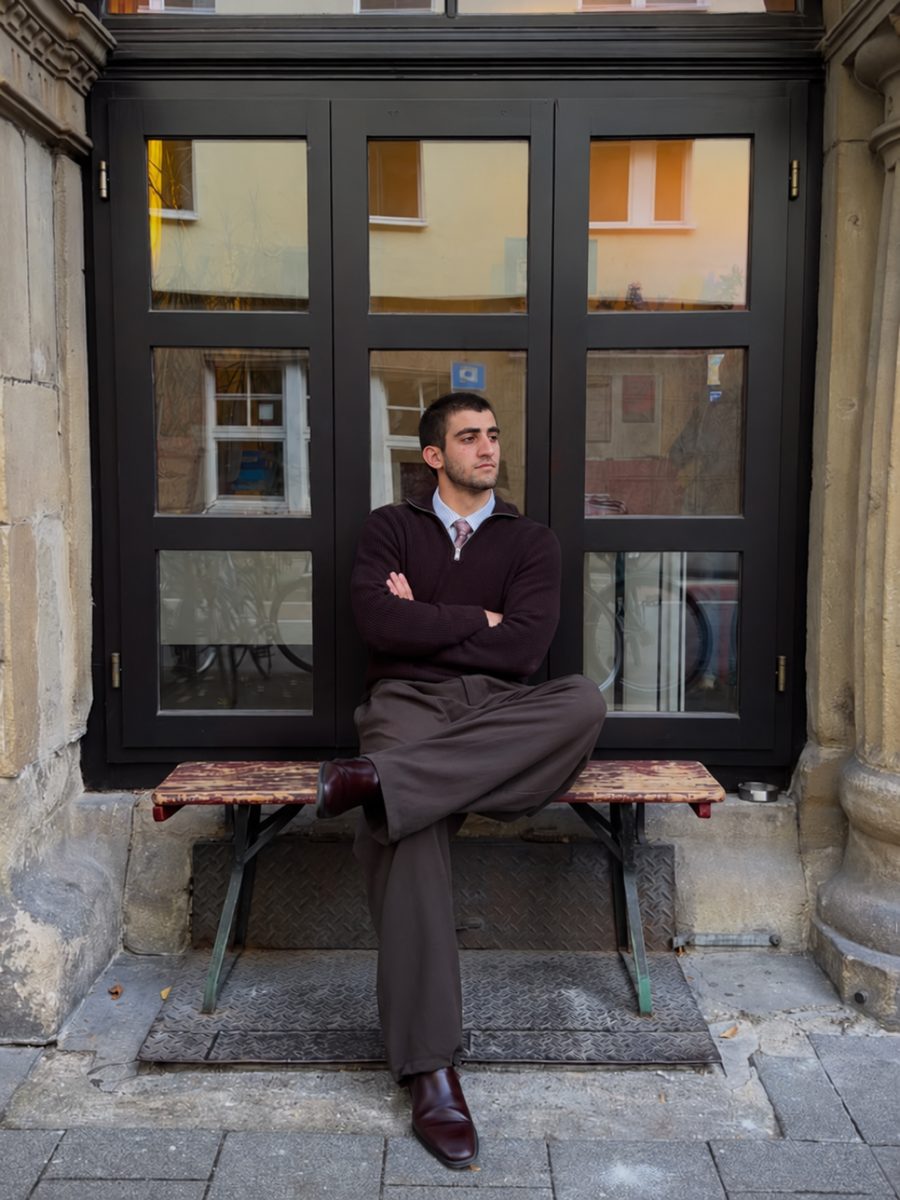
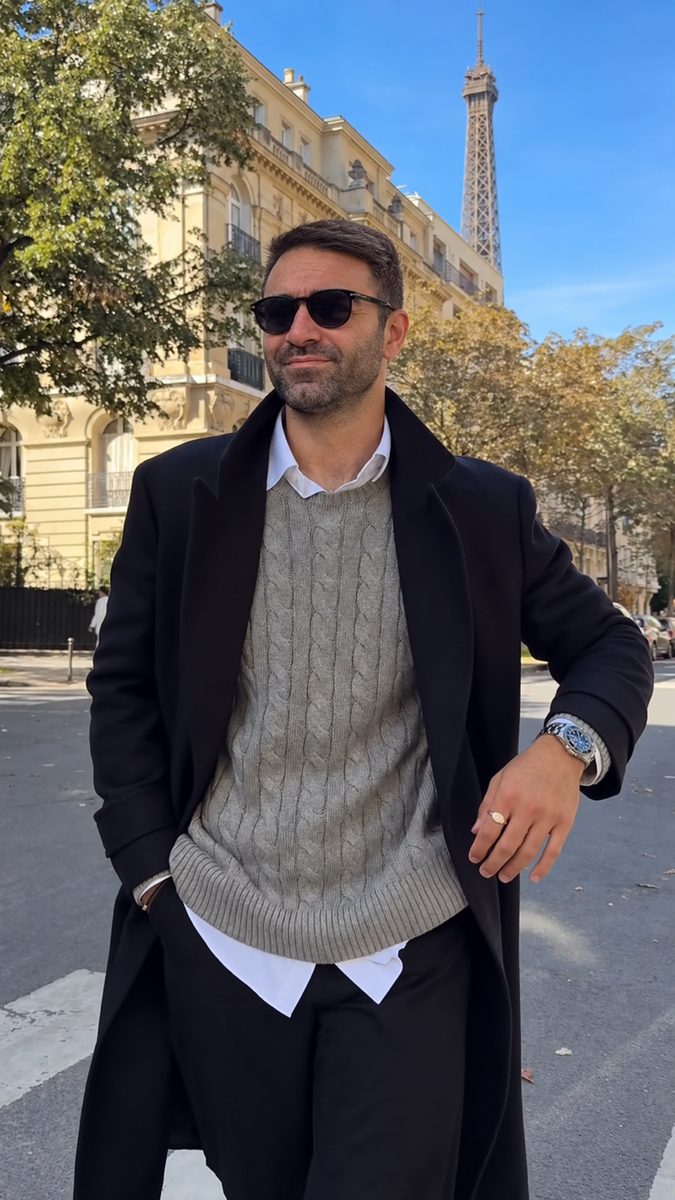

 Made with DatingProfile
Bumble photo verification is a quick selfie check that proves you look like your profile photos. In the US you can't use Bumble without it. Elsewhere it's optional, and passing adds a blue checkmark to your profile. Most people pass in minutes. When it fails, it's almost always the pose, the light or the photos on your profile.
How Bumble photo verification works
Bumble's support pages describe the process like this:
- Start it. Tap the verify button on your own profile, or tap another member's verified badge.
- Copy the pose. Bumble shows a pose with a hand gesture. Take a selfie copying both.
- Wait for review. Bumble uses "a mix of automated and human review" to compare your selfie with your profile photos.
- Get the result. Within a few minutes, Bumble tells you whether it was confirmed or not accepted.
Pass and you get a blue checkmark on your profile. Your verification selfie is stored with your other photos, but Bumble says it won't be shown on your profile or to anyone on Bumble.
When Bumble photo verification is required
As of November 2026, Bumble says:
- In the USA, it's mandatory, and you can't skip it until you verify.
- Everywhere else, it's optional, unless Bumble asks you to verify for safety reasons.
- Bumble may ask anyone to verify, typically when it suspects a profile is fake or that a member is under 18.
Matches can also ask you to verify: they tap the three dots on your profile and choose "Request Photo Verification".
Why Bumble photo verification fails
Bumble's troubleshooting guide covers the usual causes. Work through these before you retry:
- Copy both the pose and the hand gesture. Both need to match for the selfie to be accepted.
- Use good light so your full face is clearly visible.
- Remove hats and sunglasses, and don't use filters.
- Check your profile photos. You need at least one unobstructed, full-face photo of yourself for Bumble to compare against.
- Don't try to recreate a profile photo. Bumble says you only need to follow the pose shown during verification.
- Fix the camera. Make sure Bumble has camera permission, update the app and restart your phone.
- If it's stuck loading, force-close the app, switch between Wi-Fi and mobile data, or restart your device.
You get up to 3 attempts. If all three fail, contact Bumble support. Bumble says if you have a subscription and can't access your account after using all your attempts, it won't renew, and you can request a refund. That doesn't apply to subscriptions bought through Apple, which you'd take up with Apple.

Bumble photo verification hack?
There isn't a legitimate one, and searching for one usually means your profile photos don't look enough like you now. The real fix is your photos: replace old, distant, heavily filtered or sunglasses shots with a recent, clear, front-facing photo. Then retry in good light.
Photo verified vs ID verified on Bumble
| Photo verification | ID verification | |
|---|---|---|
| What you provide | A selfie copying a pose | A government ID plus a live selfie |
| What it checks | Your selfie matches your profile photos | Your age and that your photo matches your ID |
| Badge | Blue checkmark | A separate ID badge |
| Required? | In the US, yes | Offered in Edit profile |
To start ID verification, go to Edit profile, tap "get verified" under your photos, then "get ID verified".
Bumble photos that make verification easy
Verification goes smoothly when your profile photos are clear, which also happens to be what gets likes. Bumble lets you upload up to 6 photos and videos, says 4 to 6 photos work best, and takes JPG or PNG files of up to 128 MB (it suggests 1024 x 1024 pixels).
- Bumble Best Photo tests your photos and puts the most popular one first. Toggle it under your profile pictures.
- Bumble photo insights: Bumble is testing optional AI photo feedback. Tap "Get feedback" and it may suggest adding a full-length photo, swapping blurry shots or replacing mirror selfies. Bumble says this feature doesn't use facial recognition.
A set that verifies easily and still gets likes: one unobstructed face shot, a full-length photo, something you do, a photo with friends and somewhere you've been. For more, see dating app photos, Bumble bio ideas, and Bumble no matches if you're verified and still quiet.
Clear Bumble photos from one selfie
The photo Bumble compares against should be a real, recent one, so take that yourself. If the rest of your profile is thin, DatingProfile can add Bumble photos built from your actual face with the HyperReal™ method: you need just one selfie (up to 4 sharpen the likeness), and each style returns 4 options in about a minute. Pick only the ones that look like you do now and follow Bumble's photo guidelines. Bumble's mix of software and human reviewers makes the verification call, so no tool, ours included, can promise you'll pass. Pricing is a single payment with nothing to cancel: the Fix Pack is $29 for up to 30 photos and the Pro Pack $49 for up to 140, backed by a 14-day guarantee.
Pricing
Packs and prices
Two one-time packs. Pay once: no subscription, nothing to cancel. Both are covered by the refund policy.
The Fix Pack
A quick upgrade for your profile.
$29one-time
Up to 30 photos · $0.97 per photo
Choose Fix- HyperReal™ photos in any of 62 styles
- Ready in about a minute
- Works with app photo verification
- 14-day satisfaction guarantee
The Pro Pack
The sweet spot for a full glow-up.
$49one-time
Up to 140 photos · $0.35 per photo
Choose Pro- HyperReal™ photos in any of 62 styles
- Enough for about 35 styles, 4 shots each
- Lowest price per photo
- Ready in about a minute
- Works with app photo verification
- 14-day satisfaction guarantee
DatingProfile vs a dating photographer
| Factor | DatingProfile |  Photographer |
|---|---|---|
| Cost | From $29 | $300–$500 per shoot |
| Turnaround | Under a minute per photo | Days to weeks |
| Scenes & outfits | 62 styles, 4 different shots each | Whatever fits in one shoot |
| Want more? | Buy another pack anytime | Book and pay again |
| Looks like you | Yes, made from your selfies | Yes |
Privacy: Your selfies and generated photos are never used to train AI models and are never shared or sold. Only you can see them, and you can delete them from your dashboard at any time.
Frequently asked questions
How long does Bumble photo verification take?
Bumble says that within a few minutes it will tell you whether your verification was confirmed or not accepted. It uses a mix of automated and human review.
Is Bumble photo verification mandatory?
In the USA, yes. Bumble says you can't skip it until you verify. Outside the US it's optional, unless Bumble asks you to verify for safety reasons, such as suspecting a fake profile or an under-18 user.
What is the difference between photo verified and ID verified on Bumble?
Photo verification checks that a posed selfie matches your profile photos and gives you a blue checkmark. ID verification is a separate step where you upload a government ID, like a passport or driver's license, plus a live selfie, so Bumble can check your age and photo. It gives you a separate badge.
Is there a Bumble photo verification hack?
No, and trying one risks your account. The real fixes are simple: copy the pose and hand gesture exactly, use bright light, remove hats and sunglasses, and make sure your profile has at least one clear, full-face photo that looks like you now.
How many pictures do you need for Bumble?
You can upload up to 6 photos and videos, and Bumble says 4 to 6 photos work best. For verification, at least one should be an unobstructed, full-face photo of you.
Can you send photos on Bumble?
Yes, in chats. Bumble's Private Detector scans photos sent in chat and blurs ones that may be explicit, so you can choose whether to view, delete or report them.
Sources
- Bumble Support: Verifying your photos
- Bumble Support: Troubleshooting issues with photo verification
- Bumble Support: Verifying with your ID
- Bumble Support: Asking others to verify
- Bumble Support: Uploading profile photos and videos
- Bumble Support: Receiving feedback on your photos
- Bumble Support: Private Detector
Keep reading
More photo guides
- Tinder PicturesLead with a clear, smiling solo face photo, then add full body, a hobby, a social shot and a place.See the guide
- Dating Profile PicturesFour to six recent, well-lit photos: a clear face shot, full body, two or three real activities, nothing filtered.See the guide
- Dating App PhotosOne set of four to six clear, varied photos works on Tinder, Hinge and Bumble; only the counts and tools differ.See the guide
- Hinge PhotosHinge needs four to six photos; make each one easy to comment on, starting with a clear, smiling solo shot.See the guide
- AI Selfie GeneratorIt turns one selfie into new photos of you; pick one that keeps your face consistent and never trains on your photos.See the guide
- Tinder Dog PicsPut your own dog in photo two or three, with your face clearly visible, never as your lead photo.See the guide
Better photos, more matches
Turn one selfie into dating profile pictures
Hyperrealistic photos of you for Tinder, Hinge and Bumble, about a minute per photo. From $29, one-time.
Create my photos

