Dating profile photos
AI Selfie Generator: Realistic Photos of You From One Selfie
An AI selfie generator takes a photo of your face and creates new, realistic photos of you in different settings, outfits and lighting while keeping your features. The good ones keep the same recognizable face across every photo, don't use your selfies to train their models, and let you delete everything.

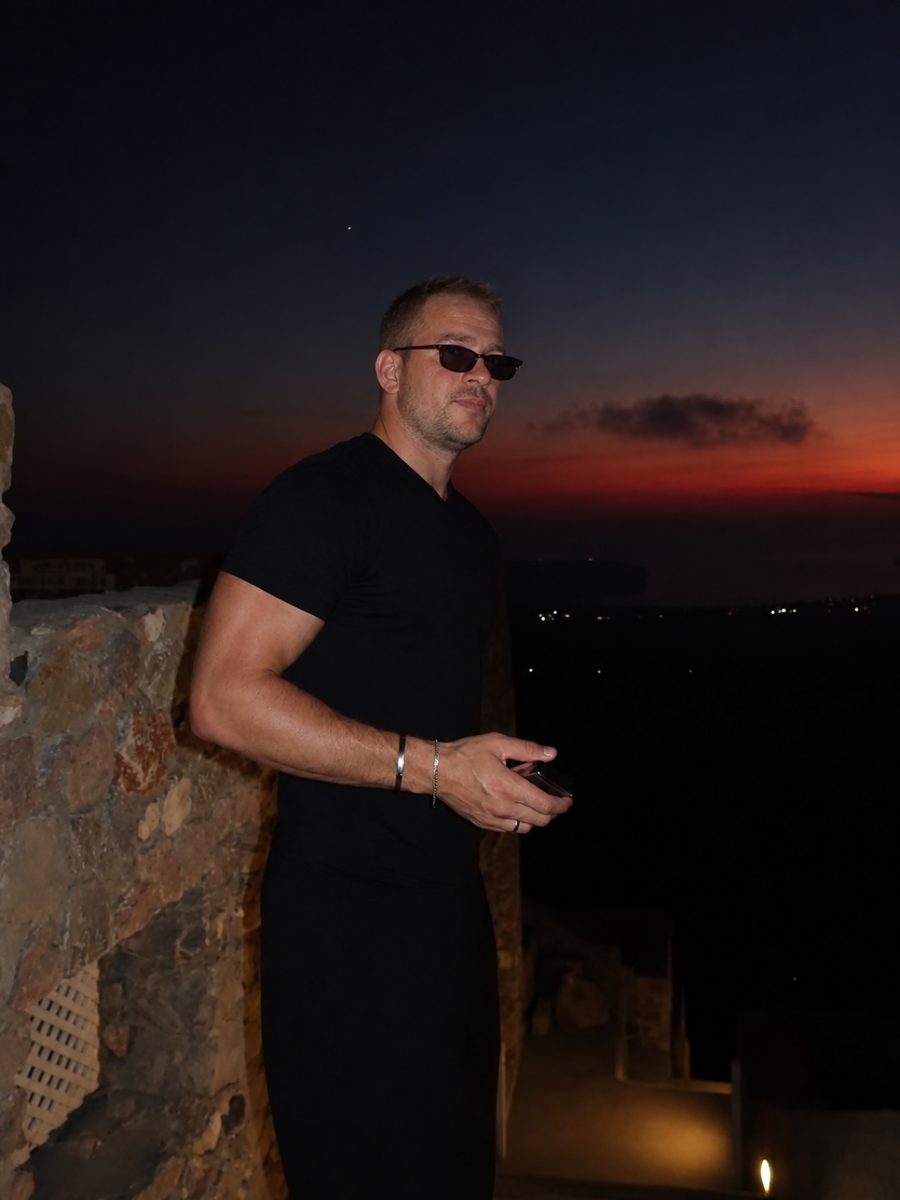
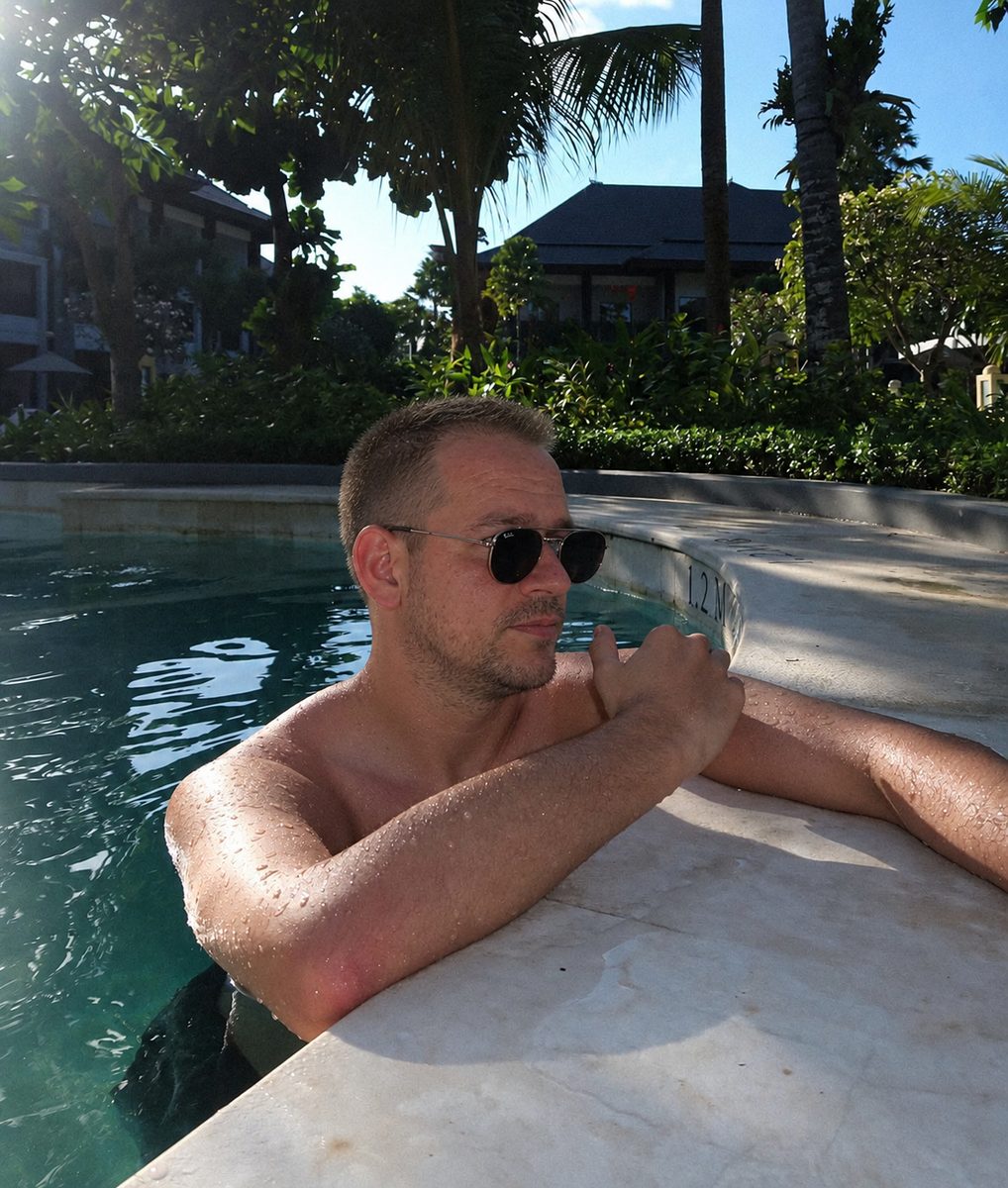
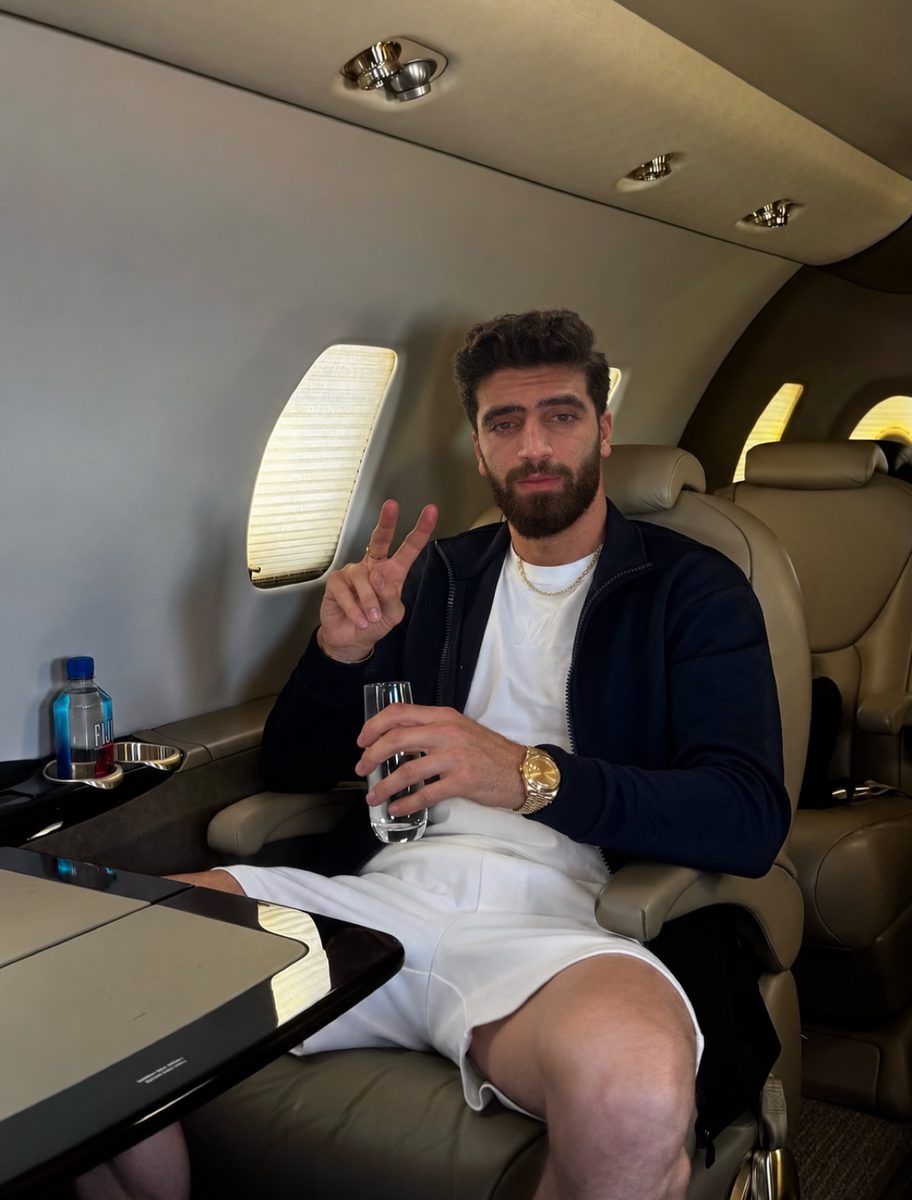
 Made with DatingProfile
An AI selfie generator turns an ordinary selfie into new photos of you: at a café in Lisbon, in a suit at a wedding, on a hike at golden hour. You don't need a photographer or a trip. But the results vary enormously between tools, and the difference between "that's me" and "who is that?" is what matters. Here's how they work and what to check before you upload your face anywhere.
How an AI selfie generator works
There are two very different kinds of tool behind the same search.
| Prompt-based image apps | Personal AI selfie generators | |
|---|---|---|
| What you give it | A text prompt, sometimes a photo | Your selfie |
| What it does | Makes an image that roughly matches the prompt | Builds a model of your face, then places it in new scenes |
| Your face | Often drifts from image to image | Stays the same across photos |
| Best for | Art, avatars, fun edits | Profile photos that need to look like you |
DatingProfile is the second kind. With the HyperReal™ method, it reads your facial features, skin tone and expression from your selfie and keeps them, while changing the setting, outfit and lighting. Here's what using it looks like:
- Upload a selfie. One clear photo is enough. Up to 4 make the likeness even closer.
- Choose styles. There are 62, from travel and brunch to date night, outdoors and a tailored suit.
- Get your photos. Each style makes 4 photos in about a minute.
- Keep the best. Not every photo in a batch will be a perfect match, so keep the ones that look most like you and delete the rest.




The best selfie for an AI generator
The input decides the output. A better selfie gives you a closer likeness.
- Face the camera straight on, eyes open, at roughly eye level
- Soft, even light on your face, such as near a window during the day
- No sunglasses, hat, mask or hand near your face
- No beauty filter or face-smoothing
- Recent, with your current hair and facial hair
- Just you, with nobody else in the frame
If you have a few photos like that from different angles, add them: up to 4 give the model more angles of your face to work from.
What to look for in an AI selfie generator
Before paying or uploading, check these:
- Likeness across photos. Look at real before-and-after examples. Is it obviously the same person in every photo, and the same person as the selfie?
- Natural detail. Skin with texture, not plastic. Hands with five fingers. Backgrounds that make sense. Lighting on the face that matches the scene.
- Privacy in writing. Does the privacy policy say your selfies aren't used to train AI models? Can you delete photos yourself?
- Clear pricing. One-time or subscription? How many photos? What happens if you're not happy?
- Honesty about verification. Be wary of any tool that promises to beat app verification. No outside tool can guarantee an app's decision.
Privacy: what happens to your selfies
Your face is personal data, so this matters more than any feature. At DatingProfile:
- Your selfies and generated photos are never used to train, fine-tune or evaluate any AI model.
- They're not shared with other users or advertisers. Only you can see them, through your account.
- You can delete any photo from your dashboard at any time, and deleted photos are permanently removed from storage.
The full details are in the privacy policy.
Using AI selfies on dating apps
Dating apps want photos that show what you really look like. Match Group, the owner of Tinder and Hinge, says your profile and photos must honestly represent who you are, and Hinge's guidelines call "misleading or outdated photos" unfair to other daters. All three big apps also run selfie checks against your pictures. A good AI selfie generator works with this, not against it: it keeps your real face and changes only the scene.
Some ground rules:
- Use photos that look like you do now. Don't make yourself younger, slimmer or taller.
- Mix AI photos with real ones if you have them.
- If a generated photo doesn't look quite like you, don't use it.
Verification is always the app's call, so no generator can promise a pass. For more on getting the look right, see AI photos that look real and realistic AI photos.
Try the AI selfie generator
DatingProfile's AI selfie generator uses the HyperReal™ method to turn a single selfie into new photos of you; add up to 4 if you want an even closer likeness. All 62 styles are open on either pack, each giving 4 shots in about a minute. The Fix Pack costs $29 for up to 30 photos and the Pro Pack $49 for up to 140, paid once with nothing to cancel, and both carry a 14-day guarantee. If you use the results on a dating app, keep the ones that look like you do today and stay within that app's rules.
Pricing
Packs and prices
Two one-time packs. Pay once: no subscription, nothing to cancel. Both are covered by the refund policy.
The Fix Pack
A quick upgrade for your profile.
$29one-time
Up to 30 photos · $0.97 per photo
Choose Fix- HyperReal™ photos in any of 62 styles
- Ready in about a minute
- Works with app photo verification
- 14-day satisfaction guarantee
The Pro Pack
The sweet spot for a full glow-up.
$49one-time
Up to 140 photos · $0.35 per photo
Choose Pro- HyperReal™ photos in any of 62 styles
- Enough for about 35 styles, 4 shots each
- Lowest price per photo
- Ready in about a minute
- Works with app photo verification
- 14-day satisfaction guarantee
DatingProfile vs a dating photographer
| Factor | DatingProfile |  Photographer |
|---|---|---|
| Cost | From $29 | $300–$500 per shoot |
| Turnaround | Under a minute per photo | Days to weeks |
| Scenes & outfits | 62 styles, 4 different shots each | Whatever fits in one shoot |
| Want more? | Buy another pack anytime | Book and pay again |
| Looks like you | Yes, made from your selfies | Yes |
Privacy: Your selfies and generated photos are never used to train AI models and are never shared or sold. Only you can see them, and you can delete them from your dashboard at any time.
Frequently asked questions
What is the best AI selfie generator?
The best one for you keeps your face recognizable in every photo, produces natural skin and lighting, and is clear about privacy. Look for a written promise that your photos aren't used for training, an easy way to delete them, and a price you understand before you upload.
How many selfies does an AI selfie generator need?
It depends on the tool, and many ask for a set of photos. DatingProfile needs one clear selfie, and up to 4 make the likeness even closer.
Are AI selfie generators safe?
Read the privacy policy before uploading. DatingProfile doesn't use your selfies or generated photos to train, fine-tune or evaluate any AI model, doesn't share them with other users or advertisers, and lets you permanently delete any photo from your dashboard.
What should I check before using AI selfies on a dating app?
That each one honestly shows you as you look now: same face, age and build. Match Group, which runs Tinder and Hinge, says photos must honestly represent who you are, and Tinder, Hinge and Bumble can all check your face against your pictures. Follow each app's rules; none of them promises a generated photo will pass.
Is there a free AI selfie generator?
Some general image apps have free tiers, but they often change your face from one image to the next. DatingProfile's photo packs are paid, from $29 one-time, and the free tools on this site cover rating your photos and writing your profile.
Sources
Keep reading
More photo guides
- Tinder PicturesLead with a clear, smiling solo face photo, then add full body, a hobby, a social shot and a place.See the guide
- Dating Profile PicturesFour to six recent, well-lit photos: a clear face shot, full body, two or three real activities, nothing filtered.See the guide
- Dating App PhotosOne set of four to six clear, varied photos works on Tinder, Hinge and Bumble; only the counts and tools differ.See the guide
- Hinge PhotosHinge needs four to six photos; make each one easy to comment on, starting with a clear, smiling solo shot.See the guide
- Tinder Dog PicsPut your own dog in photo two or three, with your face clearly visible, never as your lead photo.See the guide
- Tinder Selfie Under ReviewTinder is still checking your video selfie: usually minutes, up to 24 hours for a manual ID review.See the guide
Better photos, more matches
Turn one selfie into dating profile pictures
Hyperrealistic photos of you for Tinder, Hinge and Bumble, about a minute per photo. From $29, one-time.
Create my photos