Hinge
Good Hinge Profiles: What the Best Ones Have in Common
 By MarkUpdated November 20266 min read


Short answer
Good Hinge profiles open with a clear, smiling photo of your face, use four to six varied recent photos, and answer three prompts with specific details someone can comment on. They also fill in dating intentions and key details honestly, because Hinge matches on mutual preferences and people like or comment on one specific photo or prompt.
What makes good Hinge profiles? The best ones open with a clear, smiling photo of the person's face, follow it with varied, recent photos, and answer three prompts with details specific enough that a stranger could comment on them. Hinge requires four to six photos (depending on where you live) and three prompt answers, so everyone has the same building blocks. The difference is how much each piece gives people to react to.
That last part matters more on Hinge than on any other app, because nobody likes your profile as a whole. They like one photo or one prompt, usually with a comment. A good Hinge profile is nine or so small invitations to start a conversation.
What makes a good Hinge profile
Here's what the best Hinge profiles have in common, as of November 2026:
- A clear face photo first. Hinge's rules require at least one photo that clearly shows your face, and the first one is what people see next to your like.
- Variety in the rest. A full-body shot, something you do, you with friends or a pet, and a place you love.
- Three specific prompts. Each one doing a different job: a date idea, a bit of personality, what you're looking for.
- Honest basics. Dating intentions, family plans and other details filled in, because Hinge matches on mutual preferences.
- Photos from this year. Hinge's guidelines call misleading or outdated photos "unfair to the Hinge community".
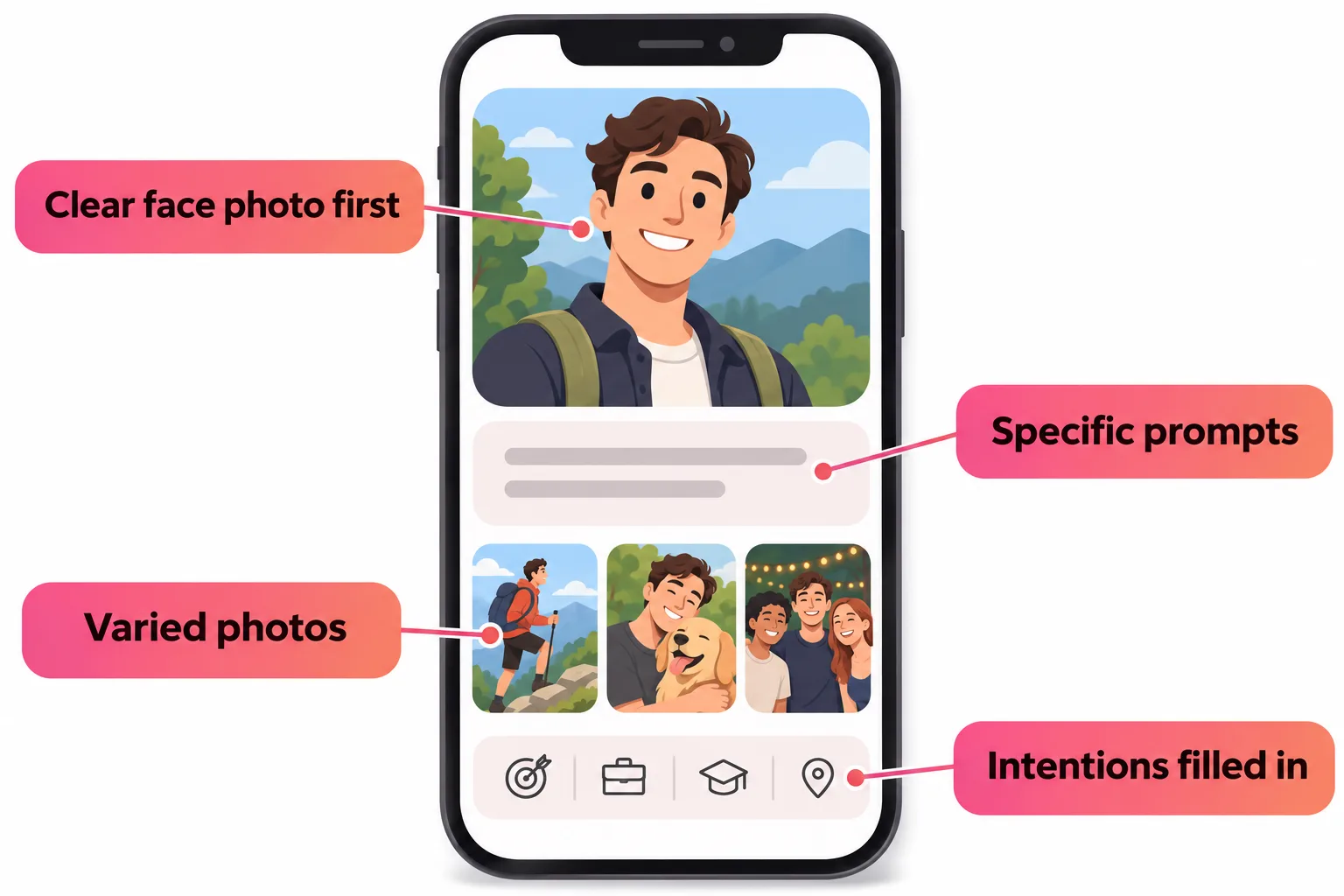
Hinge profile tips for photos
Hinge has shared which photos tend to get more likes and fewer, based on its own research:
| Tend to get more likes | Tend to get fewer likes |
|---|---|
| Photos that show your interests | Selfies, especially bathroom and mirror selfies |
| Candid photos | Posed photos |
| Sports and beach photos | Black-and-white photos |
| Smiles | Photos with filters |
| Photos with friends or pets | Sunglasses |
| Photos with a possible partner |
Turn on Top Photo if you can't decide what to lead with. Hinge's machine learning tests your photos and puts the one most likely to get a like first. It keeps working even when your profile is paused.
Our Hinge photos guide goes slot by slot through what to use and in what order.
Good Hinge prompts: specific beats clever
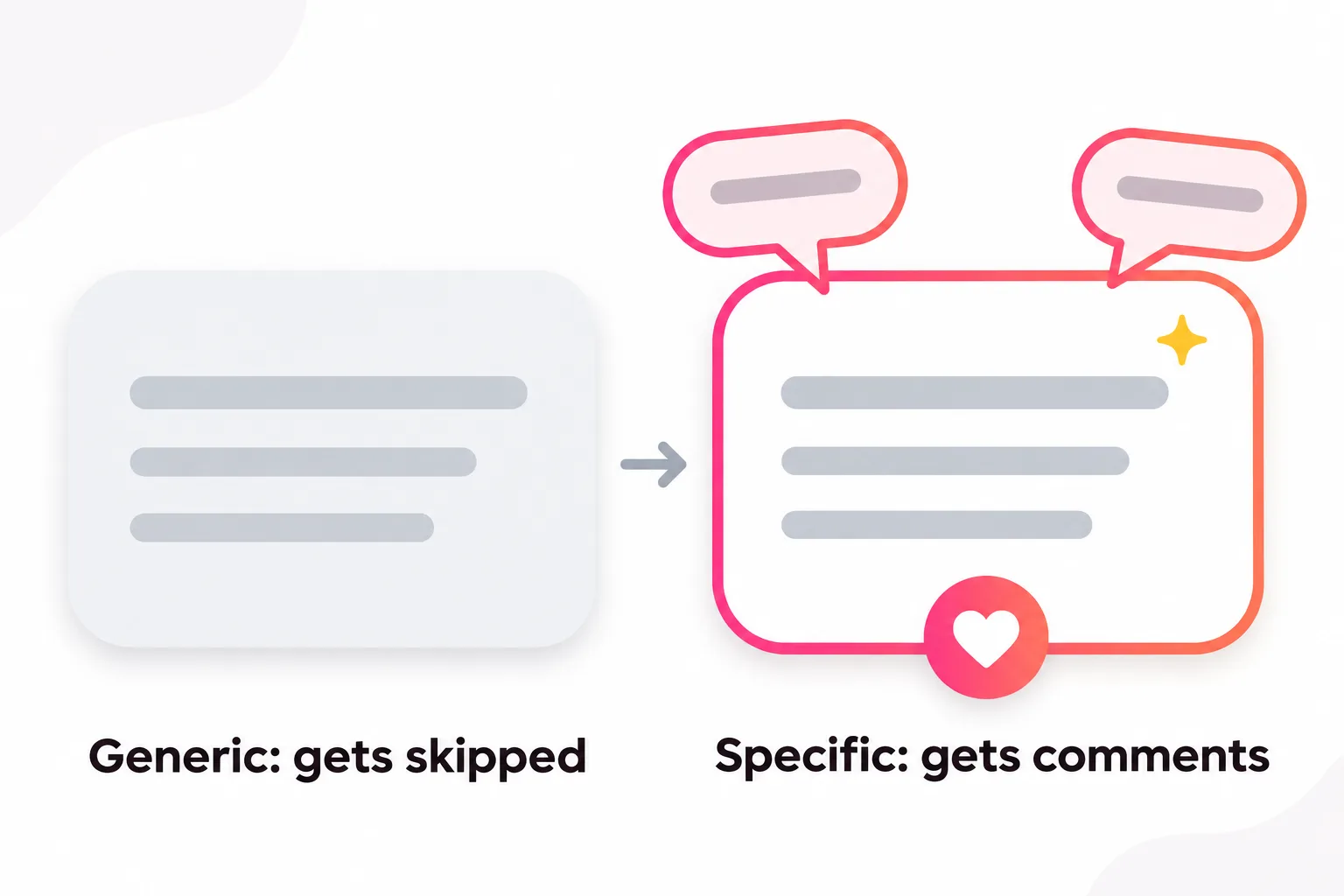
The most common mistake on otherwise good Hinge profiles is a prompt answer made of adjectives. "I love travel, food and good vibes" describes half the people on the app and gives nobody anything to ask.
Compare these:
| Prompt | Weak answer | Strong answer |
|---|---|---|
| Typical Sunday | Brunch and chilling | Farmers market by 9, then a nap I will defend to the death |
| I geek out on | Movies | Ranking every Pixar film. Ask me where Cars 2 lands |
| Together, we could | Go on adventures | Find the city's best dumplings, one neighborhood per weekend |
| My simple pleasures | Coffee and sunsets | The first sip of a cold brew on a hot walk to work |
| I'm looking for | Someone genuine | Someone who'd rather cook together than go out every night |
Each strong answer has a detail someone can comment on ("Where does Cars 2 land?") and says something about how you'd spend time together. Hinge's Prompt Feedback tool will rate up to three of your answers once your profile is complete, as "Great Answer", "Try a Small Change" or "Go a Little Deeper". Take its advice seriously.
For a full list of prompts and dozens of example answers, see Hinge prompts, or for men specifically, best Hinge prompts for guys.
Best Hinge profile extras worth using
Hinge has added several optional features. These are the ones that help a profile, in our view:
- Match Note. Up to 255 characters shown to matches before they can start chatting, for something important like "I have a 4-year-old" or "I don't drink". It filters out mismatches early.
- Friend's Take (if you have access). Friends answer prompts about you, like "A moment I still laugh about", and you choose whether to add their take to your profile. A good one does what bragging can't.
- A prompt poll or voice prompt. Optional, but a poll gives people three easy options to like.
- Selfie Verification. It shows you look like your photos, and it's a baseline requirement for Hinge's new Signals badge, which marks daters who read profiles before liking, add comments and follow through on matches. You can't buy that badge; it's based on your activity over the last 30 days.
Hinge profile optimization: the order matters
Hinge interleaves photos and prompts as people scroll. A few small ordering choices make a real difference:
- Put your strongest prompt right after your first photo. That's where most people decide whether to keep scrolling.
- Save the group photo for slot 3 or later, so nobody has to guess which one is you.
- Don't stack two similar photos. Two beach shots in a row read as filler.
- End on something warm, like a candid laugh or a photo with your dog.
Then check your work: tap your photo icon, the pencil, then View to see your profile exactly as other members do. A screenshot of that view sent to an honest friend is the cheapest profile review there is (and yes, you can always screenshot your own profile; see does Hinge notify screenshots).
Does Hinge stop showing your profile?
People often ask this when likes dry up. Hinge stops showing you to new people in a few specific situations:
| Situation | What happens |
|---|---|
| You paused your profile | You aren't shown to new people until you unpause |
| A photo or prompt was removed | You may not appear in Discover or Standouts until you replace it |
| You hit Your Turn Limits | You can't send or receive new likes until you reply or end a chat |
| You were banned | Your account can't be used |
Outside of those, Hinge keeps recommending you to people who fit your preferences while you fit theirs. If your likes have dropped off without any of these, our guides to getting no likes on Hinge and the Hinge shadowban go through the likely causes.
How to hide your Hinge profile
To step back without deleting anything, use Pause: photo icon, gear icon, Pause toggle on. You'll keep your matches and chats, and likes you already sent still arrive. Pausing doesn't pause a Hinge+ or HingeX subscription, so cancel that separately if you're taking a long break.
Does HingeX boost your profile?
A little, and all the time. HingeX includes Get Seen by More Daters, which Hinge describes as "a light but always-on version" of Boost that keeps you higher in other people's Discover feeds while you're subscribed. A one-off Boost lasts an hour and may rank you higher during that hour. Neither overrides anyone's preferences, and neither fixes a weak first photo. More on that in is HingeX worth it.



No good photos of yourself?
Turn a selfie into realistic dating photos: travel, dinner, outdoors and more. One selfie is enough. From $29, one-time.
Good Hinge profile checklist
- First photo: just you, smiling, face clearly visible, no sunglasses
- Four to six photos in different settings, all from roughly this year
- Three prompts, each with one specific detail someone could ask about
- Dating intentions and key basics filled in honestly
- Top Photo on, or a first photo you've tested with friends
- Prompt Feedback says "Great Answer" (or you've fixed what it flagged)
- Previewed with View, and a friend agrees it sounds like you
Want to see the whole pattern in action? Our Hinge profile examples show five complete, annotated sample profiles. And if you're missing a slot, like a full-body or hobby photo, DatingProfile's HyperReal™ method makes natural photos from one selfie. They keep your real face, and they should look like you do now: Hinge's rules don't allow misleading or AI-made content meant to deceive.
Frequently asked questions
What makes a good Hinge profile?
A clear, smiling face photo first, four to six varied recent photos, three prompt answers with specific details, and honest basics like dating intentions. Every photo and prompt can get its own like or comment, so each one should give someone something to react to.
What are the best Hinge profile tips?
Lead with a solo smiling photo, mix in a full-body shot, a hobby and friends or a pet, answer prompts with specifics rather than adjectives, turn on Top Photo, and check what Prompt Feedback says about your answers. Then preview your profile with View to see it as others do.
Does Hinge stop showing your profile?
Hinge stops showing you to new people if you pause, if a photo or prompt was removed until you replace it, if you hit Your Turn Limits, or if you were banned. Otherwise your profile keeps being shown, though fewer new people may see it over time if few people near you fit your preferences.
How do I hide my Hinge profile?
Use Pause. Tap your photo icon, the gear icon, then toggle Pause on. You won't be shown to new people but can keep chatting with matches. Pausing doesn't pause a subscription.
Does HingeX boost your profile?
Yes, lightly. HingeX includes Get Seen by More Daters, which Hinge describes as a light but always-on version of Boost that keeps you higher in Discover while you're subscribed. It doesn't override anyone's preferences.
Can you screenshot a Hinge profile?
In some regions Hinge blocks screenshots of other people's profiles; elsewhere it works. Nobody is ever notified either way, and you can always screenshot your own profile to ask a friend for feedback.
Sources
- Hinge Help Center: How do I edit my profile?
- Hinge Help Center: Why Aren't I Getting Any Matches?
- Hinge Help Center: What is Top Photo?
- Hinge Help Center: How Prompt Feedback Works
- Hinge Help Center: What is Match Note?
- Hinge Help Center: What is Signals?
- Hinge Help Center: Community Guidelines
- Hinge Help Center: Pausing
- Hinge Help Center: Subscriber Experience
- Hinge Help Center: What Happens When Content is Removed From My Profile?
Written and reviewed by
Dating profile editor at DatingProfile
Mark writes and reviews DatingProfile’s guides to dating profiles: the photos, bios and prompts that work on Tinder, Hinge and Bumble, and how each app actually behaves.
@mark_x_997