Hinge
How to Get More Likes on Hinge: 10 Changes That Actually Help
 By MarkUpdated November 20266 min read


Short answer
To get more likes on Hinge, lead with a clear, smiling solo photo, answer your prompts with specific details people can comment on, make a few preferences flexible so more people see you, and keep replying to matches so Your Turn Limits never pauses your likes. Paid options like Boost and HingeX add visibility, but they work best once the profile itself is converting.
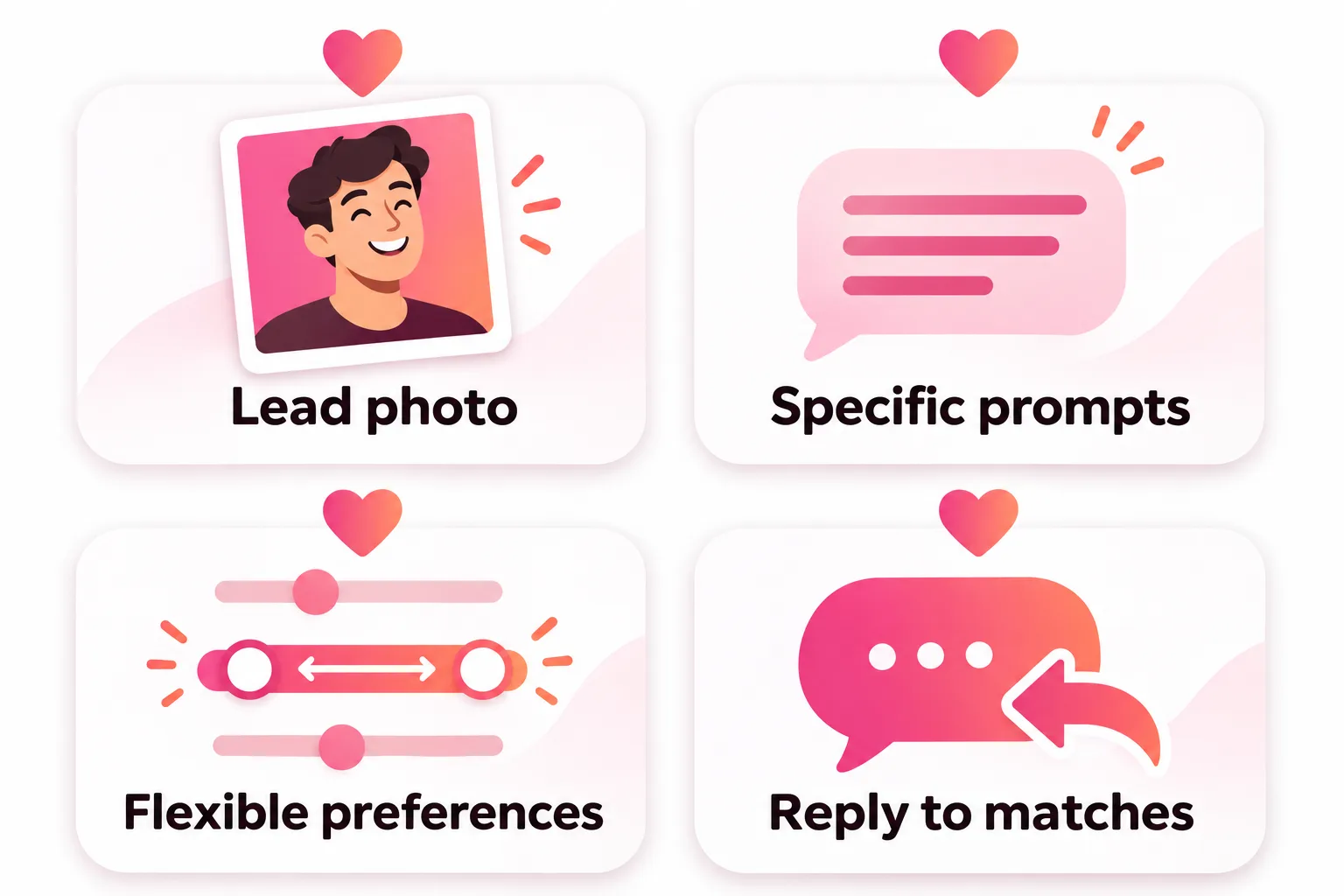
How do you get more likes on Hinge? Lead with a clear, smiling photo of just you, answer your prompts with specific details people can comment on, make a few preferences flexible so more people see you, and keep up with your matches so Hinge never pauses your likes. Those four changes are free, and they do more than any paid feature.
That matches Hinge's own advice. When asked what to do about few likes, its help center says to loosen your preferences, update your profile with a new photo or prompt, and stay active. Here's how to do each one well, plus what paying actually adds.
If you're getting zero likes and aren't sure why, start with our diagnosis guide, Hinge no likes. This page assumes you're visible and want more.
How to get more likes on Hinge: the 10 changes
1. Lead with a photo people want to like
Your first photo is what people see in Discover and what appears next to every like you send. It should be just you, smiling, face clearly visible, no sunglasses, taken recently. Hinge's rules require at least one photo that clearly shows your face anyway.
Not sure which photo is strongest? Turn on Top Photo (photo icon, pencil, Top Photo toggle). Hinge's machine learning predicts which photo is most likely to get you a like and puts it first.
2. Use the photo types Hinge says get more likes
Hinge has shared what its research found:
- More likes: photos showing your interests, candid photos, sports and beach photos, smiles, photos with friends or pets.
- Fewer likes: selfies (especially bathroom and mirror selfies), posed photos, black-and-white photos, filters, sunglasses, photos with a possible partner.
Aim for four to six photos, each in a different setting. Our Hinge photos guide goes slot by slot.
3. Write prompts that invite a comment
On Hinge people like a specific prompt, often with a comment. "I'm a foodie who loves to travel" gives them nothing to say. "I will drive 40 minutes for a good bagel and I have a ranking" practically writes their comment for them.
A good test: could a stranger ask you a question about this answer? If not, rewrite it. Hinge's Prompt Feedback tool rates up to three answers once your profile is complete, and anything marked "Go a Little Deeper" is worth changing first. Need ideas? Hinge prompts has 40 example answers, and our free tool below suggests answers based on your interests.
4. Make a few preferences flexible
Hinge only shows you to people whose preferences you fit, and vice versa. Every strict filter shrinks the number of people who can like you. Under any preference except gender, tick "Show profiles outside of this preference". Hinge says this gives you more profiles to see, "and more people will see you too."
Good candidates to loosen: age range by a few years, distance, and any dealbreaker you'd actually be fine bending.
5. Reply to your matches (or Hinge pauses your likes)
This one surprises people. Under Your Turn Limits, if too many matches are waiting for your reply, Hinge stops you from sending and receiving new likes until you reply or end a chat. A progress bar above your Matches warns you first. It applies to subscribers too. If your likes dried up suddenly, check this before anything else.
6. Stay active, but like with intent
Hinge says "sending likes increases your chances of getting noticed." It also says its algorithm learns from your activity and suggests liking people you'd genuinely match with "rather than liking a greater quantity of profiles." The takeaway: open the app regularly, read profiles fully, and send fewer, better likes rather than liking everyone.
7. Add a comment to every like you send
Strictly, this gets you more matches rather than more incoming likes, but it's the fastest lever you control. Hinge says comments make a reply more likely, and its research, cited on the Convo Starters help page, found that 72% of daters are more likely to consider a potential match when a like includes a message. See how to start a conversation on Hinge for comment ideas.
8. Fill in everything and get verified
Complete your dating intentions and basics, and do Selfie Verification. A complete, verified profile is also a baseline requirement for Hinge's Signals badge, which marks daters who read profiles before liking, comment, respond to likes and follow through on matches. You can't buy it; it's based on your last 30 days of activity.
9. Refresh something every few weeks
Hinge's own tip for few likes is to update your profile, because a new photo or prompt answer "can help you stand out." Swapping your second photo or one prompt every few weeks gives people who skipped you before a different first impression. Deleting and remaking your account is not a refresh; you lose your likes, matches and messages for good.
10. Pay for visibility only when the profile is ready
- Boost: more visible for one hour; a Superboost lasts 24 hours. Likes that come from it show a small lightning bolt, so you can see what it did.
- HingeX: includes an always-on light boost called Get Seen by More Daters.
More views help only if the profile converts them. Do steps 1 to 9 first.
How to get more likes on Hinge without paying
Nearly everything above is free:
- A clear, smiling first photo (and Top Photo turned on)
- Four to six varied photos that show your interests
- Three specific prompts, checked with Prompt Feedback
- Flexible preferences on age, distance and soft dealbreakers
- Replies to waiting matches so Your Turn Limits never kicks in
- Selfie Verification and a complete profile
- A photo or prompt refresh every few weeks
When do you get more likes on Hinge?
People search this meaning two different things.
More likes to send. Free Hinge accounts get about 8 likes a day; Hinge only says "a select number." They're reported to refresh once a day, around 4 a.m. local time, and unused likes don't roll over. Hinge+ and HingeX subscribers can send unlimited likes. Our guides to how many likes per day on Hinge and when Hinge likes reset cover the details. Your weekly free rose is separate and works even when your likes are used up; see Hinge roses.
More likes received. There's no schedule. Likes arrive as people see your profile, which happens when you're active, visible and fit their preferences. A new profile can take a little while: Hinge says its algorithm is "always learning" about new users.



No good photos of yourself?
Turn a selfie into realistic dating photos: travel, dinner, outdoors and more. One selfie is enough. From $29, one-time.
What doesn't get you more likes on Hinge
- Liking everyone. Hinge says it rewards quality likes over quantity.
- Remaking your account. You lose likes, matches and messages, and if you were banned, you can't make a new one at all.
- Autoswipers or bots. Hinge says using automation tools can get you banned.
- Photos that don't look like you now. Hinge's guidelines don't allow misleading or outdated photos. If you need better photos, they have to be you, as you look today.
If your camera roll is the problem, DatingProfile's HyperReal™ method makes natural-looking photos from one selfie that keep your real face, so you can fill a missing hobby or full-body slot. For everything else, our guide to good Hinge profiles shows the full pattern.
Frequently asked questions
How do I get more likes on Hinge?
Lead with a clear, smiling photo of just you, use varied photos that show your interests, write prompts with specific details, make a few preferences flexible and stay active by sending thoughtful likes and replying to matches. Hinge's own advice covers the same ground.
How do I get more likes on Hinge without paying?
Everything that matters most is free: your first photo, Top Photo, your prompts and Prompt Feedback, flexible preferences, Selfie Verification and replying to matches. Paid Boosts and HingeX only add visibility, which doesn't help much if the profile isn't working yet.
When do you get more likes on Hinge?
If you mean likes to send, free likes reset once a day, reportedly around 4 a.m. local time, and Hinge+ and HingeX remove the daily limit. If you mean likes received, there's no schedule; they come as people see your profile, so being visible and active is what counts.
How often do you get more free likes on Hinge?
Once a day. Free accounts get about 8 likes a day (Hinge only says a select number), they're reported to refresh around 4 a.m. local time, and unused likes don't roll over.
Does a Boost get you more likes on Hinge?
It gets you more views for one hour (24 hours for a Superboost), and likes that come from it show a small lightning bolt. Whether those views turn into likes depends on your first photo and prompts.
Does sending more likes get you more likes on Hinge?
Being active helps, but Hinge says its algorithm learns from your activity and recommends liking people you'd genuinely match with rather than liking more people. Thoughtful likes with comments beat volume.
Sources
- Hinge Help Center: Why Aren't I Getting Any Matches?
- Hinge Help Center: Subscriber Experience (What if I'm not getting any likes?)
- Hinge Help Center: What is Top Photo?
- Hinge Help Center: How Prompt Feedback Works
- Hinge Help Center: How do I change my Preferences?
- Hinge Help Center: What is Your Turn Limits?
- Hinge Help Center: What is Signals?
- Hinge Help Center: What is Boost?
- Hinge Help Center: Subscription and Purchase Benefits
- Hinge Help Center: What are Convo Starters?
Written and reviewed by
Dating profile editor at DatingProfile
Mark writes and reviews DatingProfile’s guides to dating profiles: the photos, bios and prompts that work on Tinder, Hinge and Bumble, and how each app actually behaves.
@mark_x_997