Dating profile photos
Tinder Photo Size: The Best Dimensions and Ratio
Tinder doesn't publish an official photo size or aspect ratio. Upload the original, full-resolution photo from your phone, ideally a vertical portrait shot, and keep your face in the middle so the app's crop doesn't cut it off.
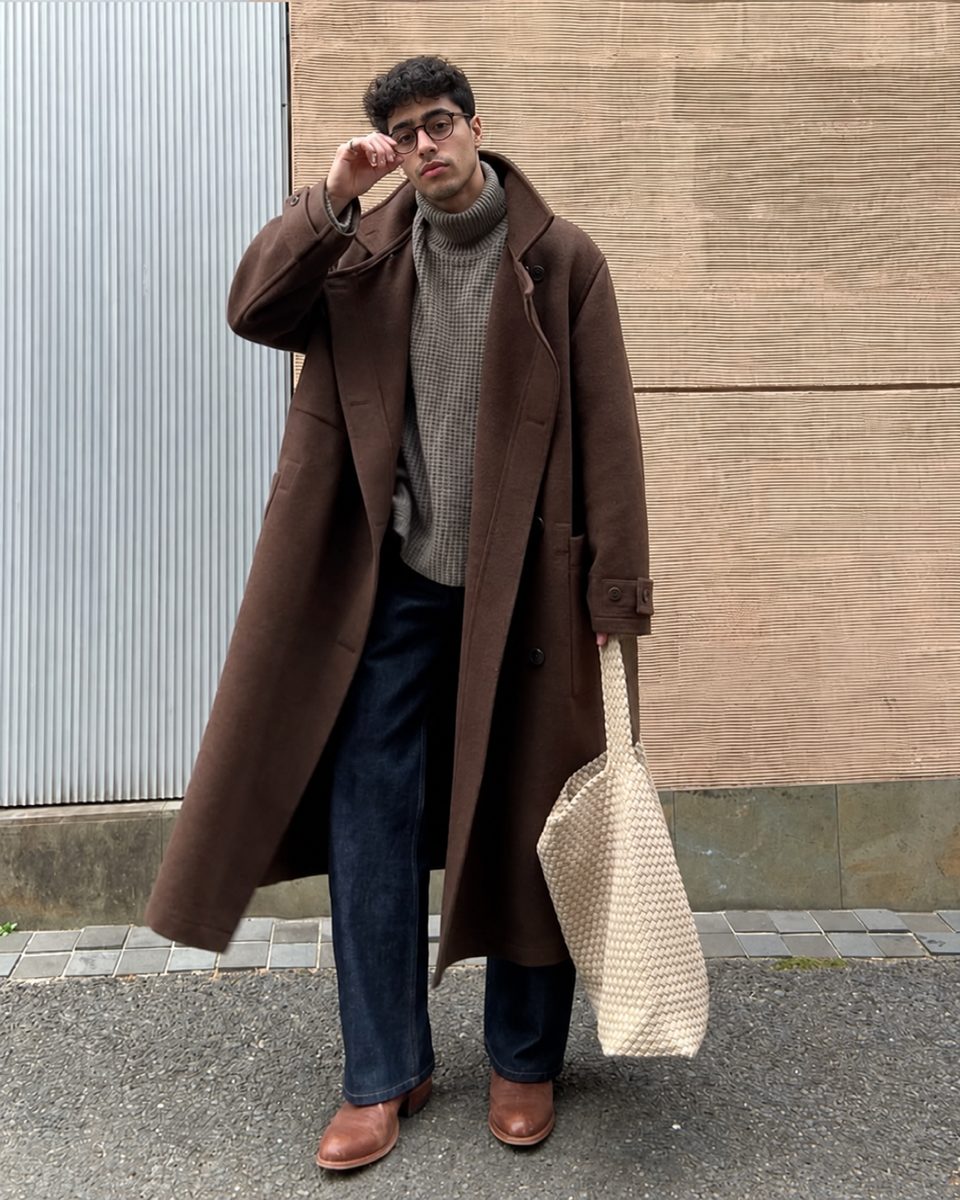
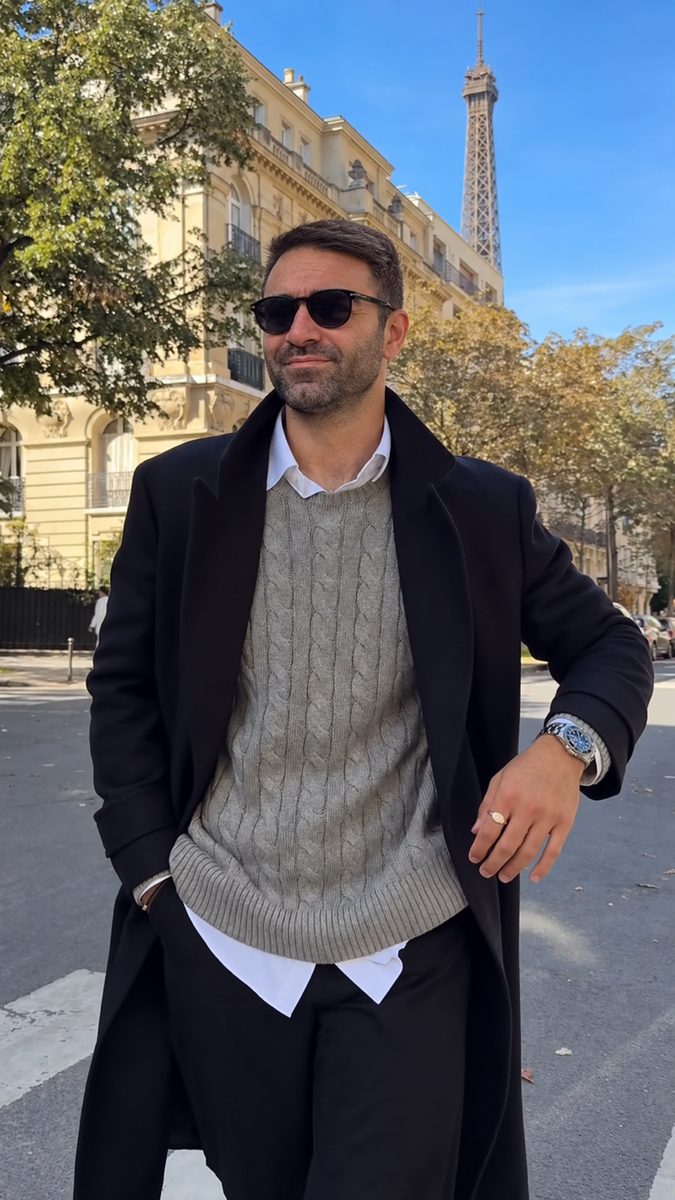
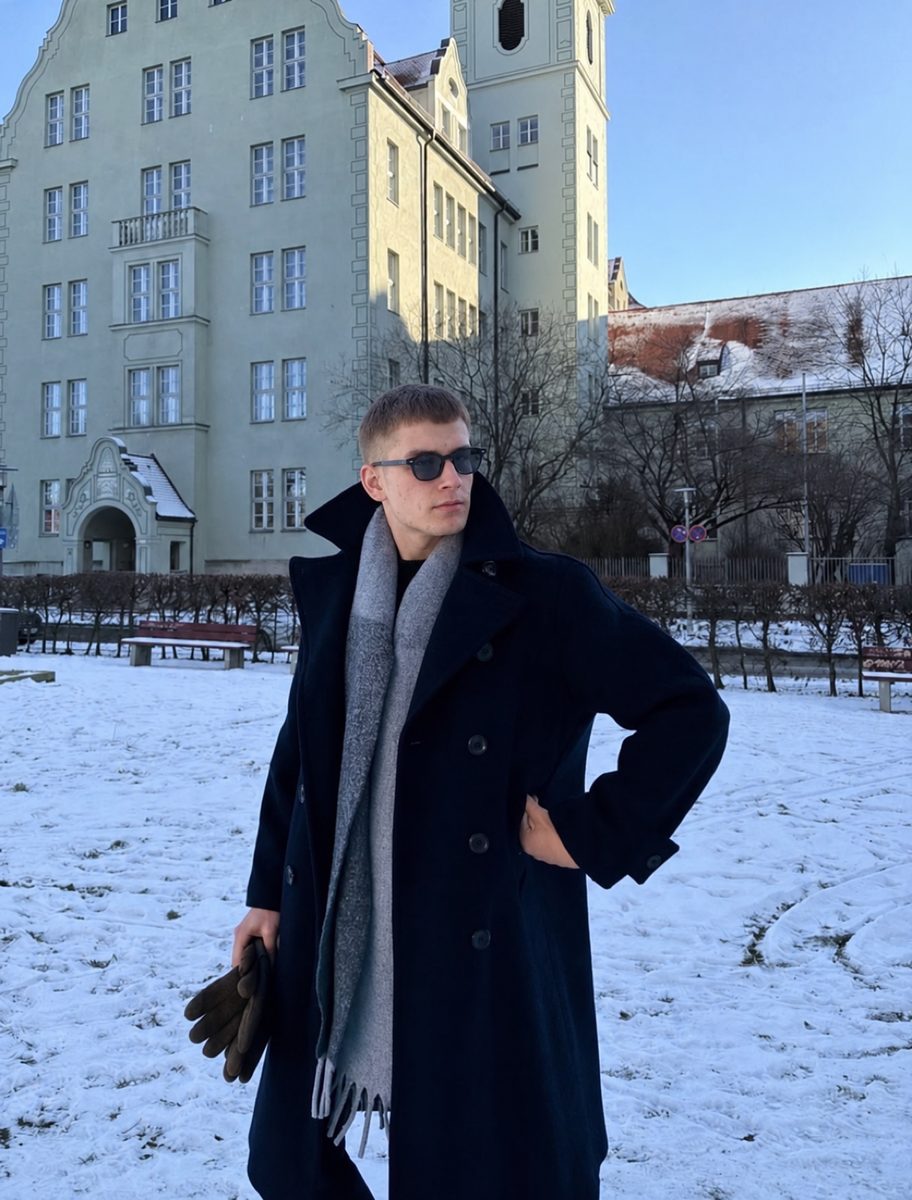
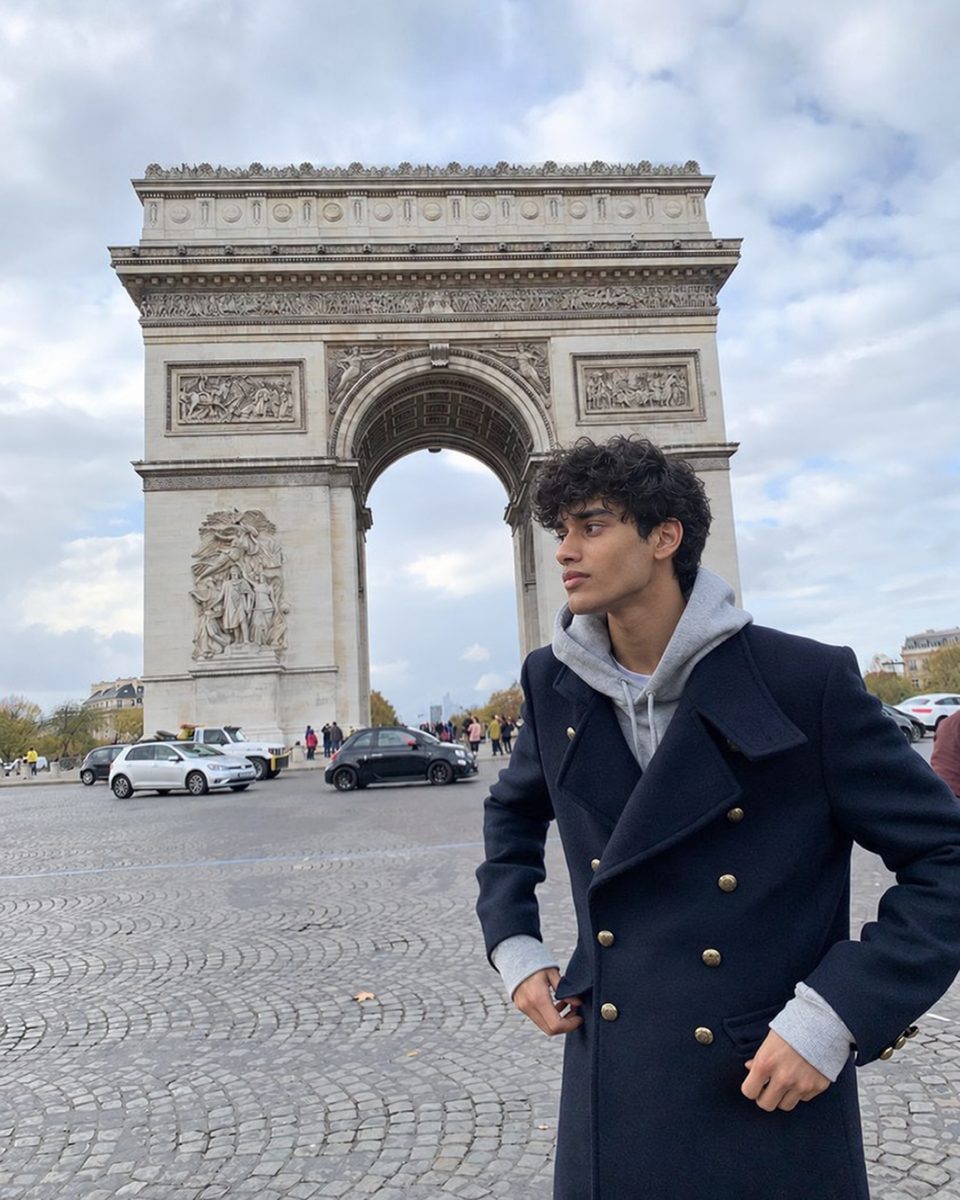
 Made with DatingProfile
There is no official Tinder photo size. Tinder's help center doesn't list required pixel dimensions, a ratio or a file size limit for profile photos (as of November 2026). What matters in practice is that you upload a sharp, full-size original in portrait orientation, with your face where the crop won't touch it.
Tinder photo size: what's official and what isn't
| Question | Answer |
|---|---|
| Official pixel size | Not published by Tinder |
| Official aspect ratio | Not published; photos appear as tall cards |
| Measured in the past | Photofeeler (2018): square crop of 640 x 640 px and a card of about 600 x 848 px on an iPhone 6, roughly 0.7:1 |
| File size limit | Not published |
| Face requirement | In many regions you need at least one clear face photo, or your profile is hidden |
| What to upload | The original photo from your camera roll, in portrait orientation |
The 2018 numbers are useful history, not a spec. They came from one device, and Tinder's editor has been redesigned several times since. Many guides still repeat "640 x 640"; uploading something that small today would look soft on a modern phone screen.
The best Tinder image size to upload
Upload the biggest version you have. A current phone photo is around 3000 to 4000 pixels on the long side, which gives Tinder plenty to resize from. Problems come from photos that are too small, not too large.
A sensible floor is 1080 pixels on the short side. Below that, the app has to stretch the photo to fill a modern screen, and it starts to look soft. Common ways photos end up too small:
- Saved from Instagram, WhatsApp or Messenger, which shrink photos when sending
- Screenshots of a photo instead of the photo itself
- Cropped from a group photo where you were a small part of it
- Downloaded thumbnails from social media
If a photo looks blurry after upload, size is often the reason. Tinder blurry photos goes through every cause.

Tinder photos size and ratio: portrait wins
Tinder's swiping card is taller than it is wide, close to the shape of a phone photo held upright. That makes the ratio choice simple:
- Portrait (3:4 or 4:5): the best fit. The app trims a little from the top or bottom, if anything.
- Square (1:1): works, but the card crops the sides to fill the height, so leave space around you.
- Landscape (16:9 or 4:3): the worst fit. The app zooms in to fill the card, cutting off the sides and enlarging you, which exposes softness.
Shoot new photos upright. For an existing horizontal photo you love, crop it to portrait yourself in your phone's editor first, so you decide what's cut instead of the app.
Where to put your face in the frame
The card has overlays: your name, age and info sit across the bottom of the photo. Keep anything important out of the bottom quarter.
- Face in the upper middle of the frame, not at the very top edge.
- Some space above your head so the crop doesn't slice your hair.
- Nothing important at the bottom, where the profile text overlays the photo.
- Full-body photos with margin at the feet and head, since a tight full-body photo gets cut at the ankles.
After you add a photo, preview your profile (from Edit Info) to see how it actually crops on the card, and swap or re-crop any photo where your face is cut off or covered by text.
Quality matters more than pixels
A huge photo can still look bad. The biggest wins come from light and focus, not dimensions:
- Daylight or open shade instead of dim indoor light
- Focus on your face (tap on it before you shoot)
- The rear camera instead of the selfie camera when you can
- No heavy filters, which smear skin texture and can stop your photos matching your face in Photo Verification
Tinder is also testing Photo Enhance in select markets, which can fix blurry images and poor brightness and checks that the result still looks like you. For which photos to choose in the first place, see what pictures to put on Tinder.
Photos already in the right shape
DatingProfile photos are portrait-shaped, like the examples at the top of this page, so they sit on Tinder's tall card with little trimming. The HyperReal™ method works from one selfie (up to 4 if you want the likeness even closer); you pick styles like a city street, a winter coat or a trip and get 4 shots of each. As with any upload, preview the crop, keep the photos that look like you do now, and follow Tinder's rules on honest photos. Packs are a single payment, $29 for up to 30 photos or $49 for up to 140, and include a 14-day guarantee.
Pricing
Packs and prices
Two one-time packs. Pay once: no subscription, nothing to cancel. Both are covered by the refund policy.
The Fix Pack
A quick upgrade for your profile.
$29one-time
Up to 30 photos · $0.97 per photo
Choose Fix- HyperReal™ photos in any of 62 styles
- Ready in about a minute
- Works with app photo verification
- 14-day satisfaction guarantee
The Pro Pack
The sweet spot for a full glow-up.
$49one-time
Up to 140 photos · $0.35 per photo
Choose Pro- HyperReal™ photos in any of 62 styles
- Enough for about 35 styles, 4 shots each
- Lowest price per photo
- Ready in about a minute
- Works with app photo verification
- 14-day satisfaction guarantee
DatingProfile vs a dating photographer
| Factor | DatingProfile |  Photographer |
|---|---|---|
| Cost | From $29 | $300–$500 per shoot |
| Turnaround | Under a minute per photo | Days to weeks |
| Scenes & outfits | 62 styles, 4 different shots each | Whatever fits in one shoot |
| Want more? | Buy another pack anytime | Book and pay again |
| Looks like you | Yes, made from your selfies | Yes |
Privacy: Your selfies and generated photos are never used to train AI models and are never shared or sold. Only you can see them, and you can delete them from your dashboard at any time.
Frequently asked questions
What is the Tinder photo size?
Tinder doesn't publish one. Upload the original photo from your camera, which on a modern phone is far larger than Tinder needs, and let the app resize it. As a floor, many guides suggest at least 1080 pixels on the short side; that's a practical rule, not a Tinder requirement.
What aspect ratio does Tinder use?
Tinder shows photos as tall cards, taller than they are wide. Photofeeler measured a square crop and a card shown at about 0.7 to 1 in 2018, but the app has changed since and Tinder doesn't state a ratio.
Should I upload vertical or horizontal photos to Tinder?
Vertical. A portrait photo already matches the tall card, so the app crops off very little. A horizontal photo gets cropped hard at the sides and zoomed in, which loses detail and can cut people or scenery in half.
Is there a file size limit for Tinder photos?
Tinder doesn't publish one. Normal phone photos upload fine. If a photo won't upload, try a different photo or export it as a JPEG rather than an unusual format.
Why does Tinder crop my photos?
Every photo has to fit the same card shape. If your photo is a different shape, Tinder trims the edges. Crop the photo yourself before uploading so your face sits in the upper middle, then preview your profile to check it.
Sources
Keep reading
More photo guides
- Tinder PicturesLead with a clear, smiling solo face photo, then add full body, a hobby, a social shot and a place.See the guide
- Dating Profile PicturesFour to six recent, well-lit photos: a clear face shot, full body, two or three real activities, nothing filtered.See the guide
- Dating App PhotosOne set of four to six clear, varied photos works on Tinder, Hinge and Bumble; only the counts and tools differ.See the guide
- Hinge PhotosHinge needs four to six photos; make each one easy to comment on, starting with a clear, smiling solo shot.See the guide
- AI Selfie GeneratorIt turns one selfie into new photos of you; pick one that keeps your face consistent and never trains on your photos.See the guide
- Tinder Dog PicsPut your own dog in photo two or three, with your face clearly visible, never as your lead photo.See the guide
Better photos, more matches
Turn one selfie into dating profile pictures
Hyperrealistic photos of you for Tinder, Hinge and Bumble, about a minute per photo. From $29, one-time.
Create my photos

