
Tinder
How to Disable Tinder: Hide Your Profile, Pause or Delete
 By MarkUpdated November 20265 min read


Short answer
To disable Tinder without deleting your account, tap the profile icon, go to Settings and turn off Enable Discovery; your profile stops being shown to new people, and you can still chat with your matches. If you want to leave for good instead, Settings has a Delete Account option at the bottom, and neither option cancels a subscription on its own.
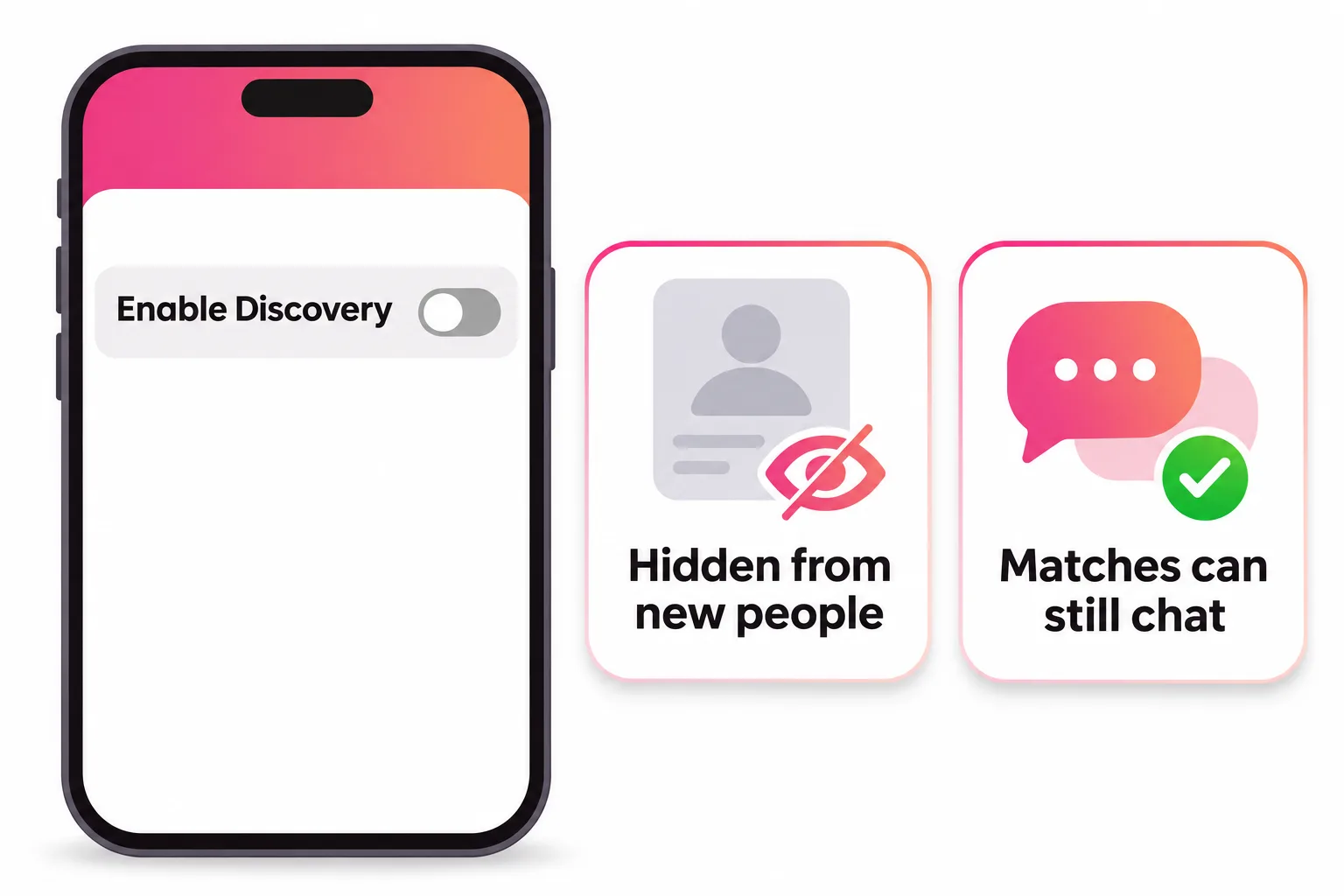
How do you disable Tinder? Tap the profile icon, go to Settings, scroll to Enable Discovery and turn the toggle off. That hides your profile from new people without deleting anything: your matches and chats stay, and you can switch it back on whenever you like. Tinder has no separate "deactivate" button, so turning off Discovery is the official way to take a break.
If you want to leave for good, deleting your account is a different step with permanent results. This guide covers both, plus the smaller switches (notifications, activity status, Incognito) and the one thing people forget: your subscription keeps billing either way.
How to disable Tinder temporarily (turn off Discovery)
Tinder's help center calls this hiding your profile. It works in the app and on tinder.com:
- Open Tinder or sign in at tinder.com.
- Tap the profile icon.
- Go to Settings.
- Scroll to Enable Discovery.
- Turn the toggle off.
To come back, follow the same steps and turn it on again. Nothing is lost in between.
What happens when Discovery is off
According to Tinder, with Discovery off:
- Your profile won't be shown as a recommendation to new people.
- You can't view recommendations or like anyone new yourself.
- You can still view and chat with your existing matches.
- People you liked before turning it off may still see your profile and match with you. So a match can still turn up while you're "off". That's expected, not a bug.
Disable Tinder vs delete Tinder vs uninstall
These three get mixed up all the time, and they do very different things.
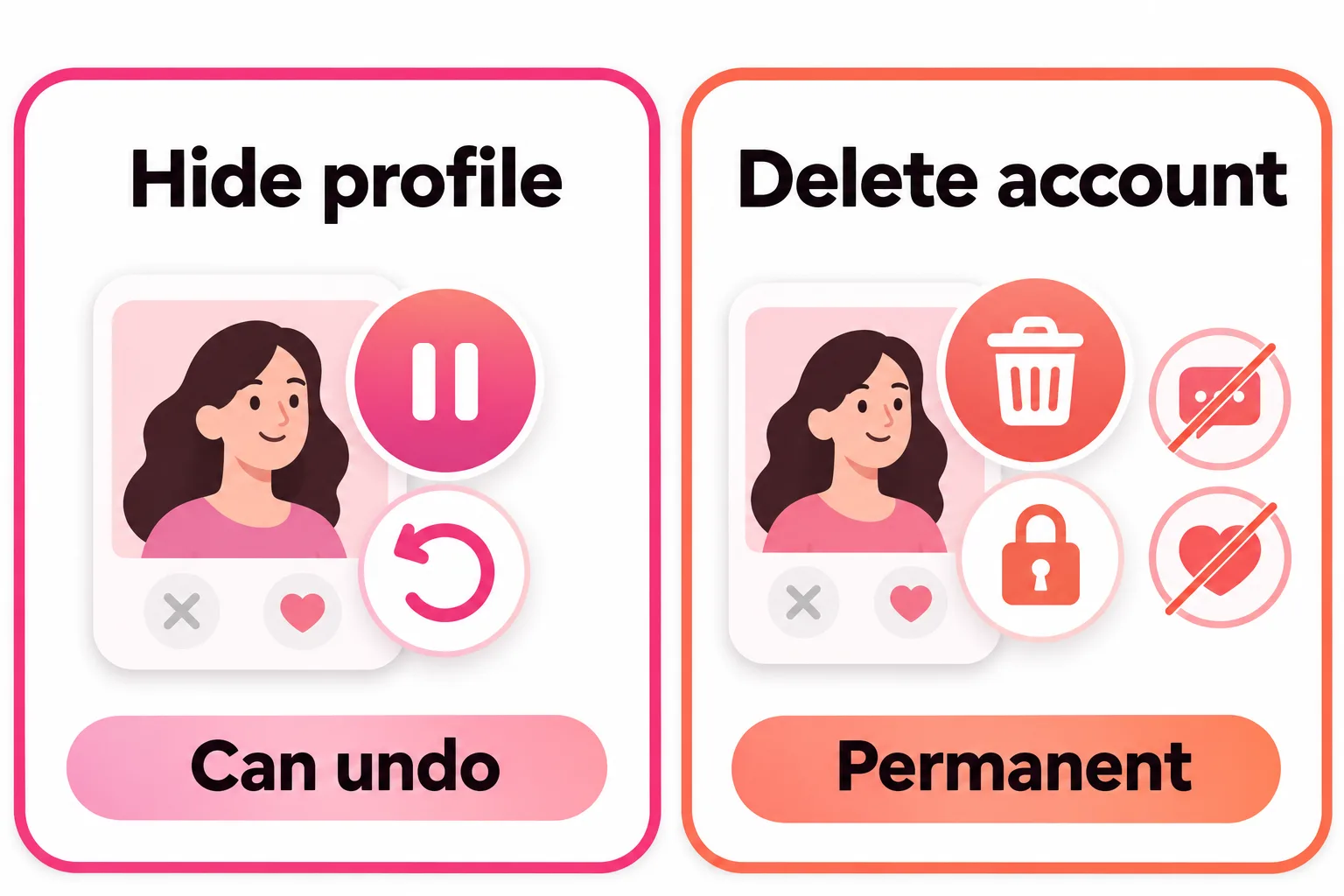
| Turn off Discovery | Delete account | Uninstall the app | |
|---|---|---|---|
| New people see you | No | No | Tinder doesn't say it stops this |
| Matches and messages | Kept | Deleted for good | Kept |
| Can you undo it? | Yes, any time | No (some basics restorable within 90 days) | Yes, reinstall |
| Cancels subscription | No | No | No |
The last column is the trap. Tinder says plainly that removing or uninstalling the app does not delete your account. If you uninstall without turning off Discovery, your profile isn't removed, so it's safest to hide it first.
Other ways to go quiet on Tinder
If you're staying on the app but want less of it, these settings help.
Turn off Tinder notifications
Tap the profile icon, go to Settings, then Notifications. You can manage both email and push notifications there. You can also turn Tinder's notifications off in your phone's settings (iPhone: Settings, Notifications, Tinder; Android: Settings, Notifications, Tinder).
Hide your activity status
Tinder shows two activity signals, and you can switch off both:
- Recently Active puts a green dot by your name if you've been online in the last 24 hours. Turn it off under Settings, Recently Active Status, then Show Activity Status.
- Online Now shows on your profile if you've been active in the last two hours. Turn it off under Settings, Active Status, then Online Now.
Go Incognito (paid)
Tinder lists "Go incognito, hide your profile at anytime" as a Tinder Plus feature, and Gold and Platinum include everything in Plus. It's for people who want to keep swiping while controlling who can see them, which is different from switching Discovery off and stepping away. If you're thinking of paying for it, our guide to the Tinder Plus subscription covers what else is included.
How to delete Tinder permanently
If a break isn't what you want, delete the account. There are two ways.
From Tinder's Settings:
- Sign in to the app or tinder.com.
- Tap the profile icon and go to Settings.
- Scroll to the bottom and tap Delete Account.
From Tinder's Manage My Account tool (useful if the app won't open): visit the tool on the web, sign in with your Tinder login, tap Delete Account and confirm.
Before you tap it, know what Tinder says happens:
- Matches, messages and photos are deleted, and they can't be restored even if you come back.
- Tinder delays deletion of your profile data for 90 days as a "safety retention window".
- Within those 90 days, signing up again with the same login may restore some basics like your name, age and gender, where the restore feature is available. Tinder says it's still being tested in select markets.
- Once the account is deleted, you can't download your data any more. Request a copy first if you want one.
- Purchased Super Likes and Boosts don't carry over to a new account.
If you're deleting to start over with a cleaner slate, read how to reset Tinder first. A fresh account isn't the reset many people expect.
Don't forget to cancel your subscription
Neither hiding your profile nor deleting your account cancels Tinder Plus, Gold or Platinum. Subscriptions renew automatically until you cancel them where you bought them:
- iPhone (order number starts with MK): Settings, your name, Subscriptions, Tinder, Cancel Subscription.
- Android via Google Play (starts with GPA): Google Play app, profile icon, Payments & Subscriptions, Subscriptions, Cancel subscription.
- tinder.com or card in the Android app (starts with TNDR): profile icon, Manage Payment Account, Cancel Subscription.
Will Tinder delete an inactive account?
Tinder's Community Guidelines say that if you don't log in for two years, it may assume the account isn't being used and delete it. That's a long time for your profile to sit there, so if you're done, delete it yourself rather than waiting.


No good photos of yourself?
Turn a selfie into realistic dating photos: travel, dinner, outdoors and more. One selfie is enough. From $29, one-time.
Coming back after a break
When you switch Discovery back on, you return to the stack with the same profile you left. That makes it a good moment to look at it with fresh eyes. Tinder's own explanation of its matching says it favors people who are active, so the first few days after a break are when a strong profile counts most.
A quick refresh before you turn Discovery back on:
- Replace any photo that's more than a year or two old. Your photos should look like you do now.
- Lead with a clear, well-lit photo of your face.
- Update your bio so it mentions something current.
- Check your age range and distance in Discovery Settings.

For the photo side, our guide to dating app photos shows what works, and what pictures to put on Tinder covers the order to put them in. If your matches thinned out before you left, no matches on Tinder has the full checklist.
Frequently asked questions
How do I disable my Tinder account temporarily?
Turn off Discovery. Tap the profile icon, go to Settings, scroll to Enable Discovery and switch the toggle off. Tinder says your profile won't be shown as a recommendation to new people, and you can still view and chat with your existing matches. Switch it back on whenever you want.
Can people still see me on Tinder if I turn off Discovery?
New people won't. Tinder says people you already liked before turning it off can still see your profile and like you back, so you may get a few new matches even with Discovery off. Your existing matches can still see you and message you.
Does deleting the Tinder app disable my account?
No. Tinder says uninstalling the app doesn't delete your account, and it doesn't cancel a subscription either. To hide your profile, turn off Discovery first; to remove it, use Delete Account in Settings.
Does disabling Tinder cancel my subscription?
No. Hiding your profile and deleting your account both leave your subscription running. Cancel it where you bought it, in Apple's subscription settings, Google Play, or Manage Payment Account on tinder.com.
Will Tinder delete my account if I stop using it?
Possibly, after a long time. Tinder's Community Guidelines say that if you don't log in for two years, Tinder may treat the account as unused and delete it. Don't rely on that if you want your profile gone sooner; delete it yourself.
What's the difference between Discovery off and Incognito?
Discovery off stops you being shown to new people, and you also can't see or like anyone new. Incognito is a paid feature included with Tinder Plus, Gold and Platinum that Tinder describes as hiding your profile at any time; it's meant for people who want to stay active while controlling who sees them.
Sources
- Tinder Help Center: Hide your Tinder profile
- Tinder Help Center: Discovery Settings
- Tinder Help Center: Delete your Tinder account
- Tinder Help Center: Restore your profile
- Tinder Help Center: Cancel your subscription
- Tinder Help Center: Tinder subscriptions
- Tinder Help Center: Managing your notifications
- Tinder Help Center: Recently Active
- Tinder Help Center: Online Now
- Tinder Community Guidelines
Written and reviewed by
Dating profile editor at DatingProfile
Mark writes and reviews DatingProfile’s guides to dating profiles: the photos, bios and prompts that work on Tinder, Hinge and Bumble, and how each app actually behaves.
@mark_x_997


