
Tinder
How to Reset Tinder: Algorithm, Account and App, Explained
 By MarkUpdated November 20266 min read


Short answer
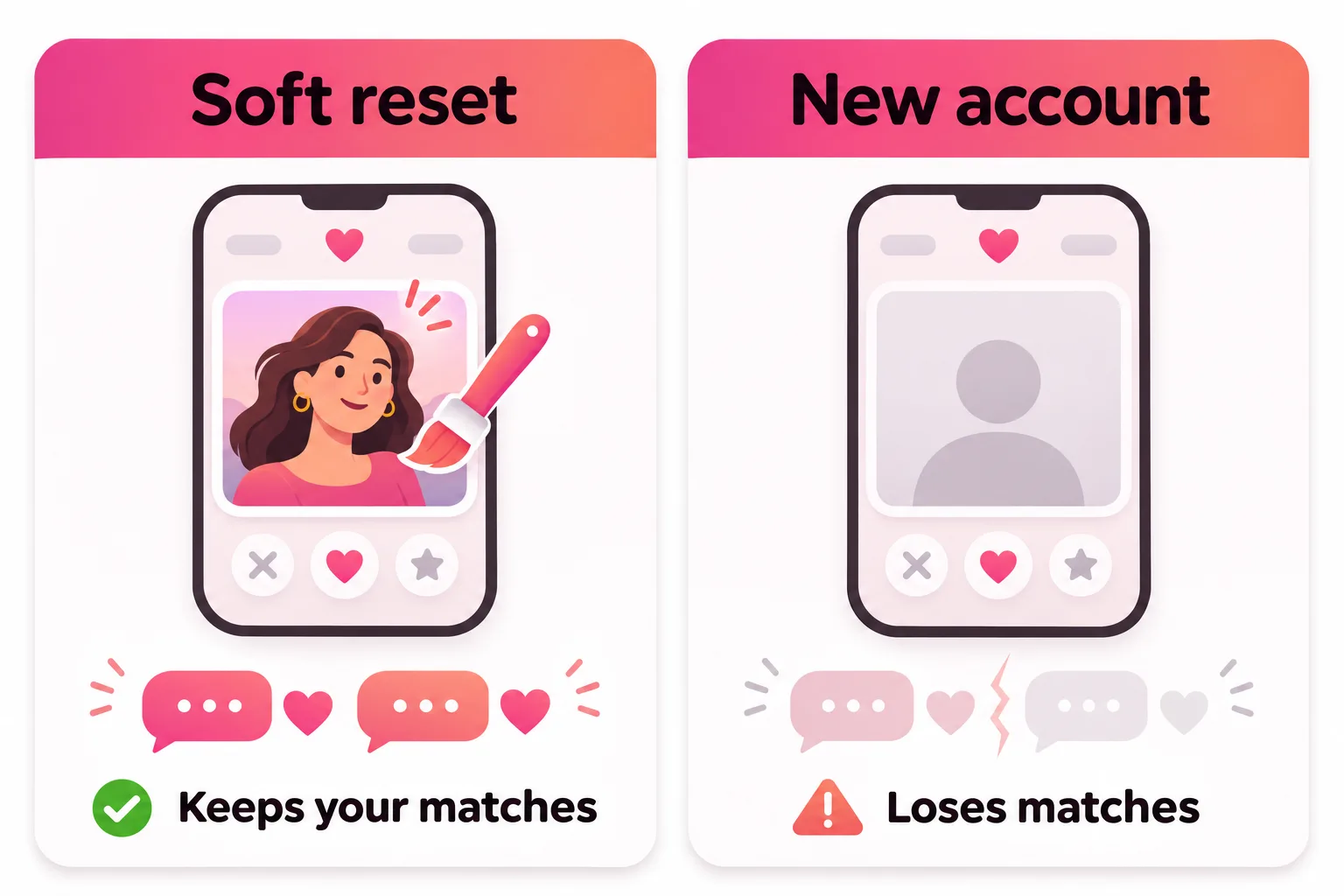
Tinder has no button to reset your account or its algorithm; the only full reset is deleting your account and signing up again, which erases your matches, messages and purchases, and Tinder never says a new account gets more matches. What does change your results is a soft reset, meaning new photos, a new bio, wider settings and using the app regularly, because Tinder says it constantly adjusts recommendations based on activity, Likes and Nopes.
How do you reset Tinder? There's no reset button, for your account or for the algorithm. The only full reset is deleting your account and signing up again, which wipes your matches, messages and purchases, and Tinder has never said a new account gets you more matches. What does change your results is a soft reset: new photos, a sharper bio, wider settings and regular use, because Tinder says it constantly adjusts who you see and who sees you based on activity, Likes and Nopes.
"Reset Tinder" can mean four different things, so this guide takes them one at a time: the algorithm, the account, the timers (likes and profiles), and the app itself when it misbehaves. If you only want to clear out your match list, that's covered separately in how to reset Tinder matches.
Can you reset Tinder? The four meanings
| What you want to reset | Is there an official way? | What actually works |
|---|---|---|
| The algorithm | No | Change your profile and how you use the app |
| Your account | Only by deleting it | Delete and rejoin, with real costs |
| Likes and profiles | Automatic | Wait for the timer, widen settings |
| The app | Yes, troubleshooting steps | Log out, reinstall, try tinder.com |
How to reset the Tinder algorithm
People ask this because they believe Tinder has scored them and the score is stuck. Tinder has addressed it directly. It calls the old "Elo score" "old news" and an outdated measure it no longer relies on. Instead, it describes a dynamic system that keeps factoring in:
- Activity. Tinder says the most important factor is using the app. It prioritizes people who are active, and active at the same time.
- Likes and Nopes. It keeps adjusting recommendations based on how often your profile, and others in your area, are liked or noped.
- What's on your profile, including interests and lifestyle details, and anonymized cues from photos.
- Location, age, distance and gender preferences.
Notice what that means. The system isn't a fixed score you need to erase. It responds to what you do now. So the way to reset the Tinder algorithm is to give it different inputs: a profile that earns more likes, and regular use at busy times. More on how this works in our guide to the Tinder algorithm.
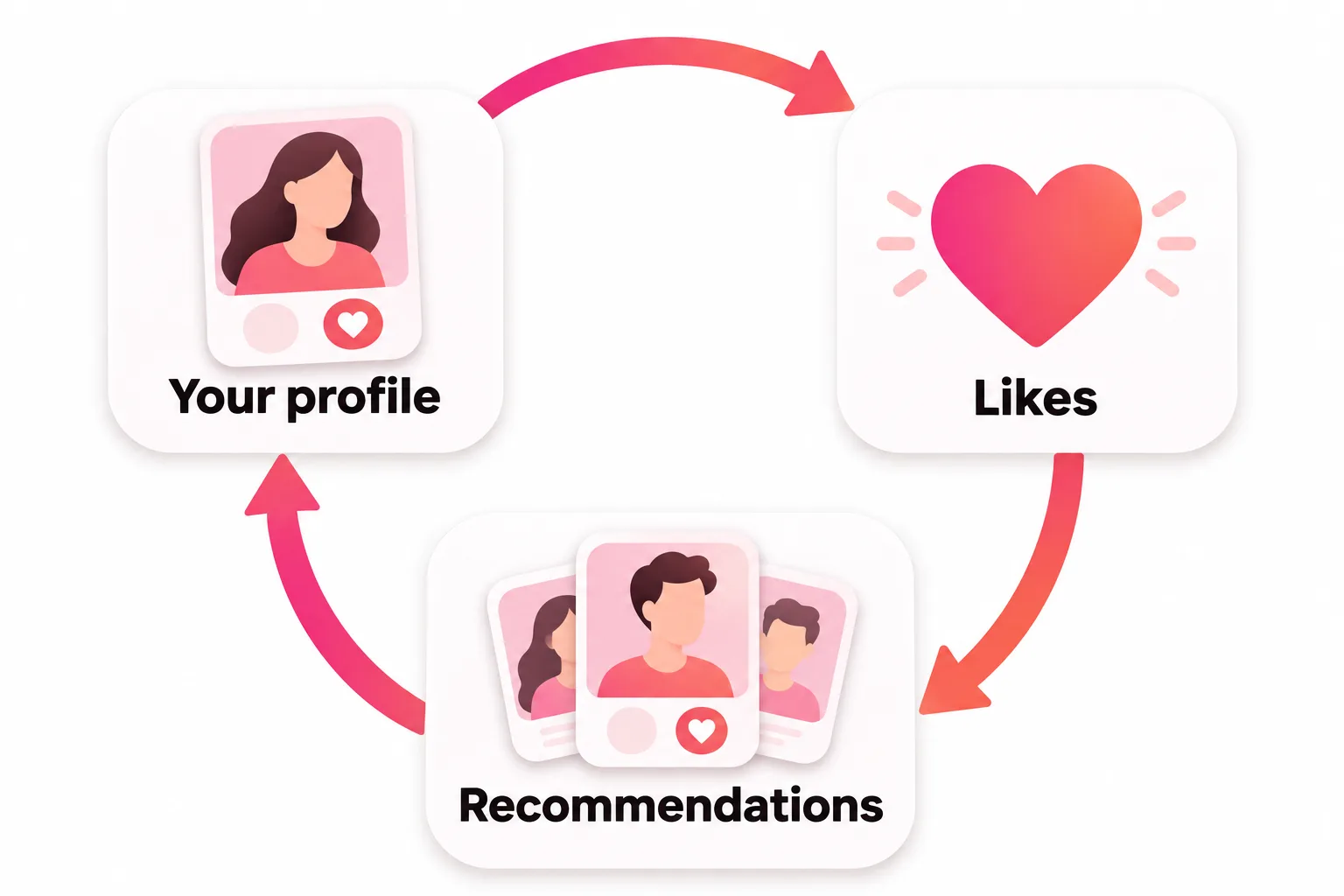
The soft reset: what to change
Treat it like a relaunch. Do all of these on the same day, then use the app for a week before judging:
- Replace your first photo. It's the one people judge in a second. Pick a recent, well-lit photo where your face is clear and you look relaxed.
- Cut weak photos. Group shots, sunglasses and old photos all cost likes. Four strong photos beat eight mixed ones.
- Rewrite your bio with one specific thing a match could ask about.
- Add interests and lifestyle details. Tinder says it factors these in when choosing who to show you.
- Widen your age and distance in Discovery Settings if they're narrow.
- Use the app in the evenings for a few days in a row, and reply to matches promptly.
Your photos should look like you do now. Tinder requires a clear face photo in many regions and bans fake profiles, so a "reset" built on filtered or old photos tends to backfire on the first date.

How to reset your Tinder account (delete and rejoin)
The only real account reset is deleting and signing up again. Before you do, here's what Tinder says it costs:
- Matches, messages, photos and your Verification badge are gone and can't be restored, even if you return within 90 days.
- Super Likes, Boosts and Super Boosts you bought are lost. Tinder says consumables can't be transferred to another account.
- Your subscription isn't canceled by deleting. You can reattach it to the new account with Restore Purchases, but a subscription can only be tied to one account at a time.
- Tinder keeps your data for 90 days. If you sign up with the same login within that window, it may restore your name, age and gender where the feature is live.
- Face Check remembers you for 30 days in regions that use it. If you sign up again within 30 days, Tinder uses your stored verification data to confirm your status and check for duplicate accounts.
- One person, one account. Tinder's Community Guidelines don't allow holding more than one account at a time.
Does a new account get more matches?
Tinder has never said so. Some guides and Reddit threads report a short burst of attention for brand-new profiles; it's unconfirmed. Given that Tinder says recommendations keep adjusting to Likes and Nopes, a new account with the same photos is likely to settle where the old one was, minus your matches and purchases. Changing the profile is what moves results, and you can do that without deleting anything.
If you're banned, you can't reset
Tinder says banned users can't continue to use Tinder or create new accounts. Starting over isn't an option, and trying to get around a ban breaks the rules again. If you think the ban was a mistake, the official route is an appeal: see Tinder ban appeal.
When does Tinder reset? Likes and profiles
Two timers cause most "when does Tinder reset" searches.
Tinder match reset: when your likes come back
Free likes don't reset at midnight. They come back on a rolling timer that starts from your own swiping, and the app shows a countdown when you run out. Most guides report the wait as about 24 hours as of November 2026, and Tinder doesn't publish the number. Details in when do Tinder likes reset.
How often does Tinder refresh profiles?
There's no fixed refresh schedule. New profiles appear as people join, become active or move into range. If you see "no one new around you", Tinder's advice is to widen your age range, distance or gender preferences in Discovery Settings. Tinder also says it may show people slightly outside your ranges when you run out, unless you've set those ranges as dealbreakers.
How to reset the Tinder app when it's acting up
If "reset" means the app is stuck, loading forever or showing old profiles, use Tinder's own troubleshooting steps, in this order:
- Check your connection. Switch between Wi-Fi and mobile data.
- Log out and back in: profile icon, Settings, scroll down, Logout.
- Delete and reinstall the app. Tinder says this puts you on the latest version and refreshes the app. It doesn't delete your account.
- Try tinder.com in a browser.
If none of that helps, Tinder says it's probably having technical problems. See Tinder is not working for more fixes by symptom.



No good photos of yourself?
Turn a selfie into realistic dating photos: travel, dinner, outdoors and more. One selfie is enough. From $29, one-time.
The short version
- No button resets Tinder's algorithm; it keeps updating from what you do now.
- Deleting and rejoining is the only account reset, and it costs your matches and purchases without any promise of better results.
- Likes come back on a rolling timer; profiles refresh as people become active.
- A soft reset of photos, bio, settings and activity is free and is what actually changes your results. Our guide to Tinder pictures is the best place to start.
Frequently asked questions
Can you reset Tinder?
Not with a button. You can refresh your profile and settings at any time, or delete your account and sign up again, which is the only full reset. Deleting is permanent for your matches, messages and purchased Super Likes and Boosts.
How do I reset my Tinder algorithm?
Tinder doesn't offer an algorithm reset. It says its system continuously factors in how you engage through Likes and Nopes and what's on profiles, and that it prioritizes people who are active. So the way to shift how it treats you is to change your profile and how you use the app, not to wipe it.
Does deleting and remaking Tinder reset the algorithm?
Tinder doesn't say so. Some guides report a short burst of attention for new profiles, but it isn't confirmed. Where Face Check is used, signing up again within 30 days means Tinder uses your stored verification data to check for duplicate accounts. And banned users can't create new accounts at all.
When does Tinder reset likes?
Free likes come back on a rolling timer, not at midnight, and the app shows a countdown when you run out. Most guides report the wait as about 24 hours as of November 2026; Tinder doesn't publish the exact time.
How often does Tinder refresh profiles?
There's no fixed schedule. New people appear as they join, become active or come into range. If you run out of profiles, Tinder suggests widening your age range, distance or gender preferences in Discovery Settings.
How do I reset the Tinder app when it's not working?
Tinder's troubleshooting steps are to check your connection by switching between Wi-Fi and mobile data, log out and back in, delete and reinstall the app, or try tinder.com. Reinstalling doesn't delete your account.
Sources
- Tinder Help Center: Powering Tinder, the method behind our matching
- Tinder Help Center: Delete your Tinder account
- Tinder Help Center: Restore your profile
- Tinder Help Center: Consumables disappeared after creating a new account
- Tinder Help Center: Can't access my Tinder subscription
- Tinder Help Center: My account is banned
- Tinder Help Center: I'm not seeing profiles in Discovery
- Tinder Help Center: Problems with Matches
- Tinder Help Center: App crashing
- Tinder Community Guidelines
Written and reviewed by
Dating profile editor at DatingProfile
Mark writes and reviews DatingProfile’s guides to dating profiles: the photos, bios and prompts that work on Tinder, Hinge and Bumble, and how each app actually behaves.
@mark_x_997


