
Tinder
Why Do Tinder Matches Disappear? One Match, All Matches, and Reappearing Ones
 By MarkUpdated November 20265 min read


Short answer
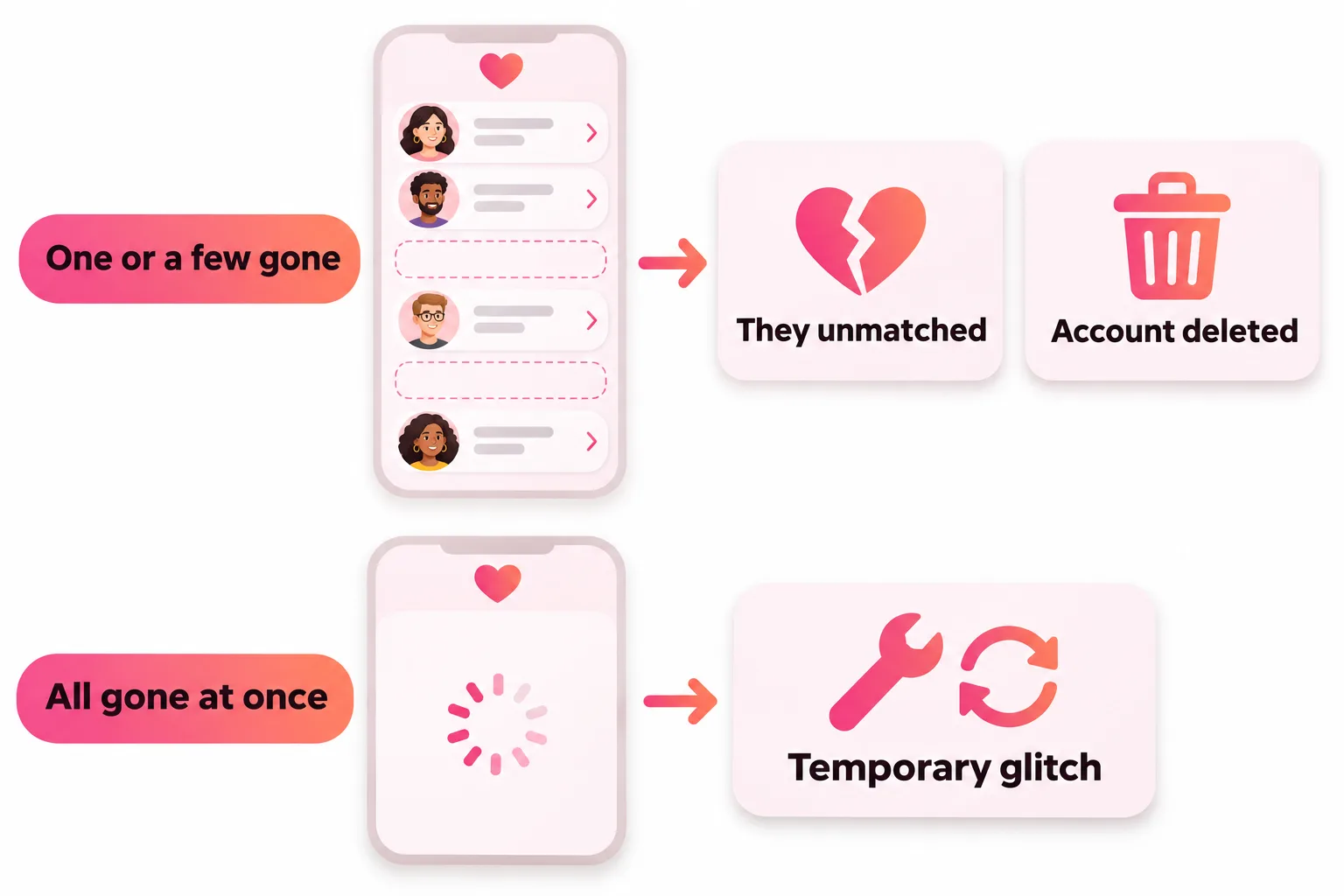
When one or a few Tinder matches disappear, Tinder says they most likely unmatched you or deleted their account; Tinder doesn't notify you either way. If all your matches disappear at once, it's usually a temporary glitch, and Tinder's fix is to wait, then log out and back in.
Tinder matches disappear for two very different reasons. If one or a few vanish, Tinder says the person most likely unmatched you or deleted their account. If all of them vanish at once, it's usually a temporary glitch, and Tinder's advice is to wait, then log out and back in. Tinder never sends a notice when someone unmatches, which is why it feels so sudden.
Here's how to tell which one happened, what you can and can't get back, and how to keep the conversations you care about.
Why did my Tinder match disappear? (one or a few)
Tinder's help center gives two causes:
- They unmatched you. Unmatching removes the match from both lists. Tinder says "the person you're unmatching won't be notified", so you only notice when the chat is gone.
- They deleted their account. Deleting a Tinder account removes the profile, matches and messages.
Tinder doesn't tell you which of the two it was, and there's no reliable way to find out. Don't take it personally: people unmatch for all sorts of reasons, including that they met someone, left the app, or tidy up their list.
Do matches disappear if someone gets banned?
Tinder's help center doesn't say so directly. It says banned users "can't continue to use Tinder", and many users report that matches with banned or reported accounts vanish. Since Tinder only lists unmatching and account deletion, treat this as reported.
Why did all my Tinder matches disappear?
When your whole list goes blank, it's a different problem. Tinder says this "may be temporary" and suggests:
- Wait a little and open the app again.
- Log out and back in: profile icon, Settings, scroll down, Logout.
- If the list keeps spinning, Tinder's next suggestions are to test your connection by flipping from Wi-Fi to mobile data or back, reinstall the app, or open tinder.com in a browser.
If your matches are still gone after all that, Tinder may be having technical problems; see Tinder is not working. Don't delete your account to fix it. Deleting wipes your matches and messages permanently; Tinder's 90-day restore only brings back basics like your name, age and gender.
Why do Tinder matches disappear then reappear?
There are two versions of this:
- The whole list comes back. That was a loading glitch, and nothing was lost.
- A person you'd lost shows up in Discovery. Tinder says you may see someone again "if they deleted their account and decided to come back". Your old match and messages don't return with them. If you both like each other again, it's a brand-new match.
A person who unmatched you won't reappear as a match. Tinder describes unmatching as "a permanent action".
Can you get a disappeared match back?
| What happened | Can you get it back? |
|---|---|
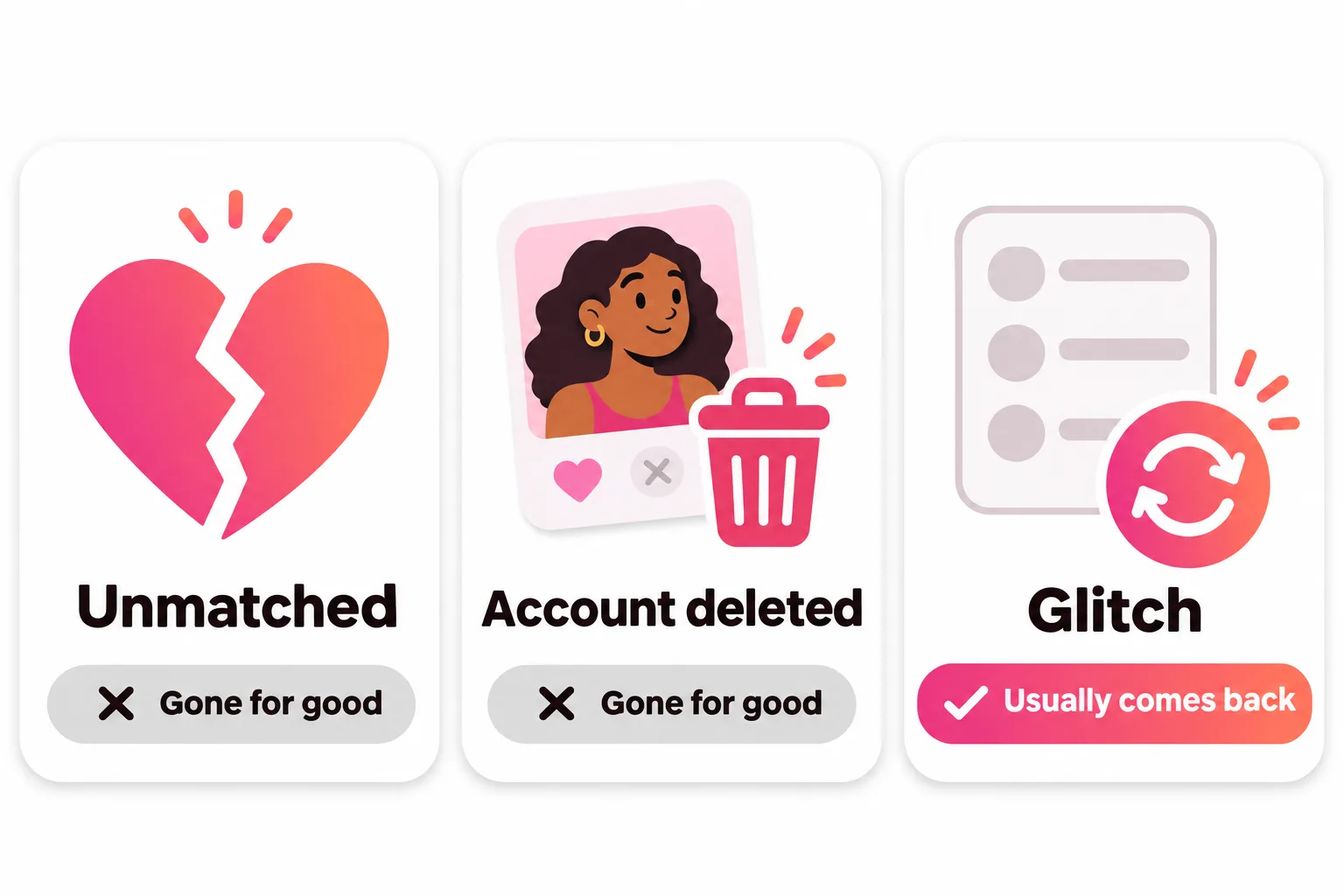
| They unmatched you | No. It's permanent for both of you |
| You unmatched them by accident | No. Tinder says it "can't be reversed" |
| They deleted their account | No; you might see them in Discovery if they return |
| All matches vanished in a glitch | Usually yes, after waiting or logging out and in |
| You deleted your account | No. Matches and messages can't be restored |
Unmatched or deleted: can you tell which?
Not reliably. Tinder treats both the same way on your side: the chat disappears and you get no notice. People try a few tricks, like checking whether the person shows up again in Discovery later, but Tinder says profiles reappear when someone deletes their account and comes back, so even that only tells you they rejoined. It's usually better to let it go than to try to work it out.
If you unmatched someone by accident
Tinder is blunt: unmatching "is permanent and can't be reversed". You can't restore the chat, and there's no way to send them a new like unless they show up in your Discovery again. If you have another way to reach them, such as a number you'd already swapped, that's the only way back.
Quick checks before you assume the worst
A missing match isn't always an unmatch. Rule these out first:
- Are you on the right account? If you signed in with a new phone number or a different sign-in method, you may have created a fresh, empty account. Tinder's fix for a changed number is account recovery: tap Log In, then "Trouble Logging In?", and enter the email on your original account.
- Is it just messages that fail? A chat that won't send is a different problem. Tinder's steps are to check your connection, reinstall, then tap the failed message to retry (the red exclamation mark on iOS).
- Did you look in the right place? Matches you haven't messaged usually sit in the row at the top, while ones you've chatted with move into the messages list below.
- Is your own profile hidden or restricted? A notice from Team Tinder about a hidden profile or a violation explains a lot more than a vanished match does.
If a match was rude and then vanished
Unmatching removes the chat, but it doesn't stop you reporting someone who behaved badly. Tinder accepts reports by email: give the reason, plus the person's exact name, age, bio and photos as they appeared, with screenshots if you have them. Reports are confidential, so the other person isn't told who sent it.
That's also one reason to screenshot anything worrying while the chat still exists. Tinder says you can't take back an individual message, on either side; the chat only goes away when one of you unmatches. More on how that works in Tinder unmatch.



No good photos of yourself?
Turn a selfie into realistic dating photos: travel, dinner, outdoors and more. One selfie is enough. From $29, one-time.
How to keep the matches you care about
You can't stop someone from unmatching, but you can make it less likely that a good match goes quiet and drifts off:
- Message soon after you match. A match with no messages for a week is easy to forget, and an easy one to clear out.
- Open with something specific from their profile, not "hey". Our free opener generator below can help you get started.
- Suggest moving things forward once the chat is going well, like a call or a date, rather than texting for weeks.
- Keep your profile up to date. Matches often look at your profile again before agreeing to meet, and recent, honest photos make that an easy yes; see what pictures to put on Tinder.
If you think someone unmatched you, our guide to being unmatched on Tinder covers what it means and what you can do.
Frequently asked questions
Why did my Tinder match disappear?
Tinder says that when one or a few matches disappear, they most likely ended the match or deleted their account. Tinder doesn't notify you when someone unmatches, so the chat simply vanishes from your list.
Why did all my Tinder matches disappear?
Usually a temporary glitch. Tinder's advice is to try again later, then log out and back in from Settings. If that doesn't work, check your connection, reinstall the app or try tinder.com.
Why do Tinder matches disappear then reappear?
If a whole list vanishes and comes back, it was a loading problem. If one person reappears in Discovery later, Tinder says that can happen when someone deleted their account and then came back. A match that unmatched you does not come back as a match.
Can I get a disappeared Tinder match back?
Not if they unmatched you or deleted their account. Tinder says unmatching is permanent and can't be reversed, even if it was an accident. You can only match again if they rejoin and you both like each other again.
Does a match disappear if someone gets banned?
Tinder's help center doesn't say directly. A banned account can't use Tinder, so many users report that matches with banned accounts vanish from their list, but Tinder only names unmatching and account deletion as causes.
Do Tinder matches expire if nobody messages?
Tinder's help center doesn't describe matches expiring on Tinder. Some other dating apps do use expiring matches, which is a common source of confusion.
Sources
- Tinder Help Center: Problems with Matches
- Tinder Help Center: Unmatching someone
- Tinder Help Center: I'm seeing profiles I've already tapped through
- Tinder Help Center: Can I delete a message?
- Tinder Help Center: Delete your Tinder account
- Tinder Help Center: Restore your profile
- Tinder Help Center: My account is banned
- Tinder Help Center: Updating your phone number
- Tinder Help Center: My messages aren't sending
- Tinder Help Center: Reporting profiles and content
Written and reviewed by
Dating profile editor at DatingProfile
Mark writes and reviews DatingProfile’s guides to dating profiles: the photos, bios and prompts that work on Tinder, Hinge and Bumble, and how each app actually behaves.
@mark_x_997


