Dating profile photos
Tinder Photo Verification: How It Works and Why It Fails
Tinder photo verification compares a short video selfie with your profile photos using facial recognition, and gives you a blue check if they match and you pass a liveness check. It usually fails because your face isn't clear in the video, the light is poor, or your profile has no clear solo face photo that matches you.

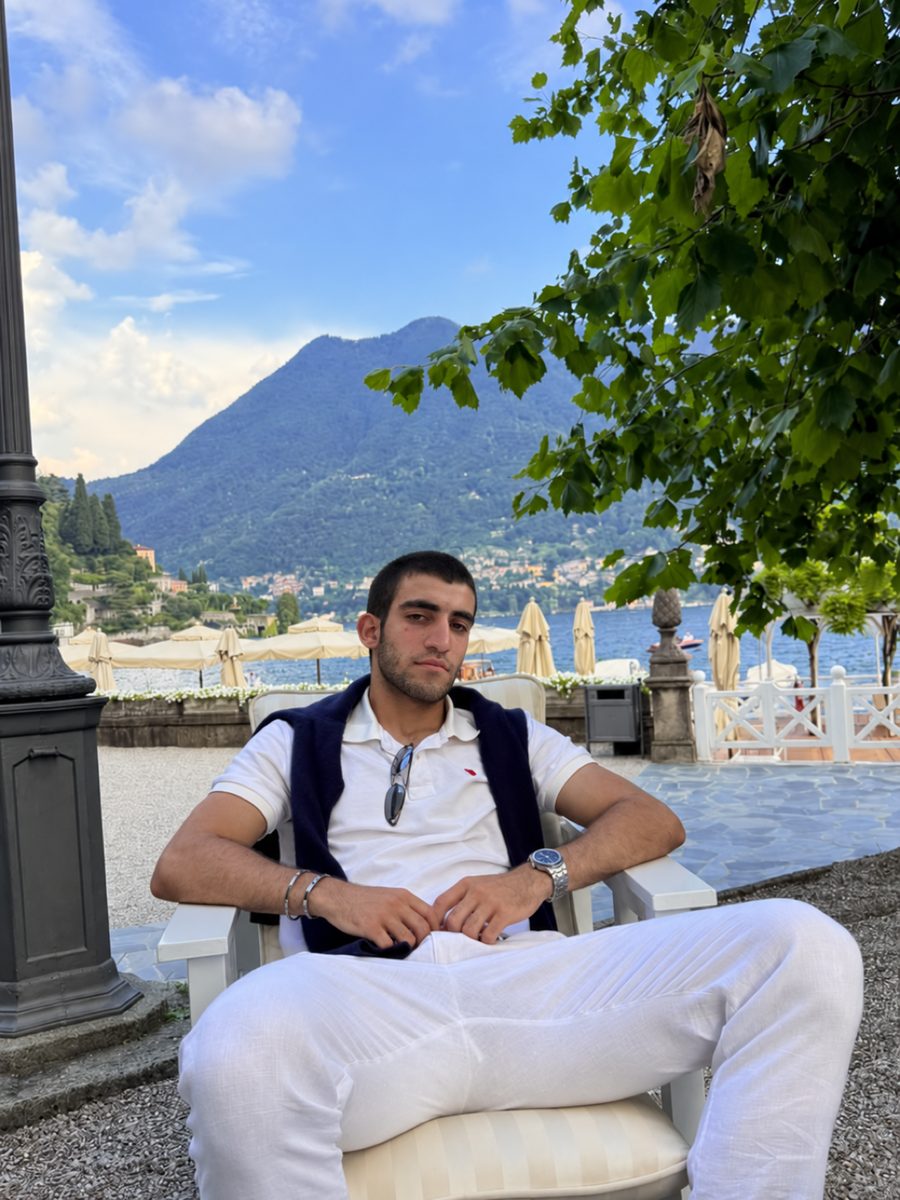

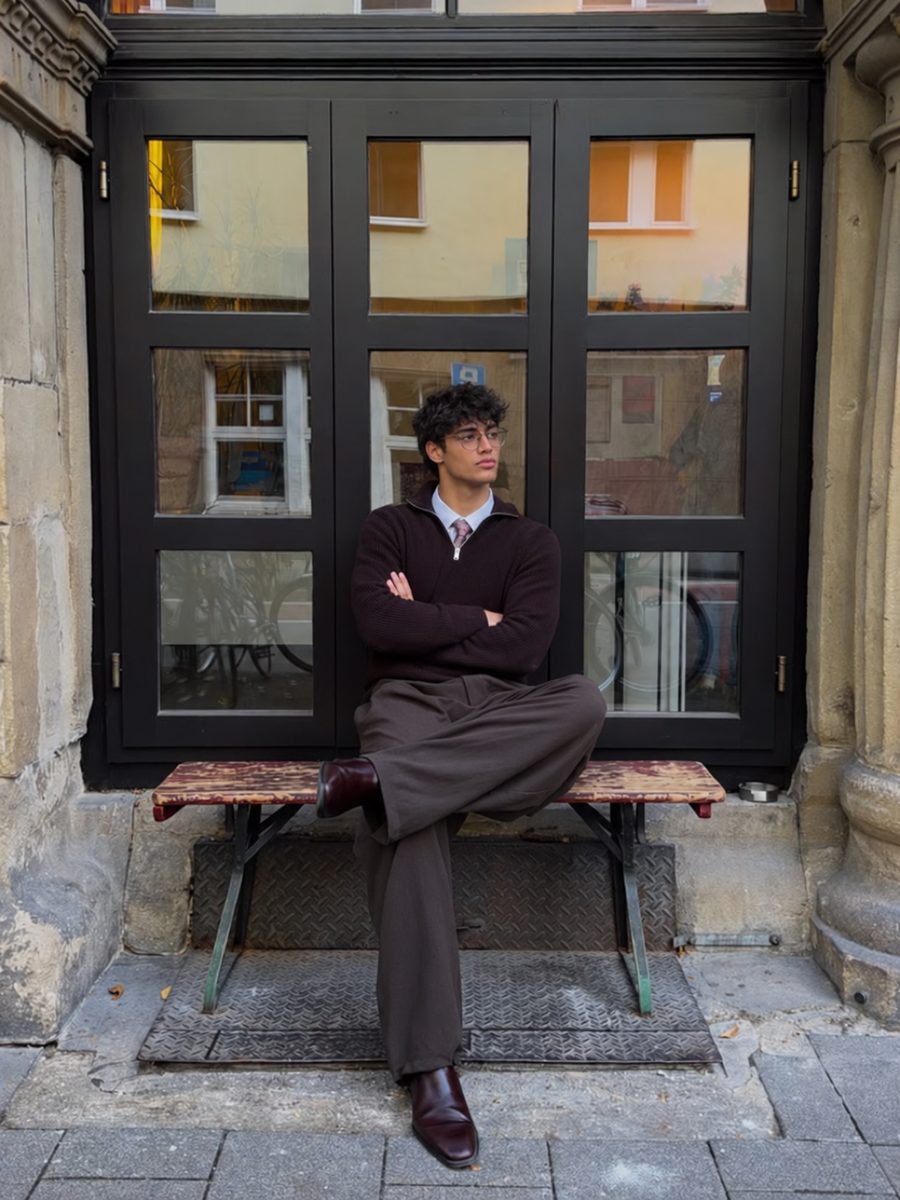
 Made with DatingProfile
Tinder photo verification is a quick video selfie that proves you look like your photos. Tinder compares the video with your profile pictures, and if they match, you get a blue Photo Verified check next to your name. Most failures come down to the video or to your profile photos, and both are easy to fix.
How does Tinder verify photos?
As of November 2026, Tinder's help center describes two stages:
- A liveness check. Tinder's facial scanning checks that the video was taken of a real, live person and wasn't digitally altered or manipulated.
- A face match. It maps your facial geometry from the video and compares it with your profile photos. You get the badge if you pass the liveness check and your profile contains a clear solo face photo that matches the face in the video.
The face data from the video stays attached to your account, which is how Tinder re-checks every photo you add after verifying and spots other profiles that reuse your face. The selfie itself never appears on your profile. For what Tinder keeps and for how long, see Tinder selfie under review.
The badge isn't a guarantee of who someone is. Tinder says so itself, and recommends you still use your own judgment before meeting a match.
How to get photo verified on Tinder
- Open Tinder and tap the profile icon.
- Tap the gray checkmark next to your name.
- On "Get Verified", tap Continue.
- Allow camera access if you haven't already.
- Frame your face in the oval and tap I'm Ready.
- Follow the prompts to record the short video selfie.
Approval usually lands within minutes, and the checkmark beside your name turns blue.
Some test markets also offer ID + Photo Verification, which adds a check of a government ID against the same face data. It's optional and only available to some people.

Why Tinder photo verification failed
Tinder lists five common reasons a submission is rejected. Here's each one with the fix:
| Reason Tinder gives | What to do |
|---|---|
| Face isn't prominent in the frame | Hold the phone at arm's length, face filling the oval |
| Face blocked or obscured | Remove sunglasses, hats, masks; move hair off your face; keep your hand away |
| No neutral expression | Relax your face when the prompt asks; don't pull faces or grin |
| Video wasn't bright or clear | Face a window or a lamp; wipe the front camera; hold still |
| Person in the video didn't match your profile photos | Add a recent, clear solo face photo that looks like you do today |
Tinder won't verify my photo even though it's me
When the video is fine and it still fails, the problem is usually the profile photos:
- Add a clear solo face photo. If every photo is a group shot, a distant full-body photo, or has sunglasses on, there's nothing good to match against.
- Use recent photos. A big change in hair, beard, weight or glasses since the photo was taken can stop a match.
- Drop heavy filters. Beauty filters and face-smoothing change the shape and texture of your face.
- Make sure you're easy to find. If you're in a group, you should be clearly the main person.
- Try again in better light. Daylight from in front, no strong light behind you.
Tinder photo verification taking forever
If it's been much longer than a few minutes, close and reopen the app, check your connection (switch between Wi-Fi and mobile data), update Tinder, and try again. If it still seems stuck, use the contact link in Tinder's help center.
Why is Tinder making me verify my photos?
There are two different situations:
- Photo Check. If Tinder's automated systems or human moderators detect unusual activity, they may ask the profile to complete a video selfie before using the app normally again. Tinder may also review the photos by hand. Completing it unlocks the account and gives you the Photo Verified badge.
- Re-verification. If you were already verified and deleted one or more profile photos, you may need to go through the process again. New photos you upload are checked against your stored face data and can affect your status.
Keeping your blue check when you change photos
Because Tinder keeps checking new uploads, a badge you earned last month can still be lost. To keep it:
- Add photos that clearly look like you now, in natural light.
- Keep at least one clear, solo, front-facing face photo on your profile at all times.
- Avoid filters that reshape your face.
For more on choosing photos that pass and get matches, see what pictures to put on Tinder and AI photos that look real. If you're on Bumble too, its process is covered in Bumble photo verification.
New photos that still look like you
For verification itself, the most reliable fix is a real photo: a recent, front-facing shot in daylight, taken today if need be. If the rest of your profile is old, dark or all sunglasses, DatingProfile can fill it out with photos built from your own face using the HyperReal™ method. One selfie is all it needs, though up to 4 bring the likeness even closer, and each style produces 4 shots to choose from. Keep only the ones that look like you right now, keep your real face photo in the set, and follow Tinder's rules: Match Group wants photos that honestly represent you, and no outside tool can promise a pass. Packs are paid once, $29 for up to 30 photos or $49 for up to 140, with a 14-day guarantee.
Pricing
Packs and prices
Two one-time packs. Pay once: no subscription, nothing to cancel. Both are covered by the refund policy.
The Fix Pack
A quick upgrade for your profile.
$29one-time
Up to 30 photos · $0.97 per photo
Choose Fix- HyperReal™ photos in any of 62 styles
- Ready in about a minute
- Works with app photo verification
- 14-day satisfaction guarantee
The Pro Pack
The sweet spot for a full glow-up.
$49one-time
Up to 140 photos · $0.35 per photo
Choose Pro- HyperReal™ photos in any of 62 styles
- Enough for about 35 styles, 4 shots each
- Lowest price per photo
- Ready in about a minute
- Works with app photo verification
- 14-day satisfaction guarantee
DatingProfile vs a dating photographer
| Factor | DatingProfile |  Photographer |
|---|---|---|
| Cost | From $29 | $300–$500 per shoot |
| Turnaround | Under a minute per photo | Days to weeks |
| Scenes & outfits | 62 styles, 4 different shots each | Whatever fits in one shoot |
| Want more? | Buy another pack anytime | Book and pay again |
| Looks like you | Yes, made from your selfies | Yes |
Privacy: Your selfies and generated photos are never used to train AI models and are never shared or sold. Only you can see them, and you can delete them from your dashboard at any time.
Frequently asked questions
How does Tinder verify photos?
You record a short video selfie in the app. Tinder checks that it's a real, live person and not an altered video, then uses facial recognition to compare your face with your profile photos. You need at least one clear solo face photo that matches.
Why did my Tinder photo verification fail?
Either the video or the comparison let you down. Tinder names five causes: a face too small in the frame, something covering it, a non-neutral expression, a dim or unclear video, and a person who doesn't match the profile pictures.
How long does Tinder photo verification take?
A few minutes, according to Tinder. If it's still spinning after that, restart the app, swap between Wi-Fi and mobile data, and contact support if nothing changes. If the app says your selfie is under review, a person may be checking it.
Why is Tinder making me verify my photos?
Tinder runs a separate Photo Check when its automated systems or moderators see unusual activity. In that case you have to complete a video selfie to keep using the app normally. It's also possible you deleted a profile photo, which can mean verifying again.
Do I lose my blue check if I change my photos?
You can. Removing a photo may send you back through verification, and anything you add is checked against your stored face data, so a new photo that doesn't look like you can cost you the badge.
Do filters, edits or AI photos affect Tinder verification?
They can, and nobody can promise a pass. Tinder measures your face on camera against your pictures, so heavy edits or generated photos that drift from your real face fail. Match Group says photos must honestly represent who you are, and its India policy warns synthetic images can lead to removal or a ban.
Sources
Keep reading
More photo guides
- Tinder PicturesLead with a clear, smiling solo face photo, then add full body, a hobby, a social shot and a place.See the guide
- Dating Profile PicturesFour to six recent, well-lit photos: a clear face shot, full body, two or three real activities, nothing filtered.See the guide
- Dating App PhotosOne set of four to six clear, varied photos works on Tinder, Hinge and Bumble; only the counts and tools differ.See the guide
- Hinge PhotosHinge needs four to six photos; make each one easy to comment on, starting with a clear, smiling solo shot.See the guide
- AI Selfie GeneratorIt turns one selfie into new photos of you; pick one that keeps your face consistent and never trains on your photos.See the guide
- Tinder Dog PicsPut your own dog in photo two or three, with your face clearly visible, never as your lead photo.See the guide
Better photos, more matches
Turn one selfie into dating profile pictures
Hyperrealistic photos of you for Tinder, Hinge and Bumble, about a minute per photo. From $29, one-time.
Create my photos

